EasyManua.ls Logo

TE TE3112 - User Manual

TE TE3112
32 pages
Print Icon
To Next Page IconTo Next Page
Loading...
PB
Service Manual
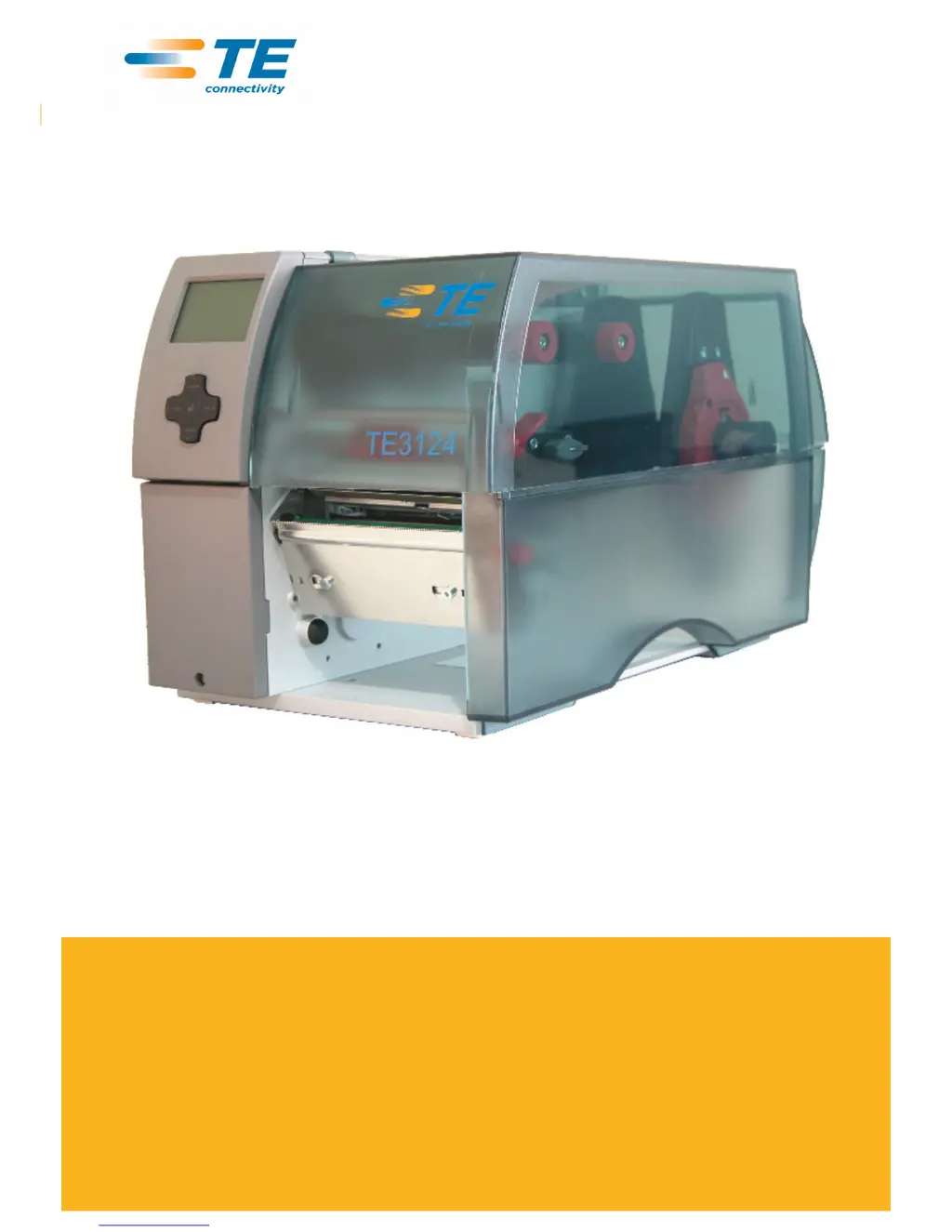
TE3124/TE3112.
Thermal Transfer Printer

Questions and Answers

  • W
    Walter PollardSep 8, 2025
    What to do when 5 V at Centronics connection is too low on TE Printer?
    • S
      Steven JonesSep 8, 2025
      If the 5 V at the Centronics connection is too low on your TE Printer: * Disconnect the interface converter. * If the fault still exists, replace the PCB CPU. * If the fault is remedied, replace the interface converter.
  • S
    susan22Sep 12, 2025
    What does voltage error mean on TE TE3112 Printer: voltage of the battery on the PCB CPU is too low?
    • K
      Kevin JonesSep 12, 2025
      If there's a voltage error indicating that the battery voltage on the PCB CPU is too low on your TE Printer, replace the PCB CPU.
  • T
    Trevor HendersonSep 12, 2025
    What causes ADC malfunction in TE TE3112 Printer?
    • K
      Kaitlyn VillarrealSep 12, 2025
      If there is an ADC malfunction on your TE Printer due to a fault on the PCB CPU, replace the PCB CPU.
  • S
    Sheila SellersSep 14, 2025
    What does FPGA malfunction mean for TE TE3112 Printer?
    • M
      Melanie MorenoSep 14, 2025
      If there is an FPGA malfunction on your TE Printer due to a fault on the PCB CPU, replace the PCB CPU.
  • W
    Wendy JohnsonSep 16, 2025
    What does invalid setup mean for TE TE3112 Printer?
    • J
      Jodi MurphySep 17, 2025
      If your TE Printer displays an invalid setup message due to a fault on the PCB CPU, replace the PCB CPU.

Summary

Important Information

General Safety Instructions

General safety rules for device operation and maintenance, including work area cleanliness and safety precautions.

Protective Devices

Importance of protective devices, risks of missing or defective parts, and when to wear protective goggles.

Handling Electricity

Guidelines for trained electricians and precautions for electrical work on the device.

Procedure in Case of Accidents

Steps to follow in case of an accident, emphasizing calmness and seeking assistance.

Cleaning

Cleaning by the Operator

Outlines the cleaning tasks that can be performed by the operator, referencing a specific document.

Cleaning the Label Sensor

Detailed instructions for removing, cleaning, and reinstalling the label sensor.

Replacing Assembly Units

Tools for Replacement

Lists essential special and standard tools required for various assembly and replacement tasks.

Removing and Installing the Plastic Cover

Step-by-step guide on how to safely remove and reattach the printer's plastic cover.

Replacing the Printhead

Procedures for replacing the printhead, including warnings about static discharge and handling.

Replacing the Slipping Clutches

Instructions for changing slipping clutches on ribbon rewinders and supply hubs.

Replacing the Label Sensor

Notice regarding label sensor contamination and the need for replacement.

Replacing Standard Label Sensor

Detailed steps for removing and installing a standard label sensor.

Replacing Label Sensor

Instructions for removing and installing the label sensor assembly.

Replacing the PCB CPU

Step-by-step guide for removing and installing the Printed Circuit Board Central Processing Unit.

Replacing the Power Supply Unit

Detailed instructions for removing and installing the power supply unit.

Adjustments

Measuring and Adjusting Winding Torques

Explains the necessity and methods for measuring and adjusting winding torques on rewinders.

Measuring Winding Torques

Details the process for measuring winding torques for ribbon take-up and supply hubs.

Measuring Winding Torques for Internal Rewinder

How to measure winding torques for the internal rewinder using a cord and spring scale.

Adjusting Winding Torques

Procedure for adjusting winding torques on slipping clutches using a knurled ring.

Adjusting the Printing Mechanism

Guidelines on when and how to adjust the printing mechanism for optimal print quality.

Preparing the Printer for Adjustment

Steps to prepare the printer, including loading media and setting parameters before adjustment.

Adjusting the Printhead Position

How to align the printhead for optimal density and parallelism of print lines.

Adjusting the Printhead Pressure

Method for adjusting printhead pressure to improve image density and ribbon feed.

Adjusting the Transfer Ribbon Feed Path

Steps to adjust the ribbon feed path and deflection to prevent wrinkles and ensure proper printing.

Final Test

Performing a final test print to verify adjustments and print quality.

Adjusting Belt Tension at the Main Drive Motor

Instructions for adjusting the tension of the toothed belt on the main drive motor.

Adjusting the Head Switch

How to adjust the head switch to resolve 'Head open' error messages.

Troubleshooting and Error Correction

Failure of Device Functions

Provides a table of functional errors and their corresponding possible remedies.

Hardware Faults

Lists common hardware faults, their causes, and recommended recovery actions.

Block Diagram

Layout Diagram PCB CPU

TE TE3112 Specifications

General IconGeneral
Resolution203 dpi
Memory8 MB DRAM, 4 MB Flash
Print TechnologyThermal Transfer
Max. Print Speed127 mm (5”)/second
Max. Print Width108 mm (4.25”)
InterfaceUSB
Print Speed127 mm (5”)/second
Maximum Print Width108 mm (4.25”)
ConnectivityUSB
Supported Barcode TypesCode 39, Code 128, UPC-A, UPC-E, EAN-8, EAN-13, Interleaved 2 of 5, Codabar, POSTNET, PDF417, Data Matrix, QR Code
Power Supply100-240 VAC, 50-60 Hz