EasyManua.ls Logo

Teac A-2300SD - Page 2

Teac A-2300SD
50 pages
Print Icon
To Next Page IconTo Next Page
To Previous Page IconTo Previous Page
Loading...
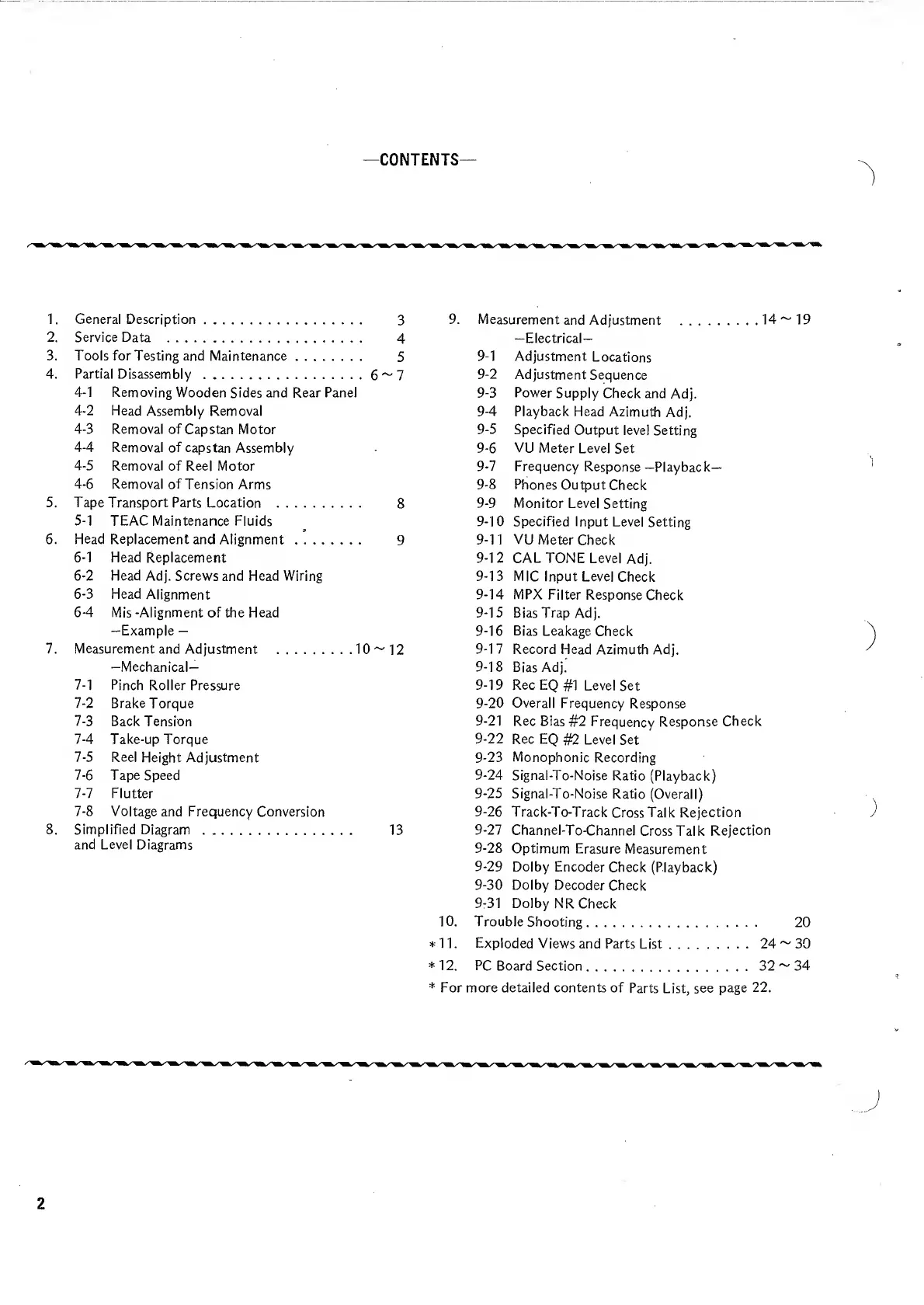
—CONTENTS
1.
General
Description.
3
9.
Measurement
and
Adjustment
.14
~
19
2.
Service
Data
.
4
—Electrical—
3.
Tools
for
Testing
and
Maintenance.
5
9-1
Adjustment
Locations
4.
Partial
Disassembly
.6~7
9-2
Adjustment
Sequence
4-1
Removing
Wooden
Sides
and
Rear
Panel
9-3
Power
Supply
Check
and
Adj.
4-2
Head
Assembly
Removal
9-4
Playback
Head
Azimuth
Adj.
4-3
Removal
of
Capstan
Motor
9-5
Specified
Output
level
Setting
4-4
Removal
of
capstan
Assembly
9-6
VU
Meter
Level
Set
4-5
Removal
of
Reel
Motor
9-7
Frequency
Response
—Playback—
4-6
Removal
of
Tension
Arms
9-8
Phones
Output
Check
5.
Tape
Transport
Parts
Location
.
8
9-9
Monitor
Level
Setting
5-1
TEAC
Maintenance
Fluids
9-10
Specified
Input
Level
Setting
6.
Head
Replacement
and
Alignment.
9
9-11
VU
Meter
Check
6-1
Head
Replacement
9-12
CAL
TONE
Level
Adj.
6-2
Head
Adj.
Screws
and
Head
Wiring
9-13
MIC
Input
Level
Check
6-3
Head
Alignment
9-14
MPX
Filter
Response
Check
6-4
Mis
-Alignment
of
the
Head
9-15
Bias
Trap
Adj.
—Example
9-16
Bias
Leakage
Check
7.
Measurement
and
Adjustment
.10
~
12
9-17
Record
Head
Azimuth
Adj.
-Mechanical—
9-18
Bias
Adj.
7-1
Pinch
Roller
Pressure
9-19
Rec
EQ
#1
Level
Set
7-2
Brake
Torque
9-20
Overall
Frequency
Response
7-3
Back
Tension
9-21
Rec
Bias
#2
Frequency
Response
Check
7-4
Take-up
Torque
9-22
Rec
EQ
#2
Level
Set
7-5
Reel
Height
Adjustment
9-23
Monophonic
Recording
7-6
Tape
Speed
9-24
Signal-To-Noise
Ratio
(Playback)
7-7
Flutter
9-25
Signal-To-Noise
Ratio
(Overall)
7-8
Voltage
and
Frequency
Conversion
9-26
Track-To-Track
Cross
Talk
Rejection
8.
Simplified
Diagram
.
13
9-27
Channel-To-Channel
Cross
Talk
Rejection
and
Level
Diagrams
9-28
Optimum
Erasure
Measurement
9-29
Dolby
Encoder
Check
(Playback)
9-30
Dolby
Decoder
Check
9-31
Dolby
NR
Check
10
.
Troubleshooting.
20
*11.
Exploded
Views
and
Parts
List.24
~
30
*
12.
PC
Board
Section.32
~
34
*
For
more
detailed
contents
of
Parts
List,
see
page
22.
2

Related product manuals