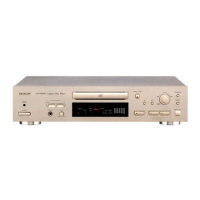
Connection
Before making connections, be sure to read the instruction
manual of the stereo amplifier carefully and turn the power of
the stereo amplifier and the player OFF.
Caution:
If the CD player interferes with the tuner, TV receiver, etc., allow
a reasonable distance between them.
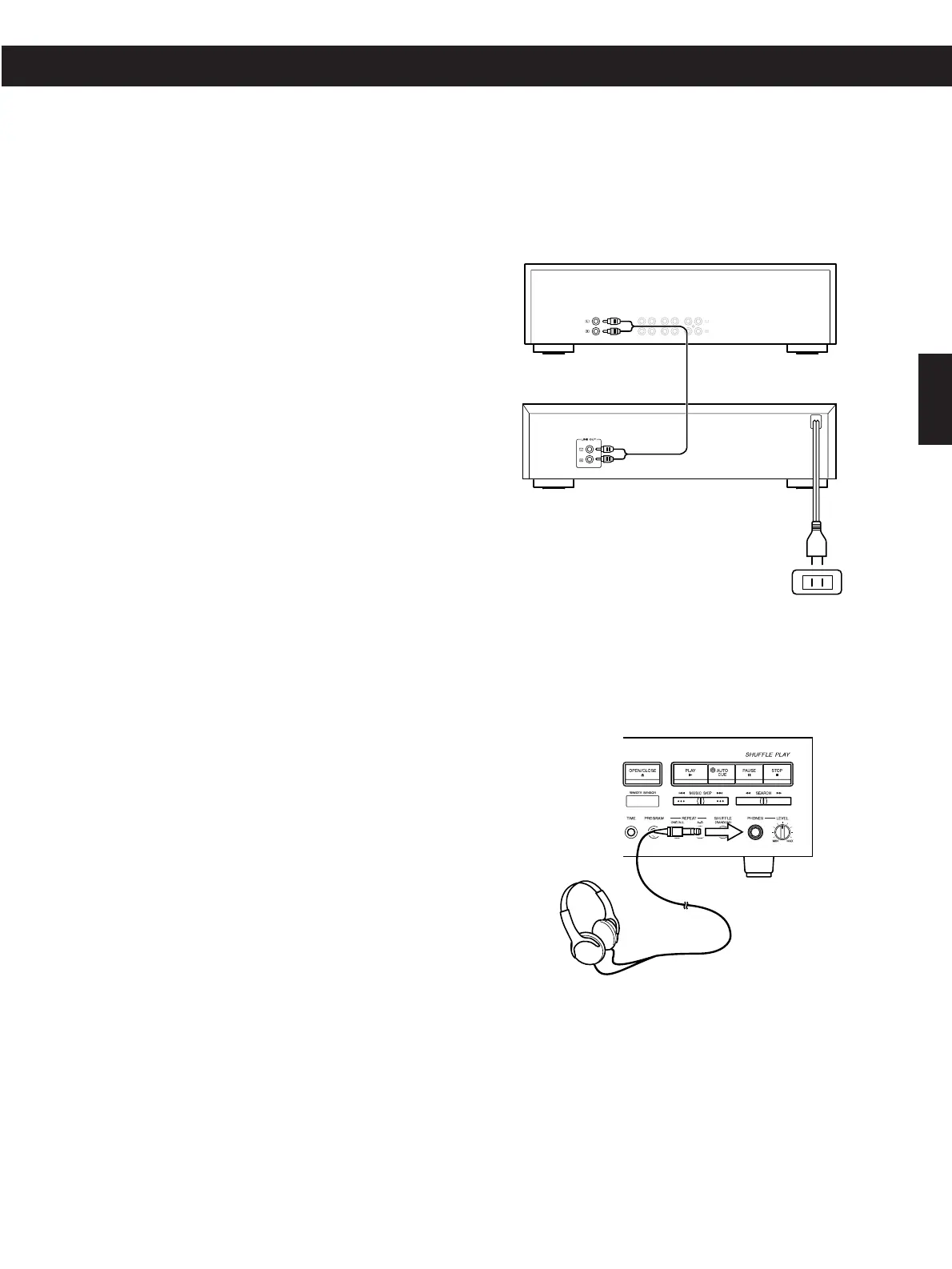
Signal cords
When Analog Signals Are Used
Connect the LINE OUT terminals to the CD terminals, etc. of the
stereo amplifier using RCA pin plug cords.
Power cord
Be sure to connect the power cord to an AC outlet which
supplies the correct voltage, as set by the voltage selector.
Headphones
When using headphones, connect the headphone plug into the
PHONES jack.


 To Next Page