31
ENGLISH
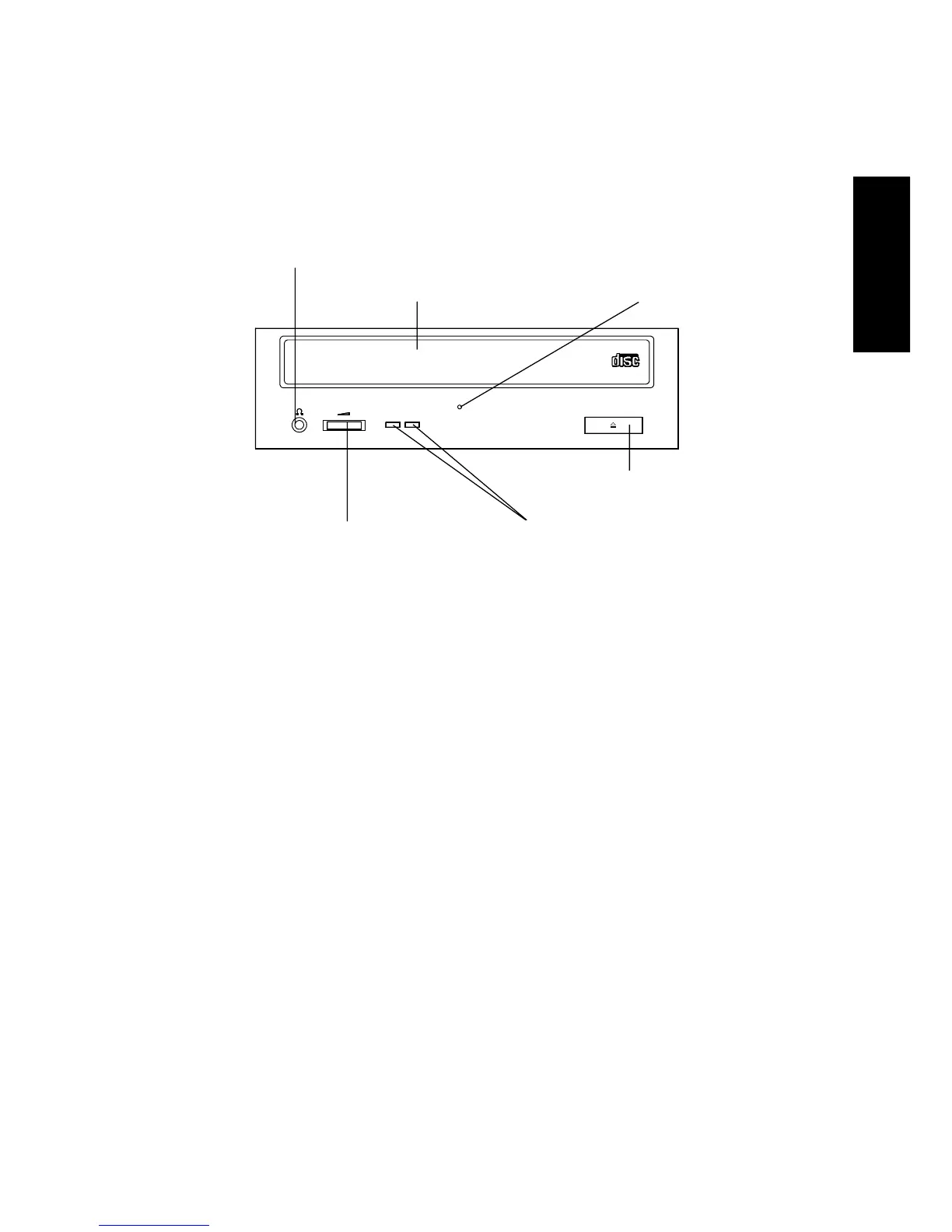
4. Controls and Functions
4. CONTROLS AND FUNCTIONS
4.1 Front Panel
➀ Disk tray
Insert the disk with its label facing up.
Note:
Please ensure the CD is inserted in a way where the
plugs at the rear of the disk tray and the spring loaded
plug on the front prevent the disk from falling out of the
tray. This is of major importance if the drive is used in
one of the vertical positions.
When using an 8cm-CD disk in horizontal position, place
it on the specified position at the center of the tray. Never
use it in the vertival position.
➁ Headphone jack (ø 3.5mm)
Audio output jack for stereo headphone or external speakers.
Use a 3.5mm-diameter stereo mini-plug.
➁ Headphone jack
➀ Disk tray ➄ Emergency hole
➅ Eject button
➃ Volume control ➂ ON/BUSY indicator (LED)



 To Next Page