36
ENGLISH
5. Connection to a Personal Computer
5. CONNECTION TO A PERSONAL COMPUTER
5.1 Drive Installation Directions
There are three possible positions for installation: Horizontal installation
with the eject button to the right, and vertical installation in both possible
directions. The installation position is not allowed to be tilted more than
10 degrees out of the vertical or horizontal position.
Note:
Please use for the installation the fixing holes in the sides or on the
bottom of the CD-RW drive.
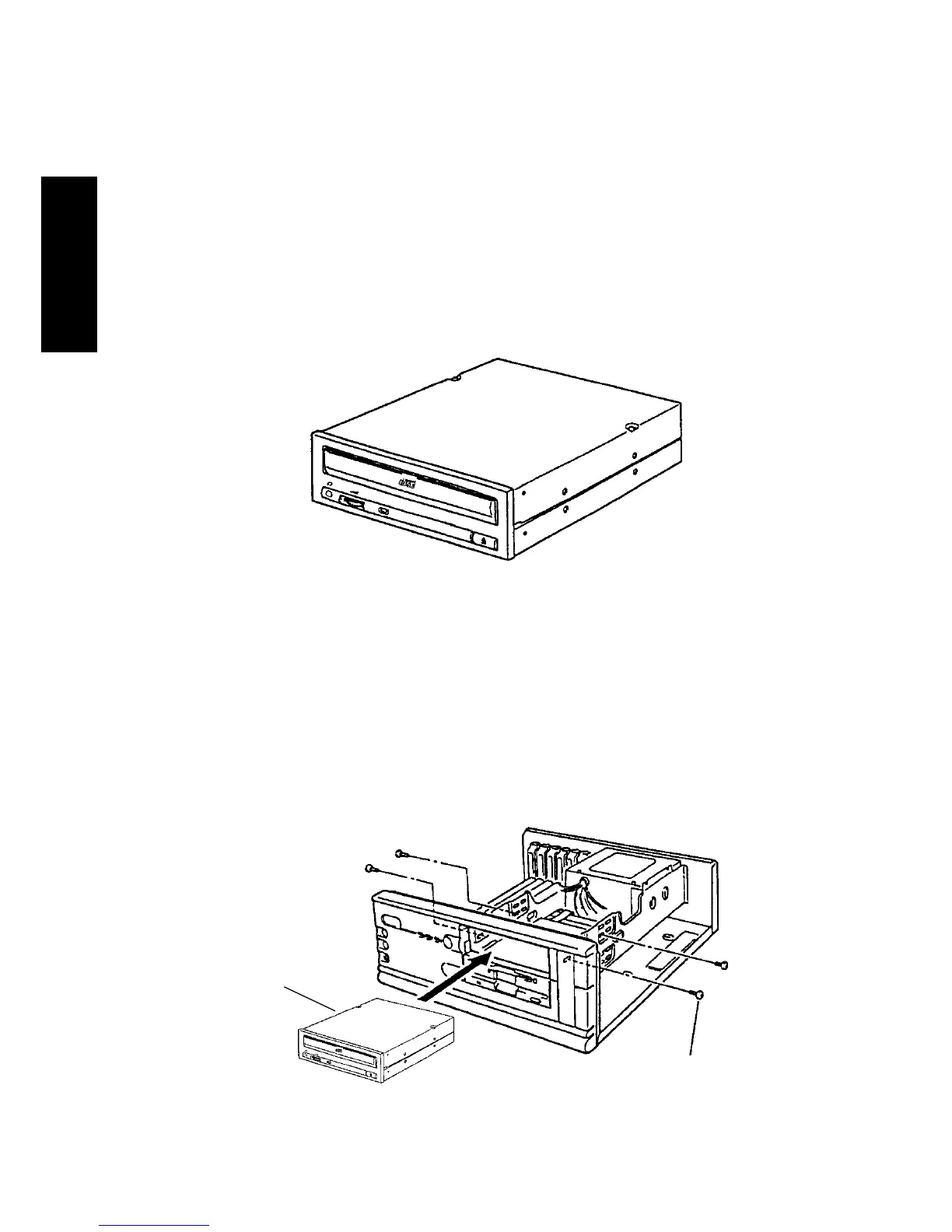
5.2 Installation/Connection to Your Personal Computer
(1) Switch OFF the personal computer and remove the blank panel
fitted to the front of the 5.25-inch slot, then secure the CD-W54E
using the provided screws.
CD-W54E
Mounting screws
provided (M3x5)



 To Next Page