When CD is selected as the source, up to 32 tracks/files
can be programmed in the desired order.
1
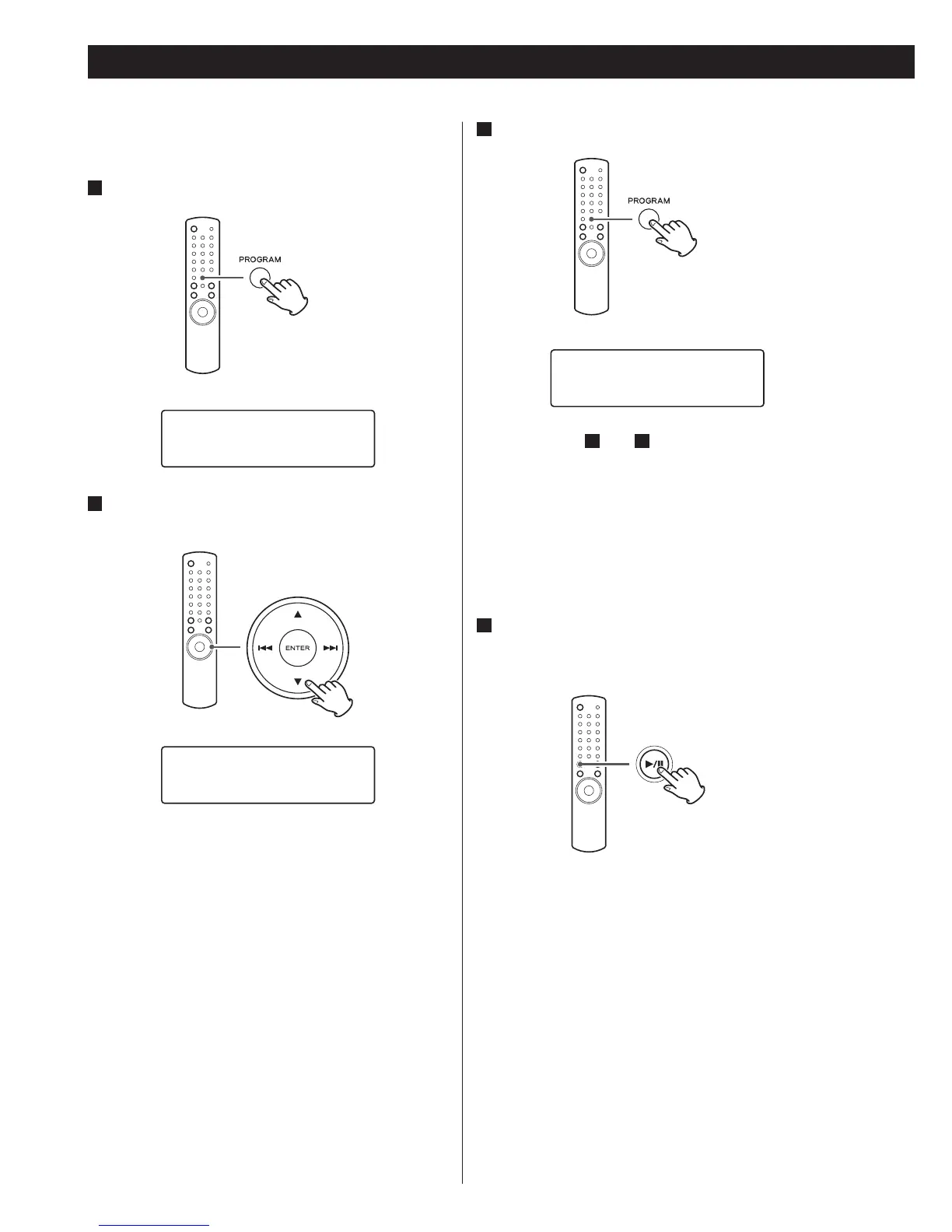
Press the PROGRAM button in the stop mode.
< Repeat steps
2
and
3
to programme more tracks/
files.
<
If you made a mistake, press the CLEAR button.
The last programmed number will be deleted.
<
Up to 32 tracks/files can be programmed. If you
attempt to programme more than 32 tracks/files,
“P-FULL (Programme is full)” is displayed and no more
tracks/files can be programmed.
4
When programming has finished, press the
play/pause button (y/J) to start programmed
playback.
When the playback of all the programmed tracks/files
has finished, or if the stop button (H) or the STANDBY/
ON button is pressed, the programme mode will be
cancelled.
<
If the unit is disconnected from the power supply, the
programmed contents will be erased.


 To Next Page