Preparations for Shared Media
(Windows Vista)
1
Connect your computer to the LAN.
2
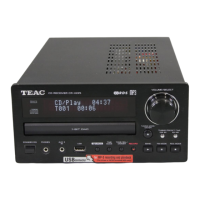
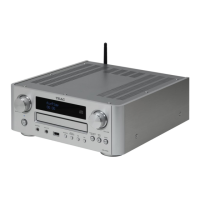
Connect CR-H700 to the LAN. (page 10)
< If you have a problem connecting to the LAN, see
page 50.
3
If the files you want to share are not yet added
to the media library of Windows Media Player,
add them to the media library.
<
Refer to the manual of Windows Media Player for
details.
4
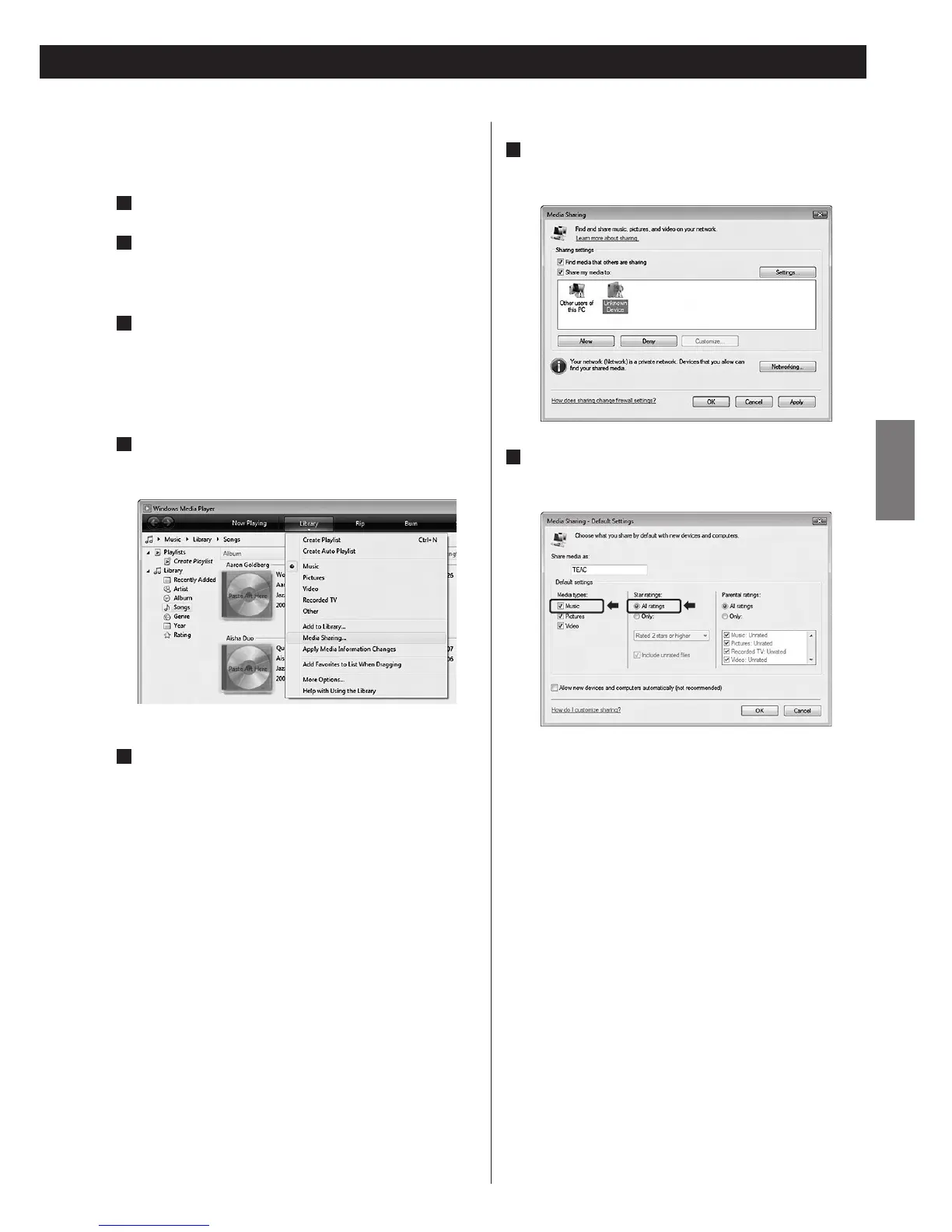
On Windows Media Player, open “Library”, then
“Media Sharing...”.
Media Sharing window opens.
5
Activate “Share my media to:”.
“CR-H700” appears in the device list.
6
Select “CR-H700” and click “Allow”.
The CR-H700 can now access to the shared library.
7
Click on “Settings...”, and configure detailed
sharing settings.
< To listen to music files regardless of their rating, set
“Star ratings” to “All ratings”.
<
Ensure that “Music” is checked under the “Media types”
setting.
For the procedure of playback, see “Listening to Media
Player”. (page 44)


 To Next Page