Names and Functions of Parts (Remote Control)
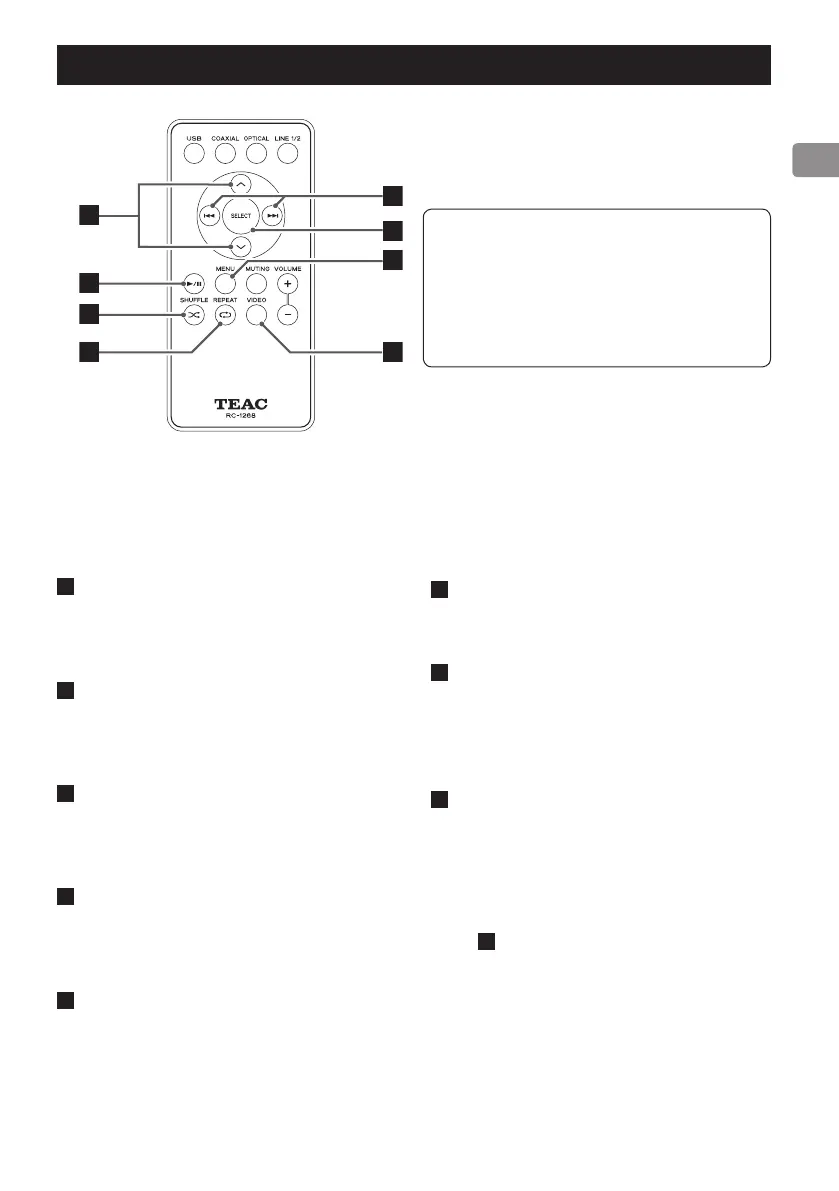
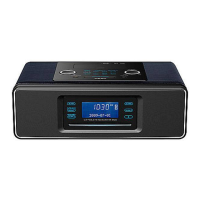
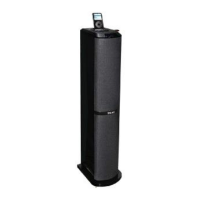
Using the RC-1268 remote, you can control the iPod/iPhone/iPad connected to this unit's dock.
The RC-1268 remote control can control
both A-H01 and DS-H01 models. (The same
remote control is included with the TEAC
A-H01.)
This manual explains the buttons that can
be used with the DS-H01.
A
Scroll buttons (j/k)
Use these to scroll through menus.
B
Play/pause button (7/9)
Starts/pauses playback.
C
Shuffle button (½)
Turns shuffle playback on/off.
D
Repeat button (REPEAT ¼)
Changes the repeat playback modes.
E
Skip buttons (.//)
Press these buttons to skip to the previous
or next song. Hold down these buttons to
search forward or backward.
F
Selection button (SELECT)
Press this button to confirm a selection in a
menu.
G
MENU
Return to the previous iPod/iPhone menu.
This is the same as the iPod MENU button.
H
Video output button (VIDEO)
Turns video send on/off.
o
You can send the iPod/iPhone/iPad video
signal from this unit's video output jacks
(VIDEO OUT) to a TV or display. (See page
7
C
and page 14.)



 To Next Page