Shuffle playback
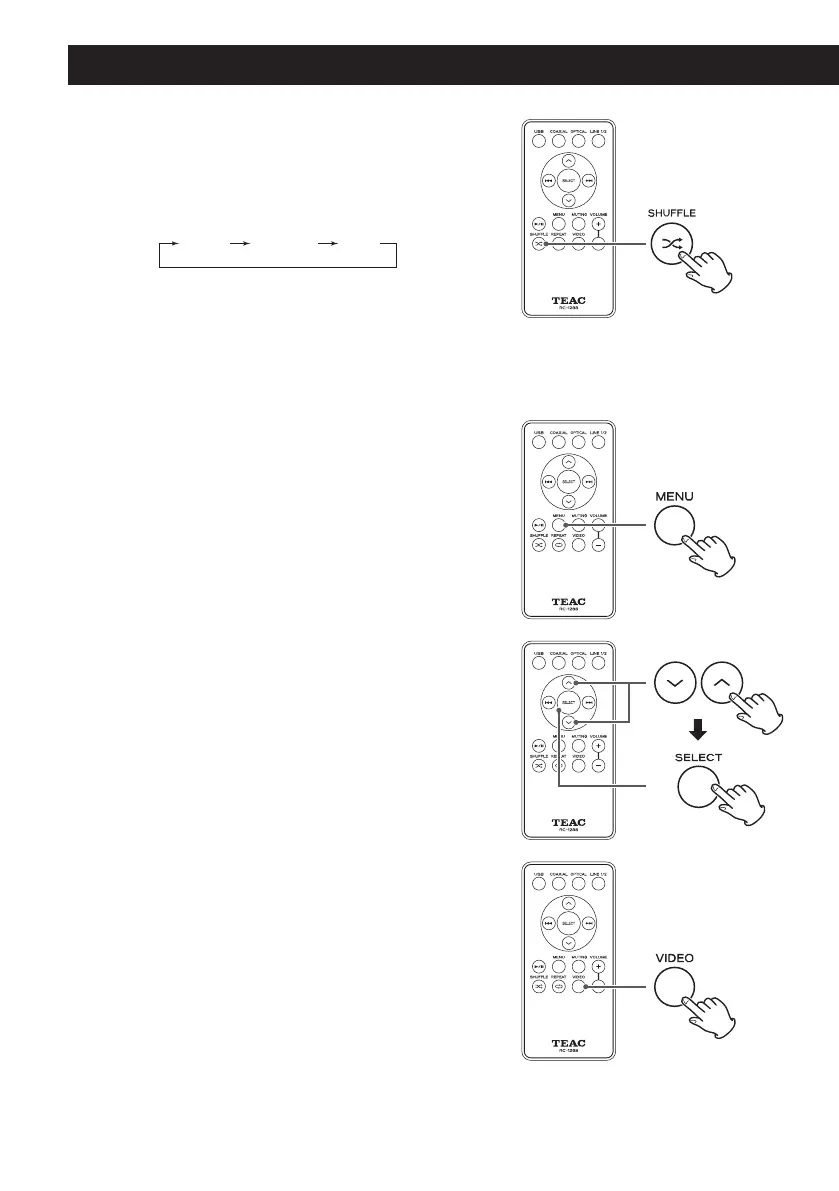
Press the Shuffle (½) button to cycle through the
shuf fle modes of the iPod/iPhone/iPad in the
following order.
o
When set to shuffle, the
½
icon appears on the
iPod/iPhone/iPad display.
Returning to the previous iPod/iPhone/iPad
menu
Press the MENU button to open the previous iPod/
iPhone/iPad menu.
This has the same function as an iPod MENU button.
Selecting an iPod/iPhone/iPad menu item
Use the scroll buttons (j/k) to select an item and
then press the SELECT button.
Outputting video
When the iPod/iPhone/iPad video selection screen is
open, press the remote control VIDEO button to turn
video output on or off. Since this cannot be confirmed
on the iPod/iPhone/iPad menu screen, start video
playback and check whether video output is on or off
on the TV (display) screen.
o
If the device has a TV Out menu, select On or Ask.
When set to Ask, a screen will be shown each time
before a video is played back. You can then choose
whether or not to have the device output the video
signal.
o
Set the TV signal to NTSC or PAL as appropriate for
the region of the TV or other device that you are
using.
Basic Operation (continued)



 To Next Page