ENGLISH FRANÇAIS
34
Initial Setup Operation (4)
Opération de mise en place initiale (4)
Setting a New Password
(DVD only)
You can set up a privacy password as
follows:
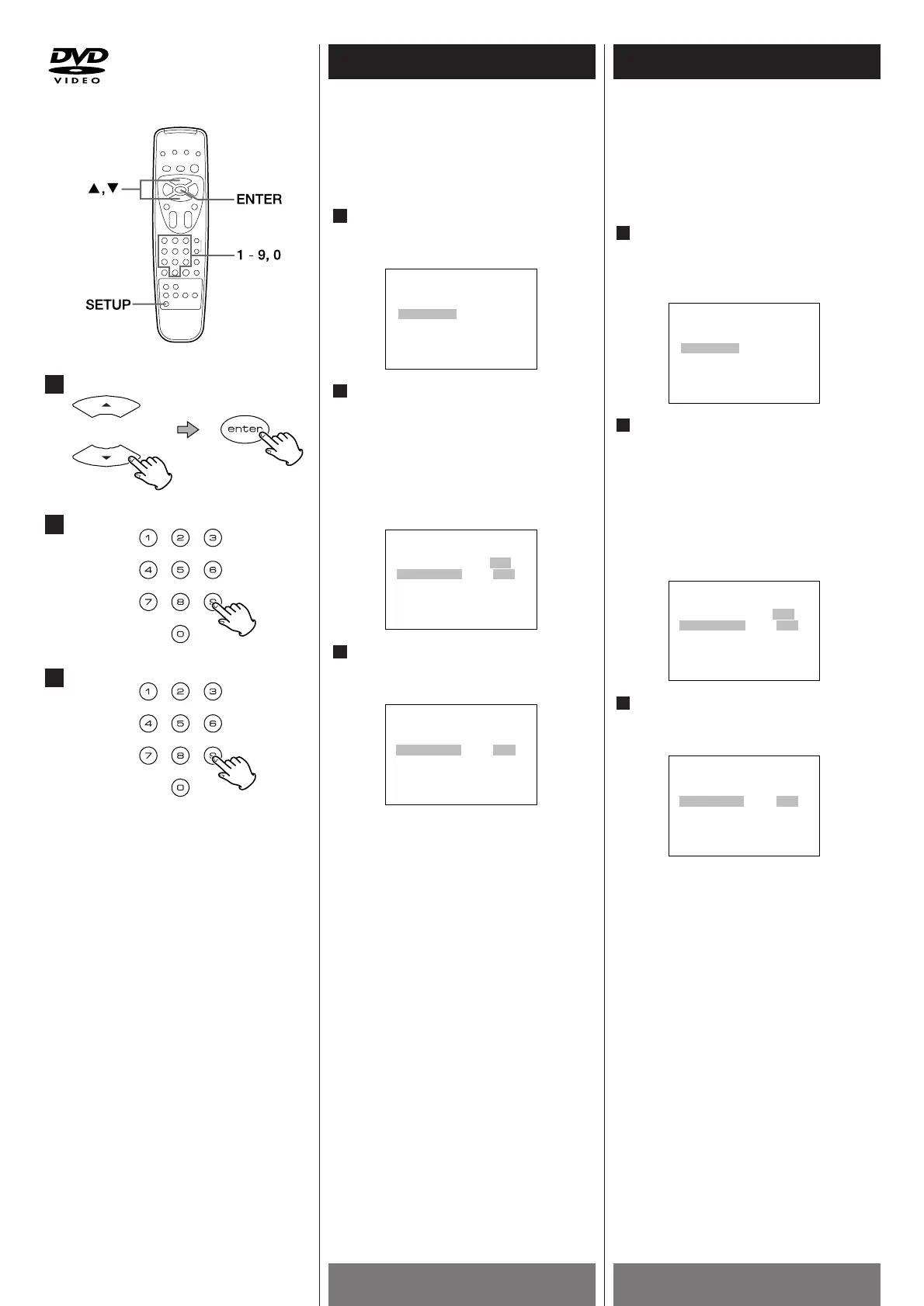
At the SETUP MENU screen, press the
5/b buttons to select "PASSWORD,"
then press the ENTER button.
Input the default password of "1234"
into the OLD field.
We assume that you have not yet
established a privacy password. If you
have, you need to input that password
instead of "1234.". If you forgot it, you
need to reset the password setting (page
35) below before you go on.
Input a new password into the NEW
field.
Select 4 digit numbers except "2580".
To exit the SETUP MENU, press the SETUP
button.
1
Définition d'un nouveau mot de
passe
Pour définir un nouveau mot de passe,
procédez de la façon suivante:
A partir du menu SETUP, appuyez sur
les touches (5/b) pour sélectionner
l'option "PASSWORD" (mot de passe)
puis appuyez sur la touche ENTER.
Entrez le mot de passe par défaut
"1234" dans le champ OLD (ancien)
Nous partons ici du principe que vous
n'avez pas encore défini votre propre mot
de passe. Dans le cas contraire, entrez
votre mot de passe à la place de "1234". Si
vous avez oublié votre ancien mot de
passe, vous devez procéder (page 35)
avant de poursuivre.
Entrez un nouveau mot de passe dans
le champ NEW (nouveau).
Selectionnez 4 chiffres sauf "2580".
Pour quitter le menu SETUP, appuyez sur la
touche SETUP.



 To Next Page