MENU
V+
V-
P+
P-
MENU
V+
V-
P+
P-
1
AUTO
I
6
Searching channels
Continued
Semi-automatic search
Semi-automatic search
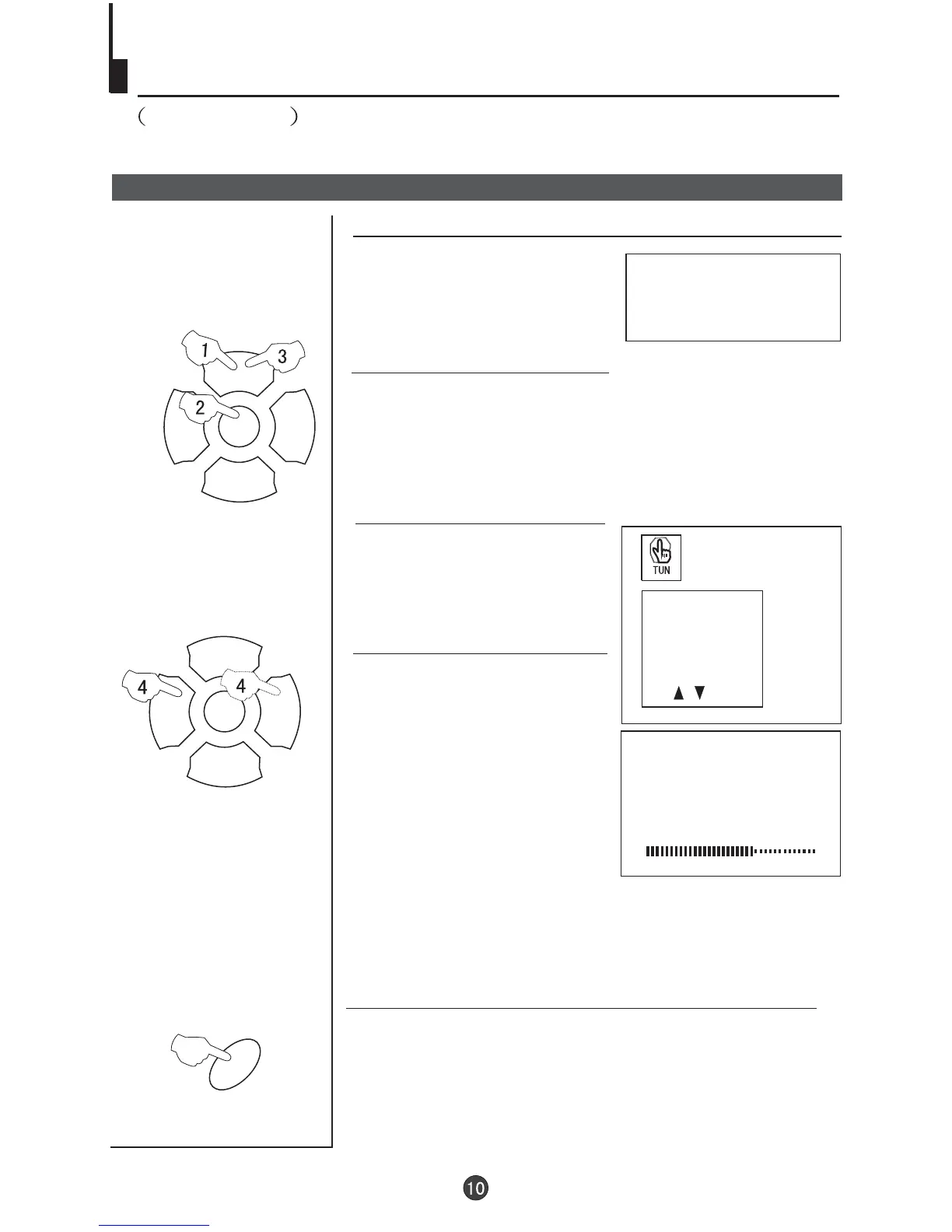
1 Press the P+/- buttons or the
PROGRAMME NUMBER (0-9) to
choose the desired channel
(e.g. Channel 1).
3 buttons to
select "SEARCH".
Press the P+/-
SEARCH
152.25MHz
To turn off the on-screen menu
In general, after you press the MENU button, the menu
display (PIC, SOU, ) will automatically disappear
within 30 seconds. If you want to eliminate these contents
immediately, please press the EXIT button.
item
FUN,TUN
PROG NO
ORGANISE
SEARCH
FINE TUNE
AUTO SEARCH
2 Press the MENU button. The MAIN MENU will appear
with the PIC (picture) icon flashing. Press the MENU button
a further 3 times until the TUN (tuning) icon is flashing.
Press P- to enter the TUNING menu.
EXIT
4 Press the V- /V+ buttons to
start search.
Press the V- to search down
the scale and V+ to search up
the scale.



 To Next Page