5
FINE TUNE
152.25MHz
Searching channel
Continued
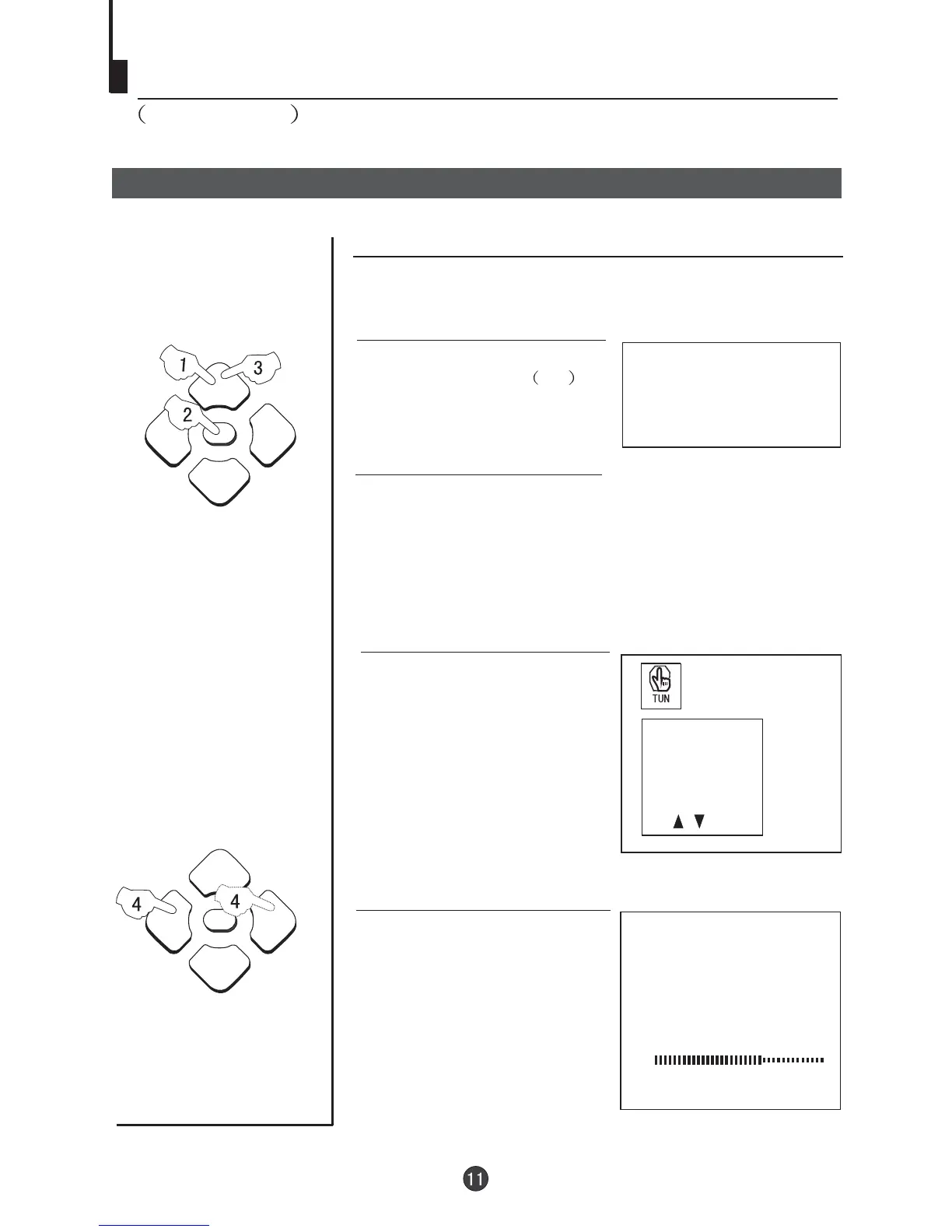
Manual fine tune
Manual fine tune
3 buttons to
select " FINE TUNE".
Press the P+/-
4 Use the Vol-/+ buttons to
manually fine tune the station
until the best picture and sound
are obtained.
1
AUTO
BG
If the picture and/or sound are poor, try using the FINE
TUNE feature.
Do not use this feature unless
reception is poor.
1 Press the P+/- buttons or
PROGRAM NUMBER 0-9
button to choose the desired
channel (e.g. channel 1).
PROG NO
ORGANISE
SEARCH
FINE TUNE
AUTO SEARCH
2 Press the MENU button. The MAIN MENU will appear
with the PIC (picture) icon flashing. Press the MENU
button a further 3 times until the TUN (tuning) icon is
flashing.Press P- to enter the TUNING menu.



 To Next Page