Convenient picture and sound control functions
Continued
MUTE
Sound mute
1 Press the MUTE button on the
remote control to turn off the
sound. MUTE will appear on the
top left of the display.
2 Press MUTE again to turn the
sound back on.
Mute and Fade
Fade
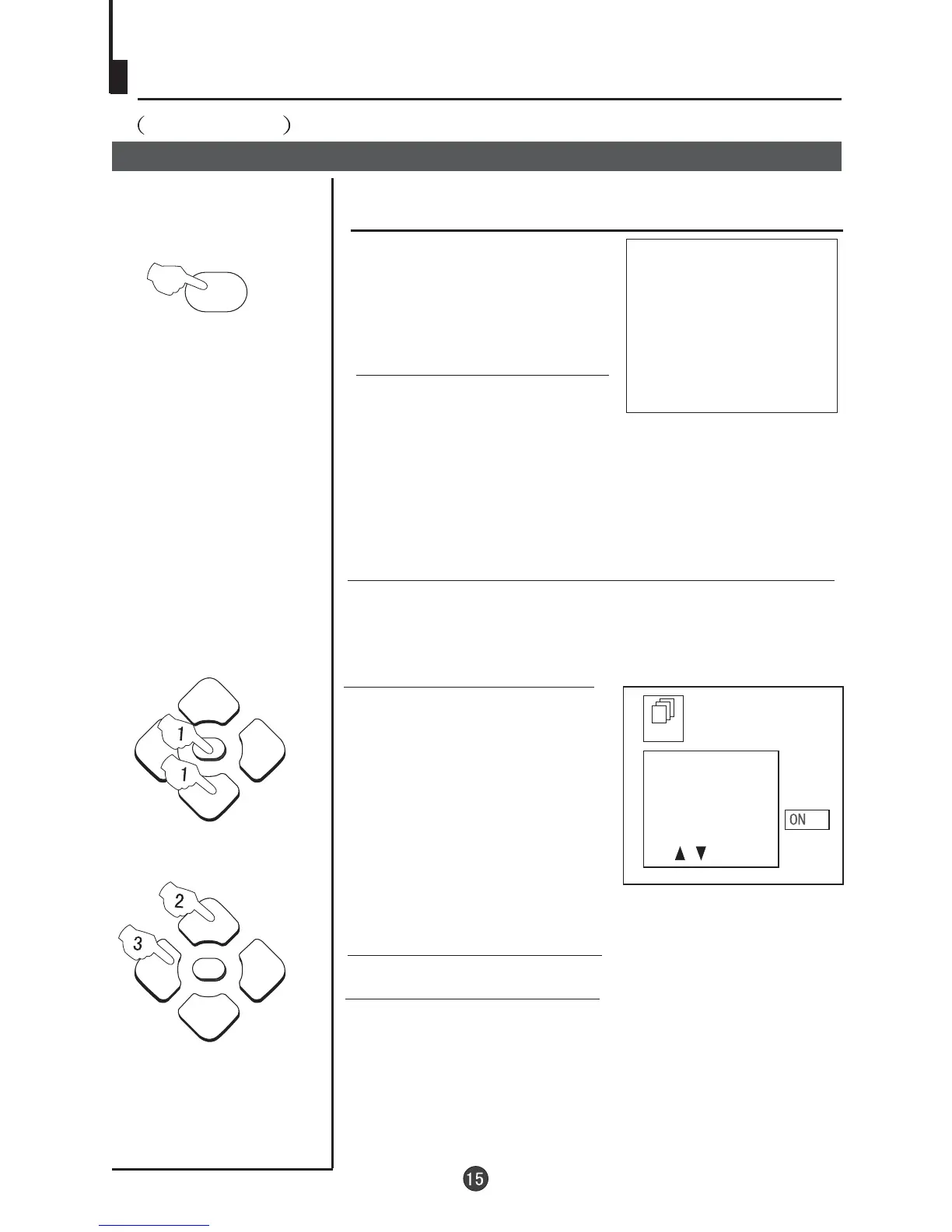
3 Press the
.
VOL-/+ button to turn the FADE function "ON" or "OFF"
2 Press the P+/- buttons to select FADE.
FUN
BACKGROUND
BLACK STRETCH
NOISE REDUCE
FADE
AVL
1Press the MENU button.
The MAIN MENU will
appear with the PIC (picture)
icon flashing. Press the
MENU button a further 2
times until the FUN
(function) icon is flashing.
Press P- to enter the
FUNCTION menu.
When FADE is turned on, the TV will protect the tube by
fading the picture in when the TV is switched on, and
fading the picture out when the TV is switched off.
MUTE



 To Next Page