Loading and Ejecting Discs
TEAC DVD Duplicator User’s Manual 27
Loading and Ejecting Discs
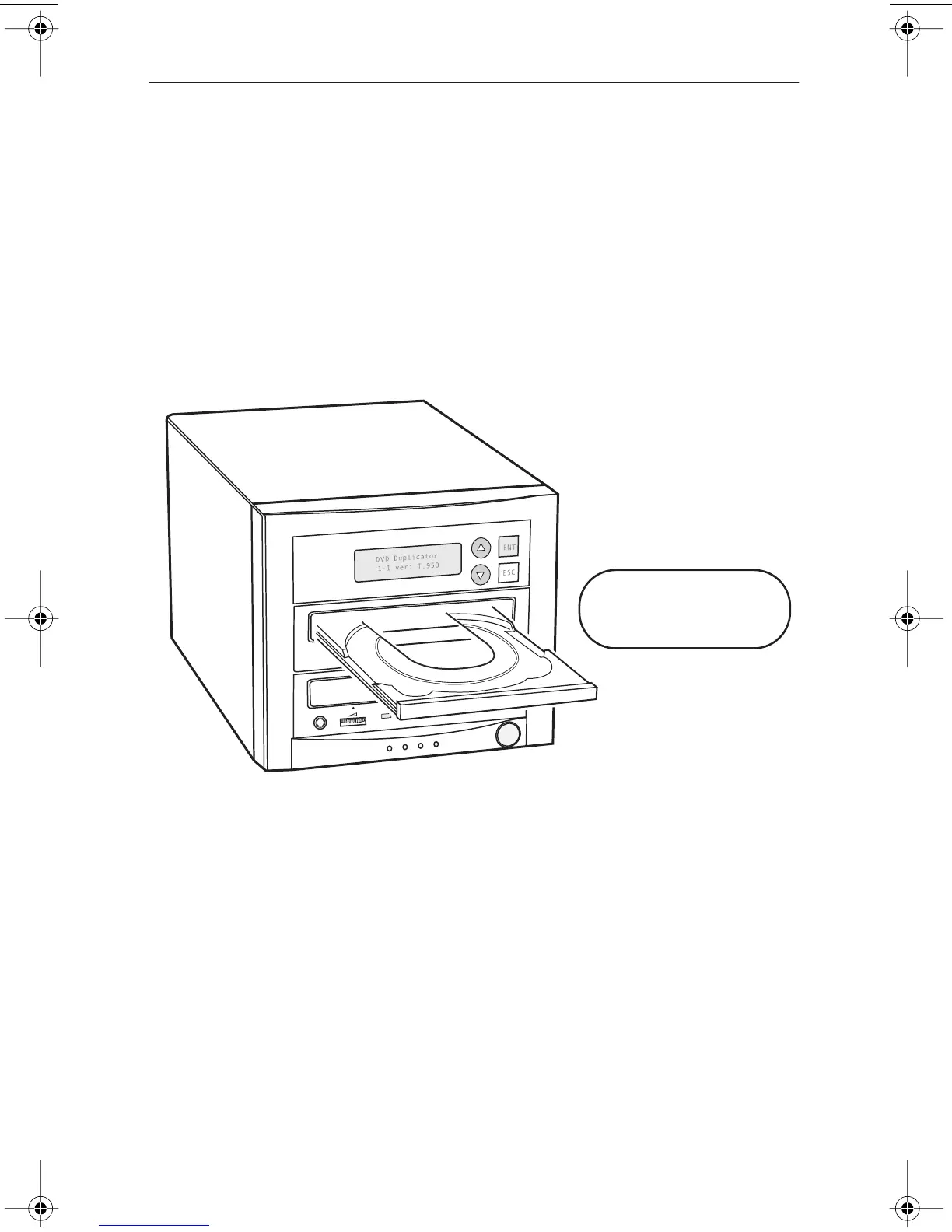
To load a disc into the source or a target drive, first open the disc tray by pressing
the Eject button on the front of the drive. Place the disc on the disc tray with its
label side facing up. Then press the Eject button again to retract the disc tray back
into the drive.
To eject a disc from the source or a target drive, press the Eject button on the front
of the drive to extend the disc tray. Remove the disc from the disc tray and place
it in its protective case. Then press the Eject button again to retract the disc tray
back into the drive.
Figure 7. Ejecting the Disc Tray
Press the Eject button
to extend and retract
the disc tray.
TEACdvwd11.book Page 27 Sunday, May 1, 2005 6:04 PM


 To Next Page