17
ENGLISH
Getting Started
•
USB-FDD device driver CD
•
User’s Manual
2. Install the device driver.
To install USB-FDD device driver:
1) Turn on the power of the PC, and start up Windows
®
98 or Win-
dows
®
95.
(2) Insert installer CD into the CD-ROM drive.
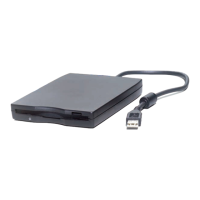
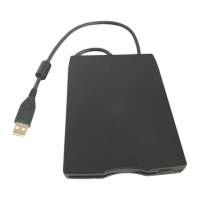
(3) Connect the USB-FDD to the USB port on your PC.
(4) The "Add New Hardware Wizard" dialog box should start auto-
matically.
(5) Follow the instructions that appear on your screen.
Note:
If you are using Windows
®
98, please use the drivers of
“DriverForWindows98" directory on the USB-FDD device driver
CD. If you are using Windows
®
95, please use the drivers of
“DriverForWindows95” directory.
Note:
You do not need to shut down or turn off your PC when you
install or plug in the USB-FDD.


 To Next Page