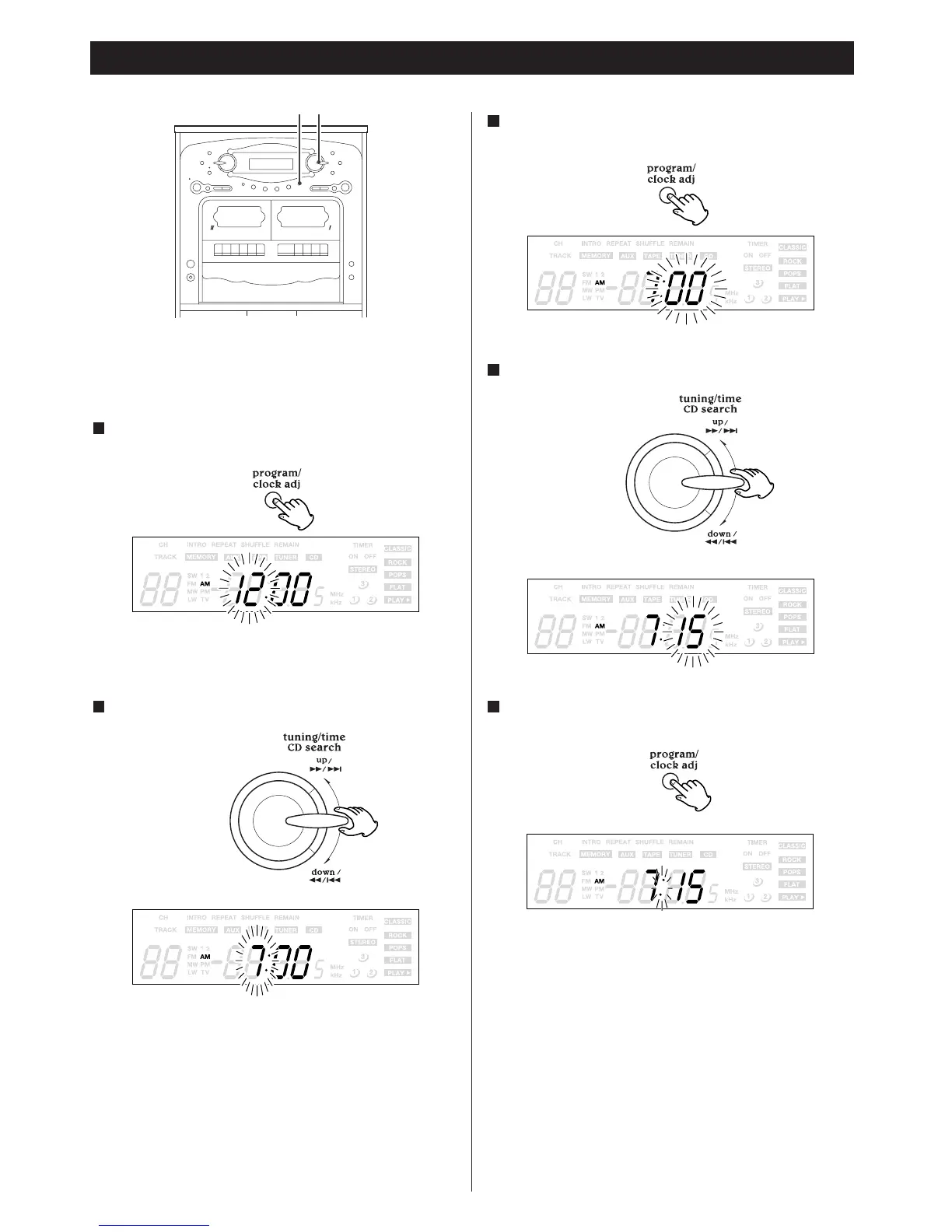
< If the unit is on, press the POWER switch to turn it off, or press
the DISPLAY button once or twice to display the clock (":" will
blink).
Press the CLOCK ADJ button.
The "hour" value blinks.
1
Hold up or down the knob to set the current hour.
2
Press the CLOCK ADJ button.
The "minute" value blinks.
3
Hold up or down the knob to set the current minute.
4
Press the CLOCK ADJ button.
The clock starts.
5



 To Next Page