EasyManua.ls Logo

Teac HTIB500 - User Manual

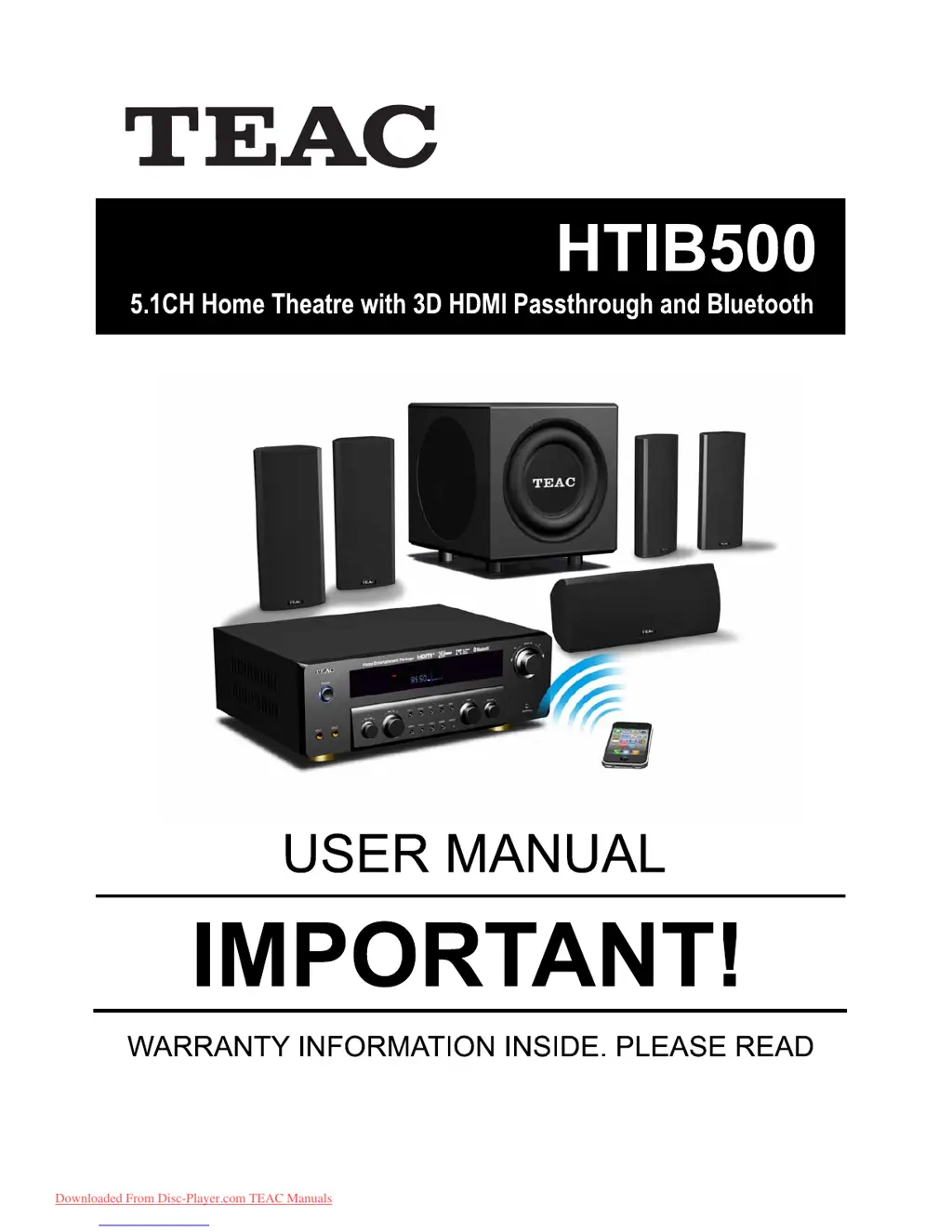
Teac HTIB500
17 pages
Print Icon
To Next Page IconTo Next Page
Loading...
O WNE R S MANU AL'
Plea se R ea d The Manual F irs t Before Operation
Trademark of TE AC C orporation JAPAN
www.teac.com.au
Downloaded From Disc-Player.com TEAC Manuals

Questions and Answers

Summary

Safety Information

Safety Precautions

General safety guidelines for operating the equipment safely.

Safe Use Dos and Donts

Important instructions and warnings for safe equipment operation.

Introduction

Product Features

Lists the key features and capabilities of the HTIB500 system.

Accessory List

Details all the items included in the package with the main unit.

Panel and Remote Operation

Front and Back Panel Controls

Identifies and explains the buttons and jacks on the front/back of the unit.

Front Panel Display Window

Explains the indicators and displays on the front panel.

Rear Panel Connection Setup

Illustrates how to connect speakers, power, and input sources.

Remote Control Overview

Details the functions of each button on the remote control.

Remote Control Battery Installation

Instructions on how to properly install batteries in the remote control.

Input Modes

HDMI Input Modes

Connect to compatible Audio/Video players via HDMI for audio and video.

AUX Input Modes

Input audio from media players or TVs using L/R audio cables.

MP3;iPhone Input

Input audio from iPhones, iPods, MP3 players via 3.5mm aux jack.

Microphone Input

Input audio by plugging in up to two microphones for karaoke.

Bluetooth Input

Pair with compatible media players like smartphones for wireless audio.

Radio Tuner Operation

Listen to radio stations using the built-in FM/AM tuner.

Station Memory

Save and recall preset radio stations using the MEMORY button.

Bluetooth Operation Steps

Connect wirelessly via Bluetooth to play music from devices.

Reference

Troubleshooting Guide

Solutions for common problems like no power, no sound, or remote issues.

Technical Specifications

Detailed technical data including power, dimensions, and frequency response.

Summary

Safety Information

Safety Precautions

General safety guidelines for operating the equipment safely.

Safe Use Dos and Donts

Important instructions and warnings for safe equipment operation.

Introduction

Product Features

Lists the key features and capabilities of the HTIB500 system.

Accessory List

Details all the items included in the package with the main unit.

Panel and Remote Operation

Front and Back Panel Controls

Identifies and explains the buttons and jacks on the front/back of the unit.

Front Panel Display Window

Explains the indicators and displays on the front panel.

Rear Panel Connection Setup

Illustrates how to connect speakers, power, and input sources.

Remote Control Overview

Details the functions of each button on the remote control.

Remote Control Battery Installation

Instructions on how to properly install batteries in the remote control.

Input Modes

HDMI Input Modes

Connect to compatible Audio/Video players via HDMI for audio and video.

AUX Input Modes

Input audio from media players or TVs using L/R audio cables.

MP3;iPhone Input

Input audio from iPhones, iPods, MP3 players via 3.5mm aux jack.

Microphone Input

Input audio by plugging in up to two microphones for karaoke.

Bluetooth Input

Pair with compatible media players like smartphones for wireless audio.

Radio Tuner Operation

Listen to radio stations using the built-in FM/AM tuner.

Station Memory

Save and recall preset radio stations using the MEMORY button.

Bluetooth Operation Steps

Connect wirelessly via Bluetooth to play music from devices.

Reference

Troubleshooting Guide

Solutions for common problems like no power, no sound, or remote issues.

Technical Specifications

Detailed technical data including power, dimensions, and frequency response.

Teac HTIB500 Specifications

General IconGeneral
BrandTeac
ModelHTIB500
CategoryHome Theater System
Channels5.1
Total Power Output500W
DVD PlayerYes
USB PortYes
HDMI OutputYes
Remote ControlYes
Surround Sound FormatsDolby Digital, DTS
Subwoofer Power100W
Subwoofer TypeActive
InputsAUX

Related product manuals