Application
Customising the LOCK Settings
The LOCK menu includes the following options :
Change Password Press button to enter the submenu, you can change the password here.
Lock Channel When enabled, the user cannot modify settings in the Channel menu.
Change Password
Block Program
Parental Guidance
Off
No Block
LOCK
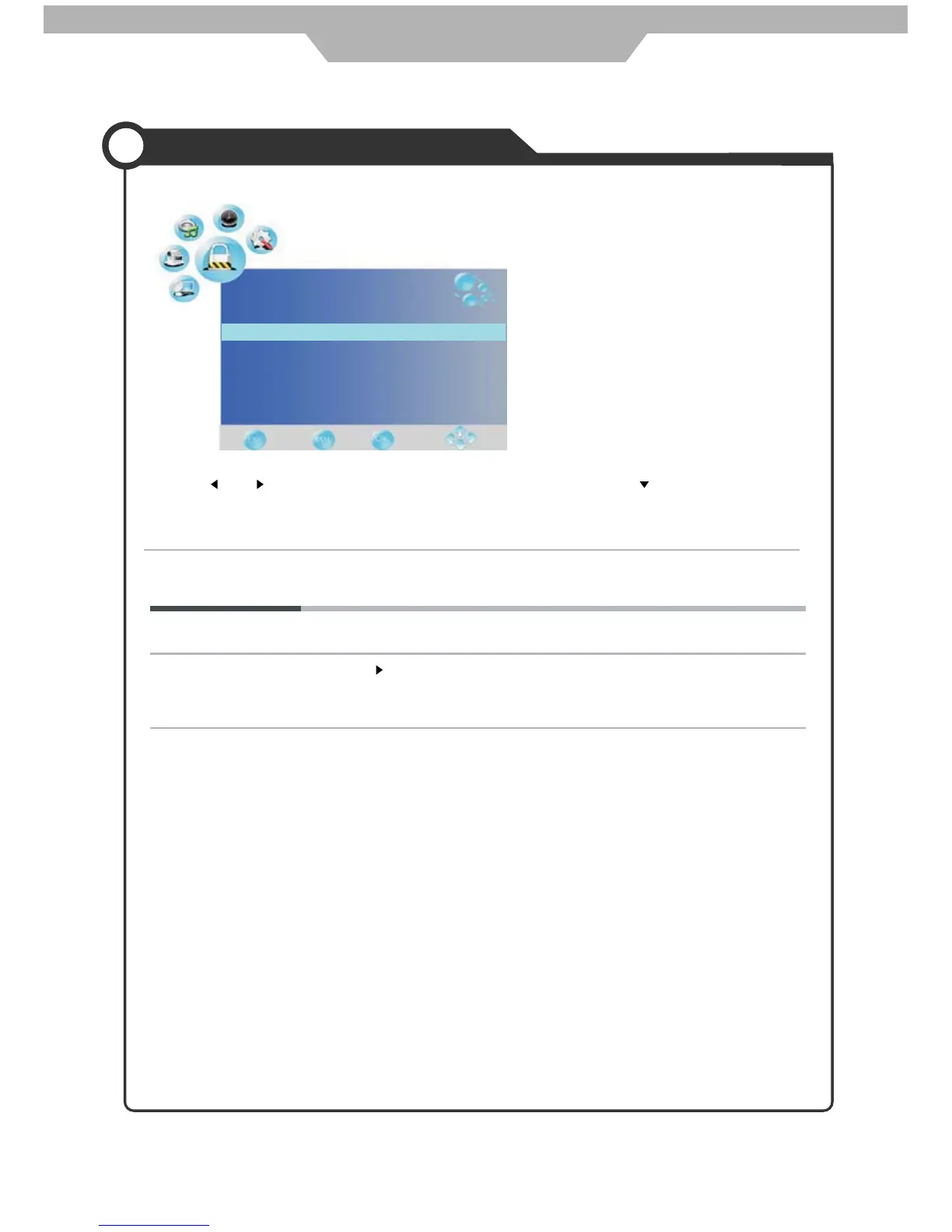
Use the and buttons to select the LOCK menu(as the picture above), press button to enter the
menu.
Note: A password is required to access this menu. Please enter the password '0000' using the numerical buttons
on the remote control.
Lock Channel
Quit Back Select
Enter the new password using the numerical buttons on the Remote Control, then
re-enter the number to confirm new password.
19



 To Next Page