10
You can change the channel and adjust the volume by using the Volume +/- and Programme +/-
buttons on the remote.
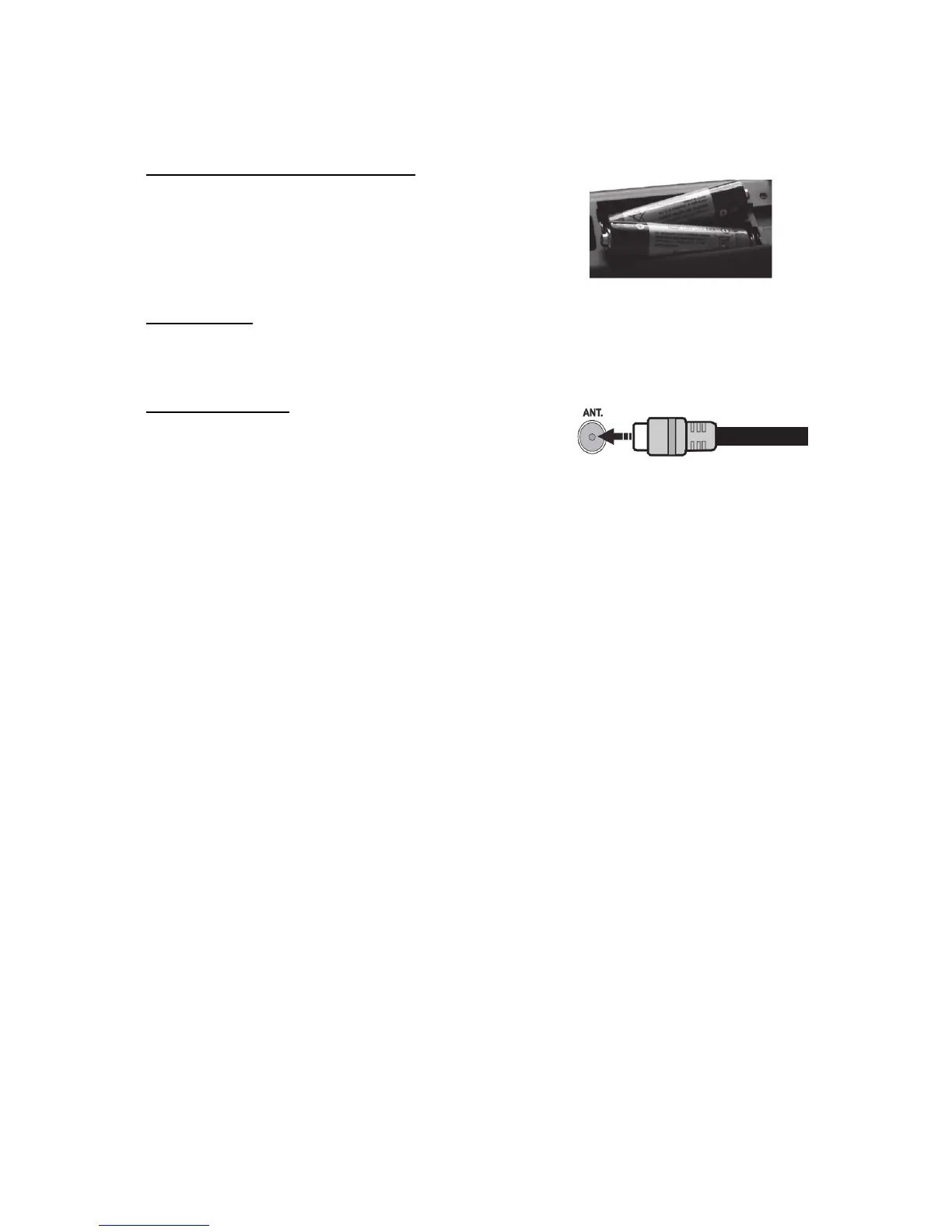
Inserting the Batteries into the Remote
Remove the screw that secure the battery compartment cover on
the back side of the remote control first. Remove the cover gently.
Insert two AAA batteries. Make sure the (+) and (-) signs match
(observe correct polarity). Do not mix old and new batteries.
Replace only with same or equivalent type. Place the cover back
on. Then screw the cover back on again.
Connect Power
IMPORTANT: The TV set is designed to operate on 220-240V AC, 50 Hz socket. After unpacking,
allow the TV set to reach the ambient room temperature before you connect the set to the mains. Plug
the power cable to the mains socket outlet.
Antenna Connection
Connect the aerial or cable TV plug to the AERIAL INPUT
(ANT) socket located on the back of the TV.



 To Next Page