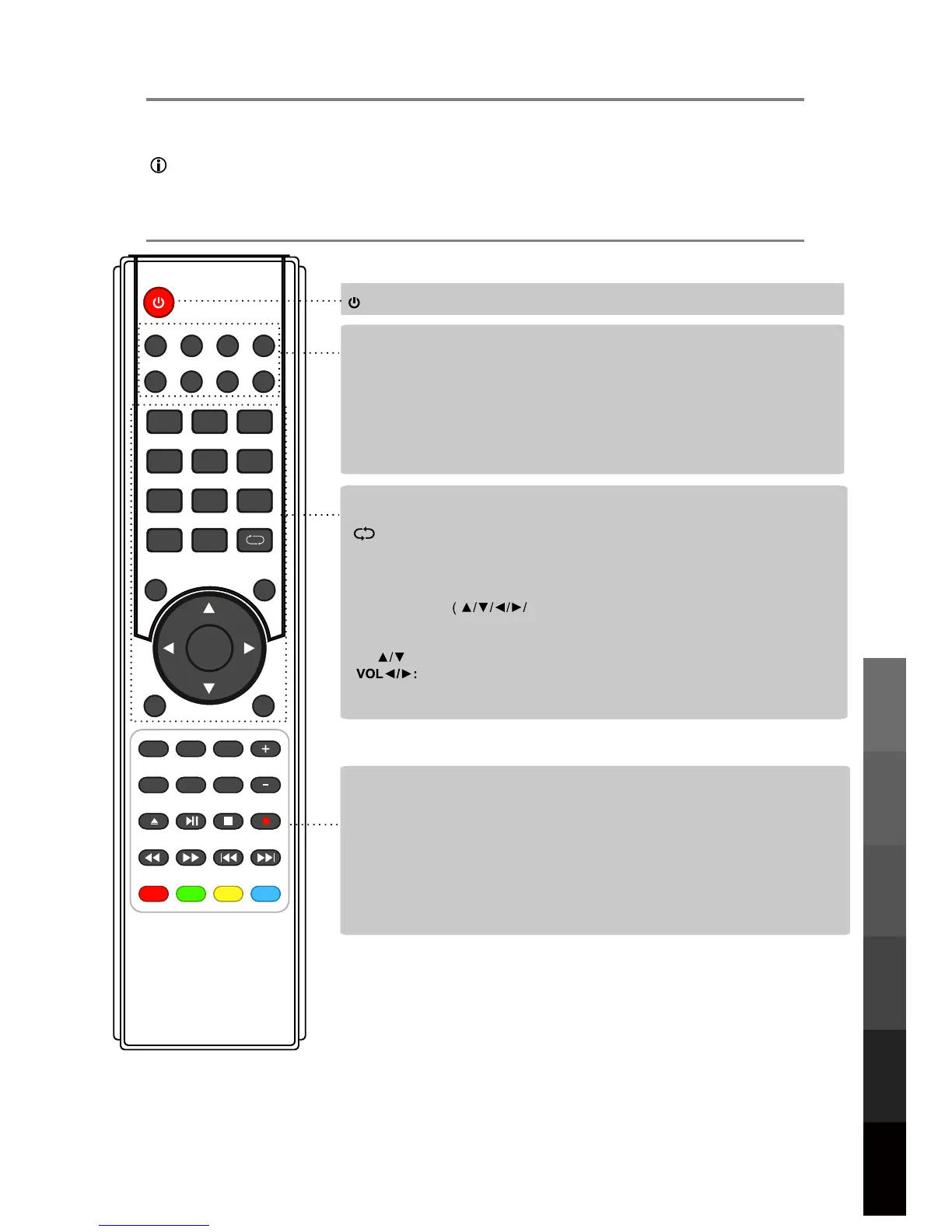
5. REMOTE CONTROL
The remote control uses Infrared signals. Point it at the Infrared sensor at the front of the TV.
NOTE: The remote control may not work correctly if it is operated out of range or angle,
of if there are objects blocking the signal.
5.1 Remote Control Buttons and Functions
11
USB Multimedia
Playback
Remote Control
On-Screen DisplayTV & Electronic
Programme Guide
Digital Video
Recording (DVR)
(OSD) Menu
Reference
(POWER) : Turn the TV on/back to Standby mode.
:
Return to the previous channel viewed.
NUMBER BUTTONS : Choose
and view
a channel directly by keying in the specific
channel number.
AUDIO
MUTE: Press to mute the sound, press again or press VOL+ to unmute.
: Select different audio languages, subject to availability from broadcaster.
SLEEP
ASPECT: Adjust picture size.
: Repeatedly press to scroll to preferred off time.
MENU: Press to display the OSD menu.
INPUT
DTV/USB: Switch to DTV/USB.
: Display the input source menu.
EXIT
DISPLAY: Press to display the current mode’s information.
: Press to exit the OSD menu.
PICTURE: Press repeatedly to cycle through the available video picture modes.
SOUND: Press to cycle through the different sound settings.
CURSOR KEYS
OK)
Allows you to navigate through the on-screen menus and adjust the system settings
to your preference.
CH.FAV: Displays Channel List, and the Favourite Program List.
EPG: To show the Electronic Program Guide.
123
456
789
0
OK
CH.FAV
AUDIO MUTE
DTV/USB INPUT
PICTURE SOUND ASPECTSLEEP
EXIT
DISPLAY
CH
CH
VOL
VOL
HOLD
D.MENU D.TITLE
VOL
TV/TXT CANCEL REVEAL REPEAT
D.SETUP
SUBTITLE A-B GOTO
SIZE SUBPAGE INDEX
DELETE REC.LIST SCH.LIST SCREEN
MENU
EPG
REC.LIST:
Display Recorded List.
DELETE:
Delete recorded programs from the Record List.
SUBTITLE / A-B / GOTO / D.SETUP / D.MENU / D.TITLE: No function.
REPEAT
: Repeat playing the title or chapter.
CH
: Channel/Program+/- .
Volume +/-.
VOL+/-: Volume +/-.
SCREEN
: 1- While playing music, press this button to turn off the LED TV screen.
2- While in HDMI input, press this button to change between Video and PC
mode.
3- While in VGA (PC) input, press to auto-align screen.



 To Next Page