Press to access the Recorded File List. Any recorded TV programmes will be listed if
a USB storage device is connected and powered on.
Viewing and Playing Recorded Files
1. Press to view the Recorded File List. Press repeatedly to sort the files by
Programme, Channel and Time.
2. Use to browse the list and select a file.
3. Press to display detailed information on the
highlighted file.
4. Press to show an on-screen control bar.
5. Press to start playing the selected file.
NOTE:
If playback is stopped, the track position is
remembered and playback will resume from there.
1. Press to view the Recorded File List, then use to select a file.
2. Press to delete a file.
25
USB Multimedia
Playback
Digital Video
Recording (DVR)
Reference
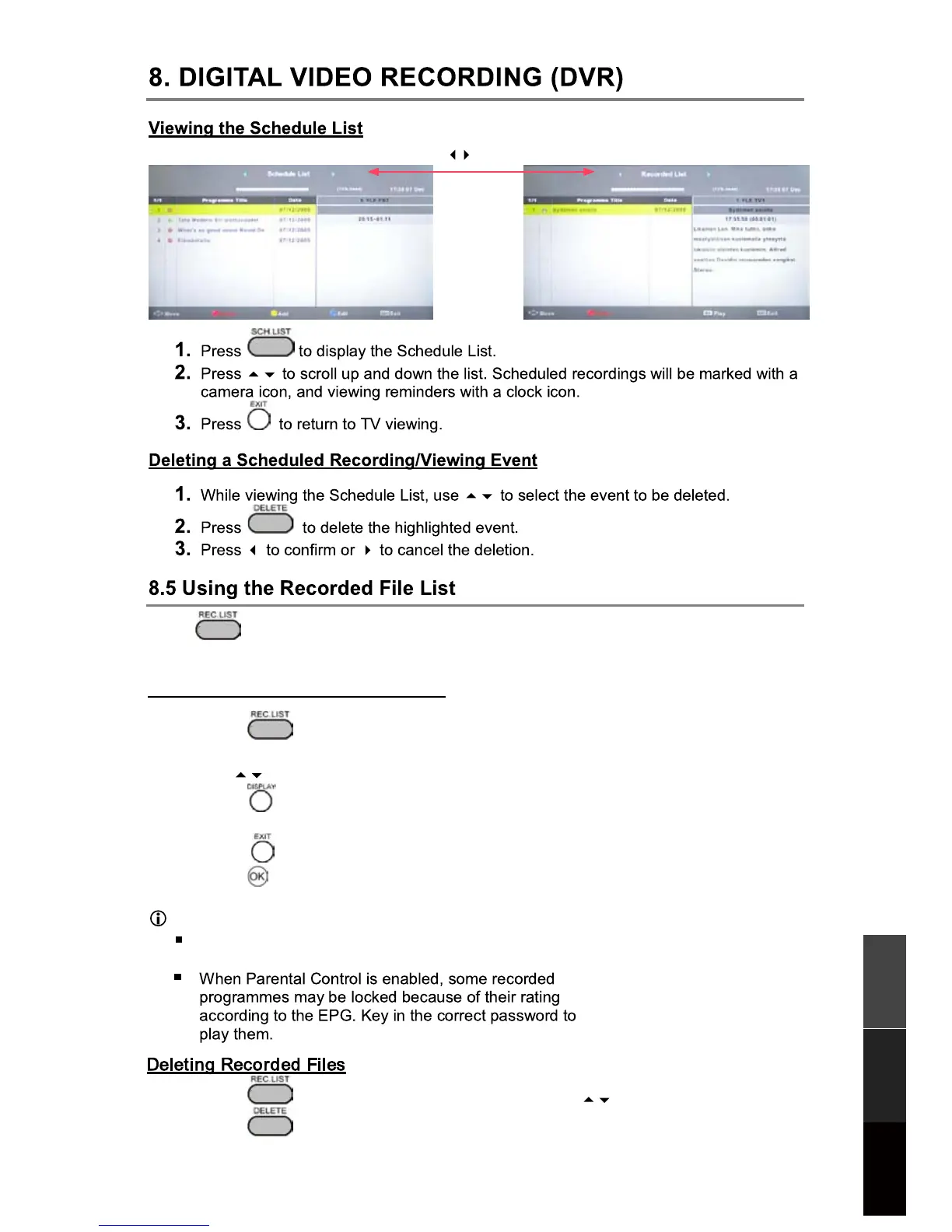
Press to exchange
Schedule List Recorded List



 To Next Page