Menu system instruction
Hearing Impaired
Specific Hearing Impaired subtitles can be activated subject to
Note: Only available in DTV mode.
Press OK or
es
Lock
Lock
Lock (the default and universal password is
, the almighty password is 1980).
Lock System
Lock System
t/u key to select "On" or "Off".
Set Password
Password
enter "Change
Password" submenu. Choose any 4-digits for your
new password and enter them. As soon as the 4
digits are entered, the cursor to “Confirm
Password” item, re-enter the same 4 digits, and your
new password has been memorized.
availability from broadcaster.
for detailed
Note: Please use the "Reset" option with caution as it will return all settings and channel
memories to factory default.
The lock feature requires a Password to be entered before any settings can be changed.
and select "Lock" under the "Option" menu.
9999
will skip
PVR File System
1. Press MENU key to display the main menu on the screen.
2. Press p/q key to select “PVR File System” option.
3. Press OK or u key to enter “PVR File System" submenu, operation refer to
“PVR File System” in page 36.
Software Update(USB)
1. Press p/q key to select “Software Update(USB)” option.
2. u key to software update process.
Note: In the software update process, do not turn off the power.
RESET
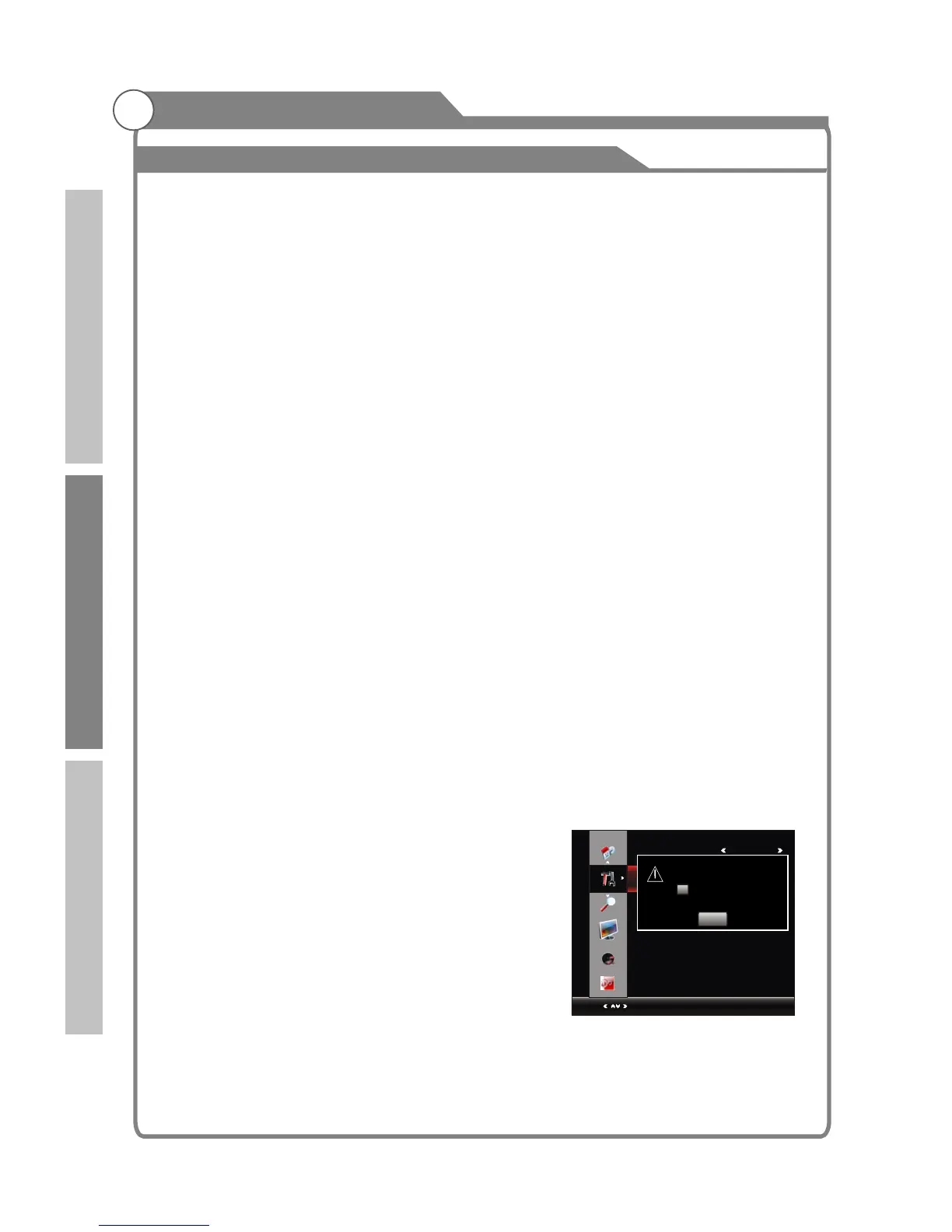
Select the "Reset" option and press OK or u key to display a confirm box, and select "Y "
or "No".
1. Press MENU key to display the main menu on the screen.
2. Press p/q key
3. Press OK or u key to enter " " submenu, "Enter Password" menu will appear, enter
your 4-digit password to enter " " submenu
1. Press p/q key to select " " option.
2. Press
1. Press p/q key to select "Set " option.
2. Enter your 4-digit password to enter
34
Option
Menu:Return
OPTION
Select
Set Password
Block Program
Parental Guidance Off
Lock System Off
Please enter password
Cancel
New - - - - - - - -
Confirm -- -- -- --
Introduction
Basic operation
Reference



 To Next Page