10
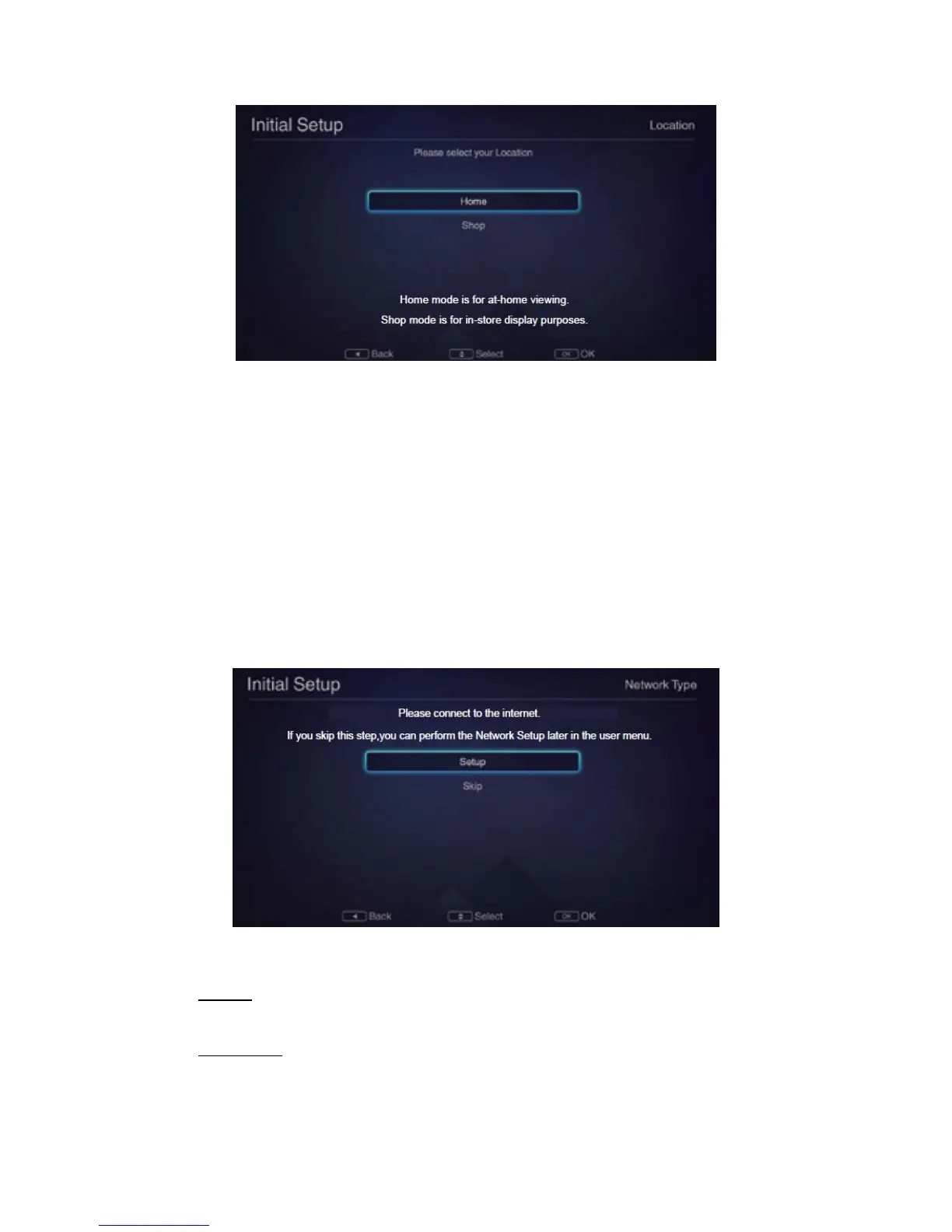
NOTE: Home Mode is tuned for best energy efficiency. Store Mode is suited only for shop displays
and settings may reset periodically. Please use Home Mode when you set the TV for personal use.
Step Three: Disclaimer
Use the ▲/▼ buttons to read the complete disclaimer. Then select ‘I agree’ and press OK to
go to the next step.
Step Four: Network Type
NOTE: Make sure your Cable/DSL modem/router is turned on.
▪ Select Set-up and press the OK button on the remote control to continue and display
the Network Settings menu.
▪ To skip the network setup process and move to the next step, select ‘Skip’ and press
the OK button, then skip to Step Five. You can set up the network later via the user
menu.
▪ If you choose to set up the network now, press OK to choose between Wired and
Wireless.
WIRED:
1. First ensure that your Ethernet cable is connected to the LAN jack of the TV.
2. Press OK to select “Configuration”, then press ▼ to select OK.
WIRELESS:
1. Press to turn Wireless to On, then select “Wireless Access Point” and
press OK.



 To Next Page