9
Initial Set Up
CAUTION: Ensure that the power to the TV is turned off while making or changing
connections.
Power Connection
To connect the TV to power:
1. Connect the power cord to its socket at back of the TV and then plug into a suitable
power outlet.
2. Turn on the power at the outlet.
Antenna Connection for TV Reception
1. Use a compatible antenna cable.
2. Connect the RF jack at the back of the TV to your antenna point on the wall.
Initial Set Up
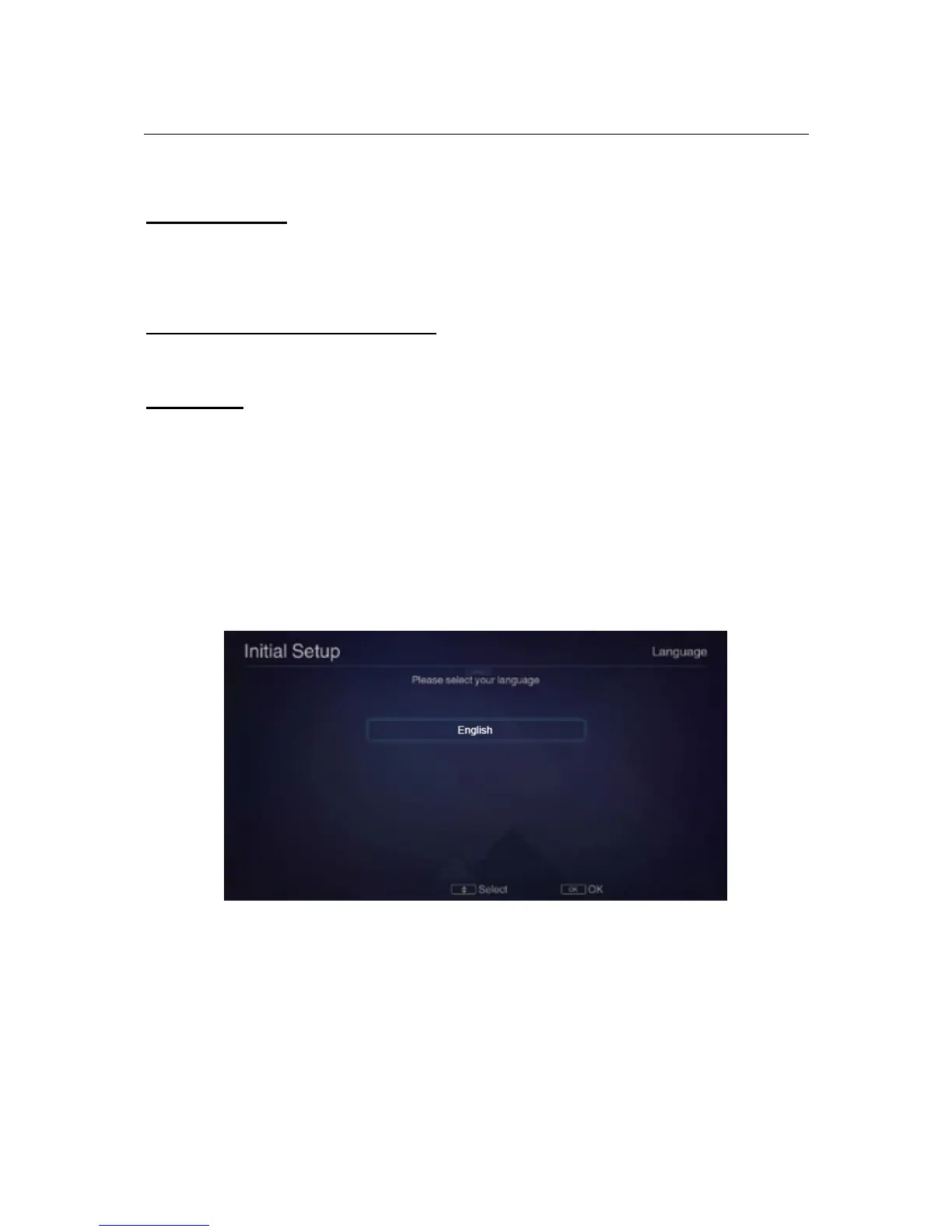
When you switch on the TV for the first time, the Initial Setup menu will be
displayed on the screen.
Setup navigation
▪ Press the ▲ / ▼/ / buttons to select different sub-menus.
▪ Press the OK button to confirm settings.
▪ Press the button to go back to the previous step.
Step One: Language
Use the ▲/▼ buttons to select your On-Screen Display (OSD) language and then press the
OK button to go to the next step.
Step Two: Location (Usage Mode)
Use the ▲/▼ buttons to select “Home Mode” as the usage mode of your new TV and then
press the OK button to go to the next step. Press the button if you need to return to the
previous step.



 To Next Page