17
USB Media Playback
Note: To use these features, a compatible data storage unit (like a flash drive or hard disk
drive in FAT32 format) must be connected and running. NOT all USB devices, such as
phones, MP3 players, cameras, and the like, are compatible. We recommend using USB
Flash Drives, or external HDDs with a separate power supply.
Switching to USB Mode
1. Connect a USB device containing photo, music and/or movie files to the USB port on the
back or side panel of the TV.
2. Press , press ▲/▼/◄/► to select SOURCE > Media and then press OK. Or press
USB on the remote control.
Media File Playback
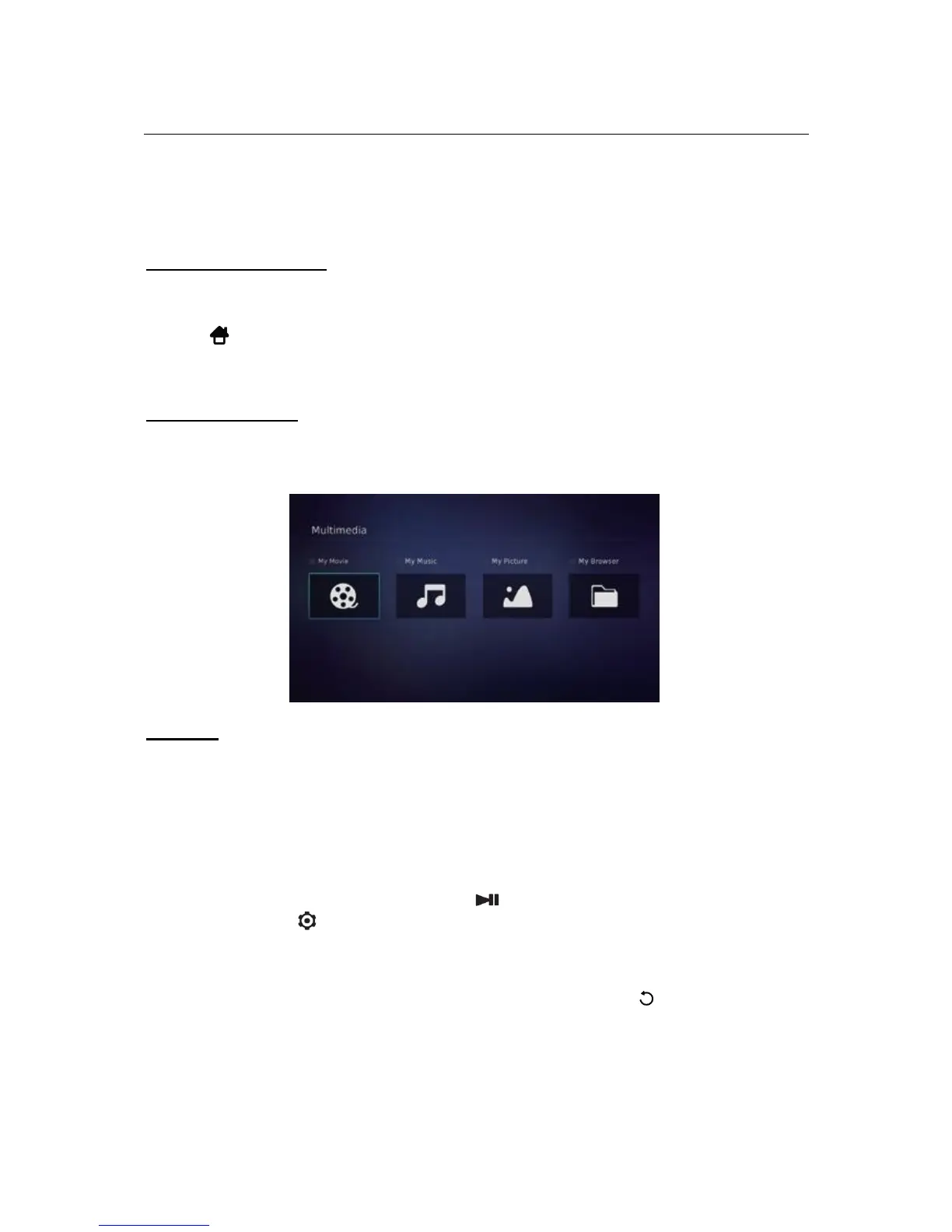
The Multimedia menu contains four submenus: My Movie, My Music, My Picture, and My
Browser.
My Movie
1. Select Multimedia > My Movie and press OK to confirm. Press ▲/▼/◄/► to select a
disk and press OK.
2. Press ▲/▼/◄ /► to highlight a video file and press OK to play it.
3. When the video is playing, you can:
• Press the VOL+/- button to adjust the volume, or press ▲/▼ to go to the
previous or next video.
• Press ◄ /► to fast forward/rewind. Press repeatedly to change the speed (2x
to 32x). After 32x, it returns to normal playback. You can also quite fast
forward/rewind by pressing the (PLAY/PAUSE) button.
• Press to show or hide the on-screen control menu at the bottom of the
screen. Press ◄/► to select buttons on the control menu, and press OK to
confirm. The control menu includes Play/Pause, FB., FF., Previous, Next,
Mode, Picture, Zoom, Info, Volume, Sound, and Stop.
4. To exit the current video and return to the video file list, press .



 To Next Page