20
1. Highlight the desired channel using the the ▲ / ▼ buttons.
2. Press the RED button to mark/unmark the channel as a favourite.
3. While watching DTV, you can press the FAV button to see the list of
Favourite Channels.
• SKIP CHANNELS
1. Highlight the desired channel using the the ▲ / ▼ buttons.
2. Press the GREEN button to mark/unmark the channel to be skipped.
3. While watching DTV, channels marked as SKIP will be skipped when you
browse channels with the CH+/- buttons.
Signal Information (Digital TV)
Press OK to display signal information on the current channel, such as signal strength,
frequency, etc.
Software Update(OAD)
Select TV > Software(OAD)
When OAD Tuning is on, OAD Tuning can scan for updated software and install it
automatically.
OAD Scan
Select TV – OAD Scan and press OK to start OAD Scan. Press EXIT to exit
Country
The country of this TV is Australia
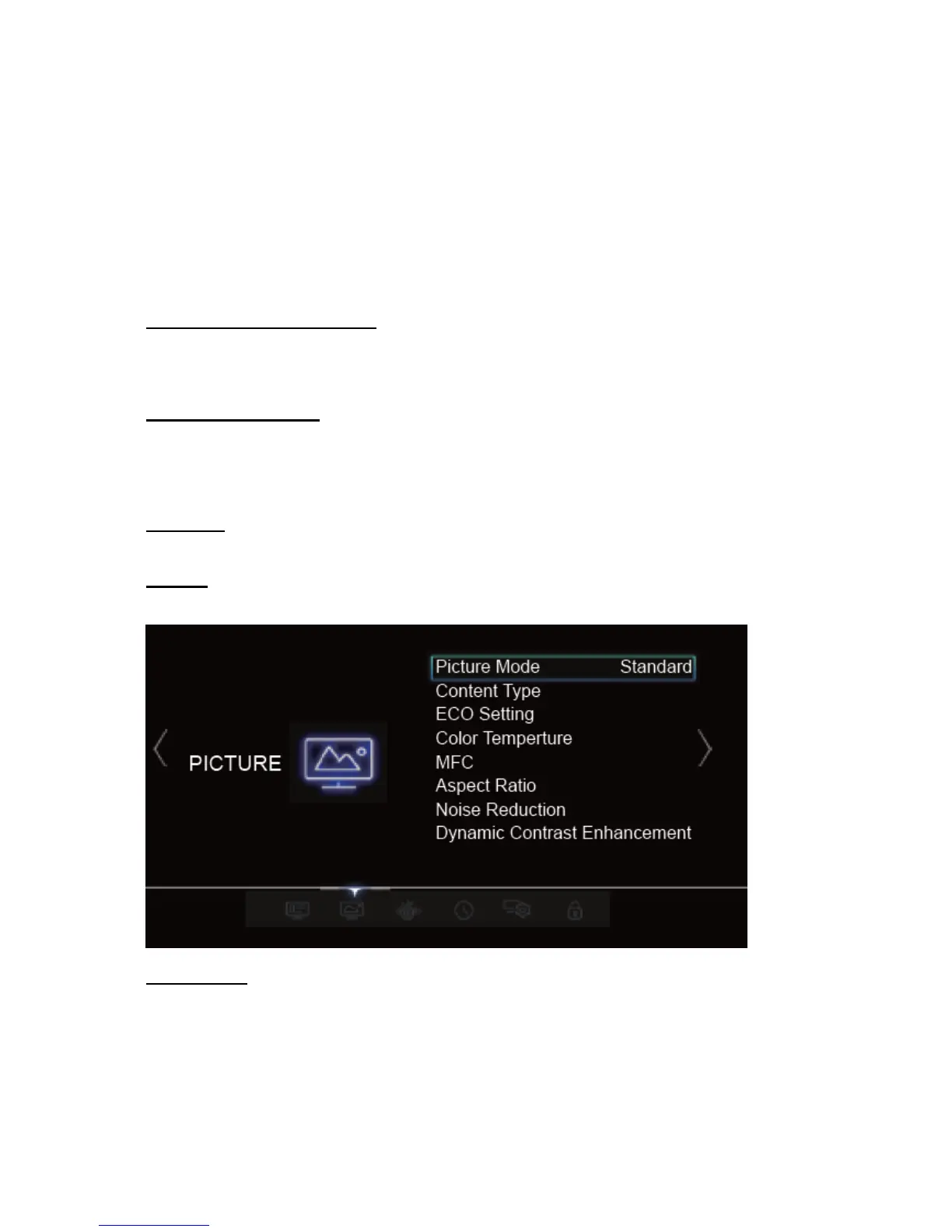
Picture Mode
Press OK to enter, and then press ◄/► to select a picture mode: Dynamic, Standard,
Movie, User or Game.
Note: Picture Mode may be automatically set to User if you make any adjustment to the following
picture options. Game only available under HDMI and AV source.



 To Next Page