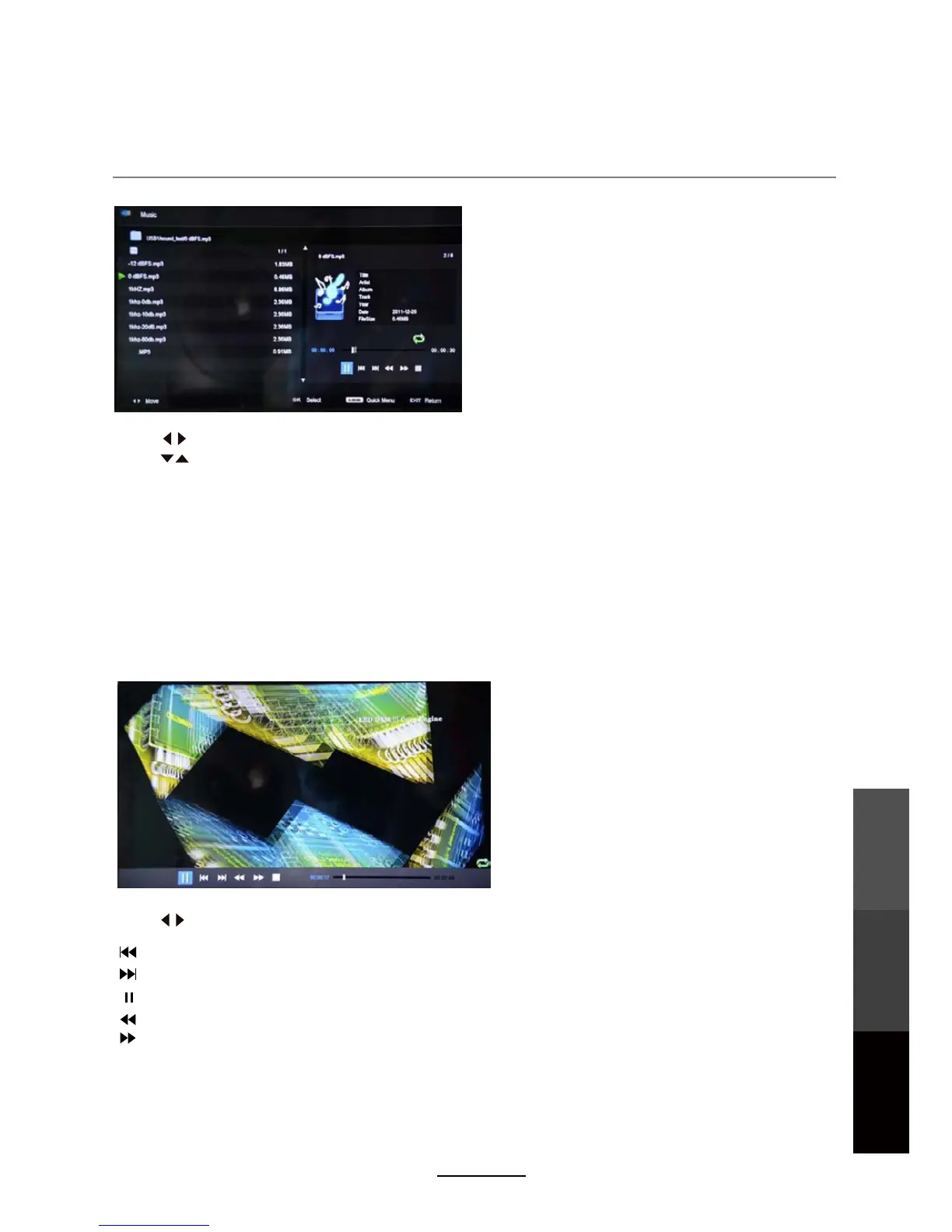
3. Movie
Multimedia Operation
Press to select the option on the table, and press OK to change.
Press to search for music, and press OK to select.
Repeat: Select the repeat mode from Repeat All, Repeat 1, Repeat None.
Sort:
Multimedia
Operation
Recording
Operation
Maintenance
and Service
25
Press the EXIT button and select Back to return to the previous menu.
Quick Menu: Press D.MENU to enter Quick Menu.
Press D.MENU to enter Quick Menu.
Background Music: Turn on/off background music for musical photo/text display.
Sort the file list by File Size or File Name.
Press to select options on the toolbar, and press OK to change.
To play video files, select a file from the folder. If Preview is turned on, the video will start playing
in a window on the side. Press PLAY to start watching the video in full screen.
Repeat: Select the repeat mode from Repeat All, Repeat 1, Repeat None.
: Previous chapter.
: Next chapter.
: Fast reverse.
: Fast forward.
: Play/Pause program.
Quick MENU:
Preview: Turn preview on or off.



 To Next Page