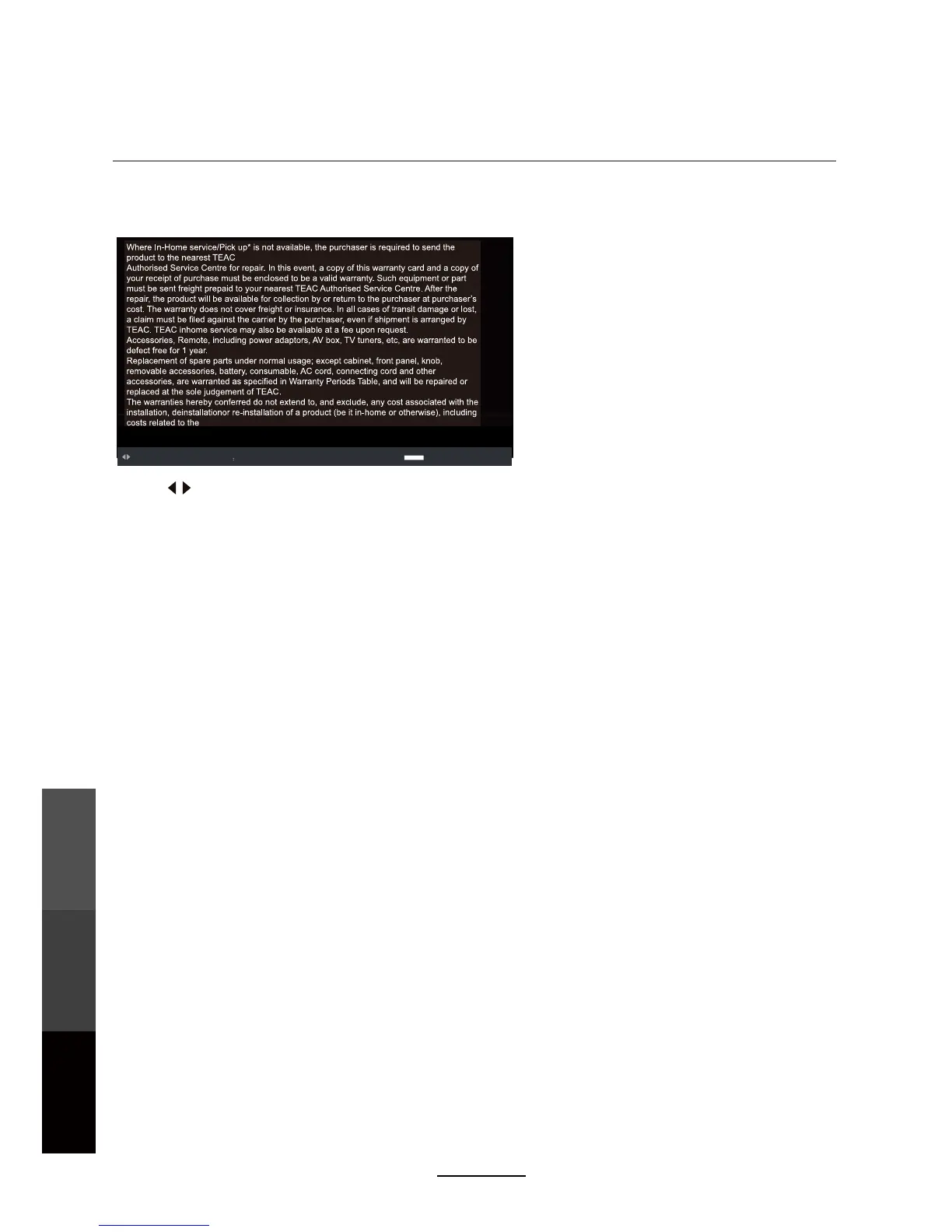
4. Display Text
Press to select options on the toolbar, and press OK to change.
Prev/Next: Turn to previous/next file.
To play text files (most files with the extension .txt), select a file from the folder and press PLAY.
Multimedia Operation
Multimedia
Operation
Recording
Operation
Maintenance
and Service
26
ZOOM IN
ZOOM OUT
Previous / Next 0~9 kcaBTIXEuneMkciuQegaPotoG
D.MENU
Press the EXIT button and select Back to return to the previous menu.
Quick Menu:
Repeat: Select the repeat mode from Repeat All, Repeat 1, Off.
Background Music: Enable or disable background music.
Encoding Type: Change the type of encoding to suit different languages.
Press 0~9
to select specific pages.
Press D.MENU to enter Quick Menu.



 To Next Page