8
Names of each part
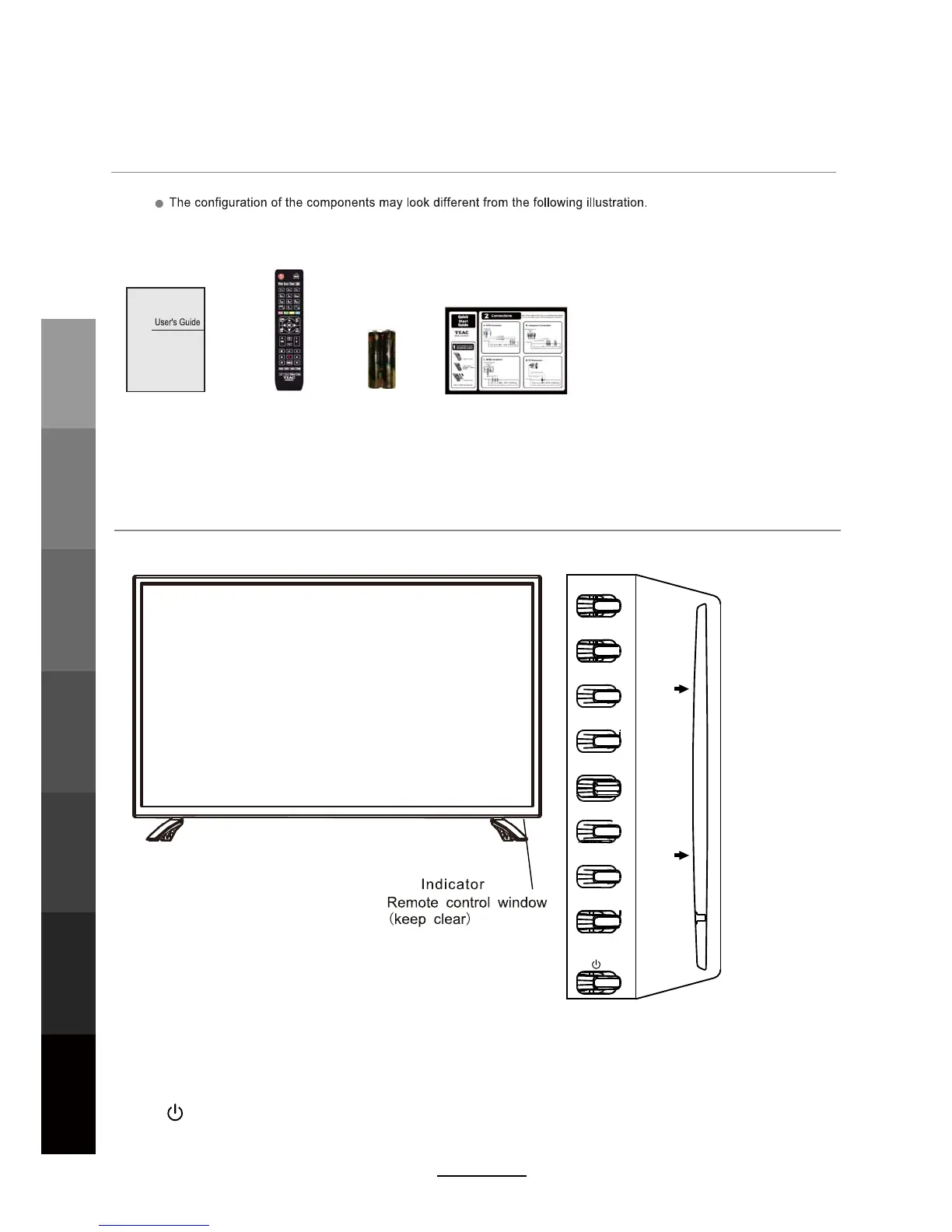
Front View
Accessories
User’s Guide
2 x AAA Battery
Quick Start Guide
(INPUT):
Display the input source menu.
(MENU): Display/exit the OSD menu.
(CH+/-): Scan through channels.
(VOL+/-): Adjust the volume.
( ): Turn on/standby the TV set.
(PLAY):Play/Pause DVD program.
(EJECT): Load/eject DVD disc.
Remote Control
LED
Basic OperationOSD Menu
Multimedia
Operation
Recording
Operation
User Guidance
Information
Maintenance
DVD Operation
and Service
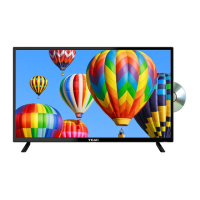
DVD: Insert a 12cm DVD/
CD with the label side
facing towards the
back.
INPUT
MENU
CH+
CH-
VOL+
VOL-
PLAY
EJECT
Insert disc with label side towards back



 To Next Page