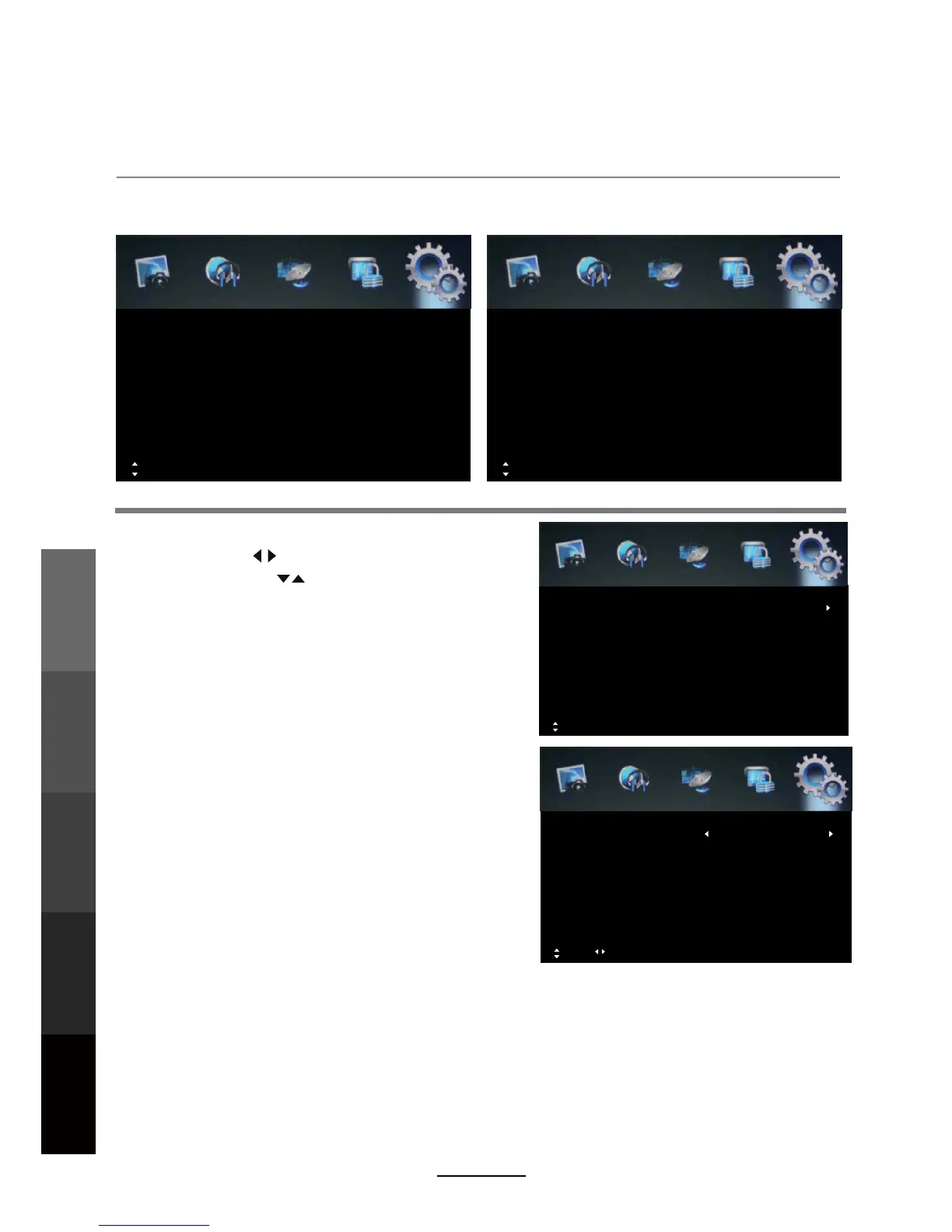
OSD Menu
5. Setup menu
20
Description
The option settings allows alterations to the language and regional settings.
Time Settings:
Move OK: Select MENU: Return EXIT: Exit
Auto Sleep
Sleep Timer Off
ffOemiTDSO
Timer
Clock
Time Settings
Off
Clock: Use the buttons to select the
position, and the buttons to set the time.
NOTE: The time cannot be changed manually in
DTV mode because the clock is synchronised
with the broadcast signals received.
OSD Time: Lets you adjust the amount of time
the On Screen Menu stays on the screen
before disappearing.
Move Adjust MENU: Return EXIT: Exit
Time 00:00
Power Off Timer
Power On Channel - - -
VTDecruoSnOrewoP
Time 00:00
Power on Timer On
Time
Off
Time:
Time:
Set the power off time.
Power Off Timer: Turn on/off the power off timer.
Power On Channel: To select power on channel.
Power On Source: To select source: ATV / DTV
Time: Set the power on time.
Power on Timer: Turn on/off the power on timer.
Move MENU: Return EXIT: Exit
DVR Settings
HDMI CEC Control
Time Settings
Blue Screen
Teletext
Subtitle
Audio Languages
OSD Language
Setup
English
Off
Sleep Timer: Set the time span before the unit goes
to sleep from the following selections: 5min, 15min,
30min, 60min, 90min, 120min, 240min and OFF.
Auto Sleep: Turn the automatic standby function on/off. When activated, the unit will switch to
standby if it has not received any signal input for an extended period of time. (3/4/5 hours)
OAD
System Info.
Restore Factory Default
Setup
Move OK: Select MENU: Return EXIT: Exit
OSD Menu
Multimedia
Operation
Recording
Operation
Maintenance
DVD Operation
and Service



 To Next Page