15
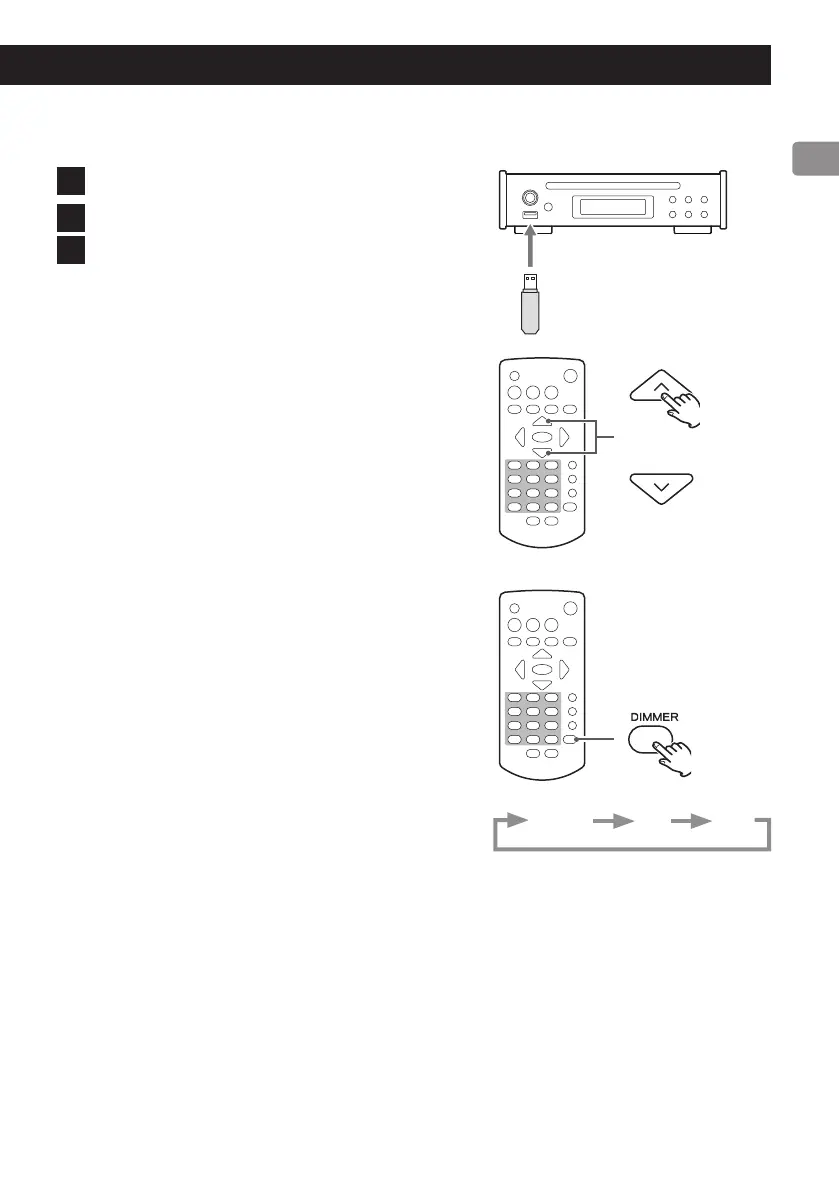
Playing files from a USB flash drive
1 Connect a USB ash drive to the USB port.
2 Use the skip (.//) buttons to select a track.
3 Press the play/pause (7/9) button.
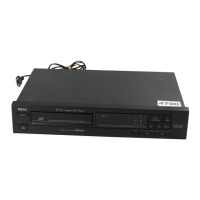
Selecting FM stations
Use the remote control scroll (k/j) buttons to
select preset stations.
If the current preset stations do not match the stations in your area,
follow the instructions in “Setting presets automatically” on page 25.
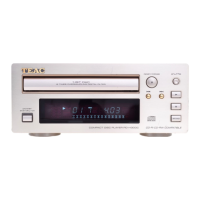
Dimmer
Press the remote control DIMMER button to cycle through display bright-
ness levels.
Ordinary Dim Dark



 To Next Page