14
Basic operation
Selecting the input source
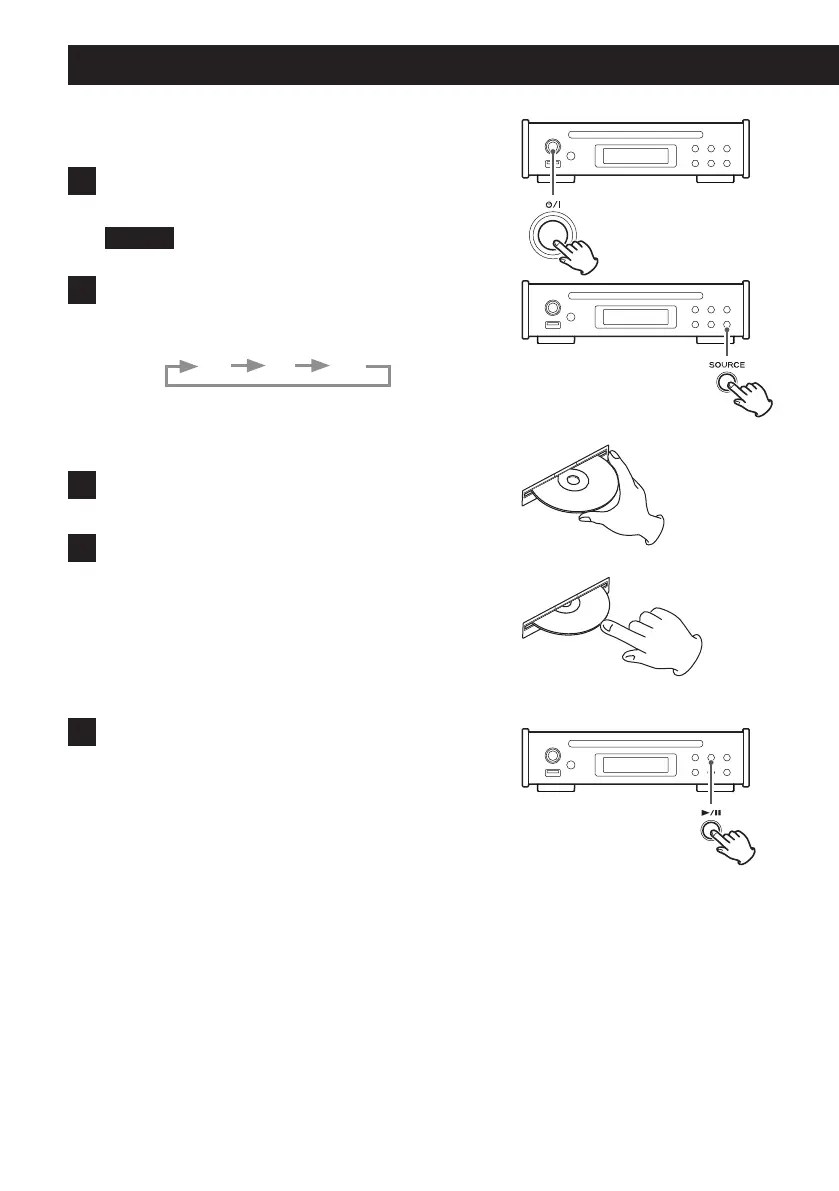
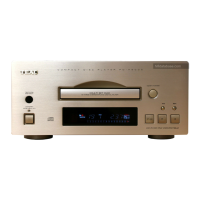
1 Press the standby/on (¤) button to turn the unit on.
When the unit is ON, the ring around the button lights blue.
CAUTION
In order to prevent sudden loud noises, turn the amplifier ON last.
2 Press the SOURCE button to select the input source.
Press the SOURCE button repeatedly to cycle through the inputs as
shown below.
CD FM USB
Playing a CD
1 Hold the disc by its edges with the labeled side up and
insert it partway.
2 Push the disc in further until just before it disappears.
It will automatically be drawn in to the slot.
If a disc becomes caught or is otherwise difficult to insert, do not
push it in forcefully. Press the EJECT (-) button and remove the
disc once before trying to reinsert it. (Pushing a disc forcefully could
damage the unit.)
o The input source will change to CD (unless USB playback is
active).
3 Press the play/pause (7/9) button.



 To Next Page