17
The formats that can be played back from each kind of media are as
follows.
CD: CD-DA (audio CD), MP3, WMA
USB: WAV, MP3, WMA, AAC
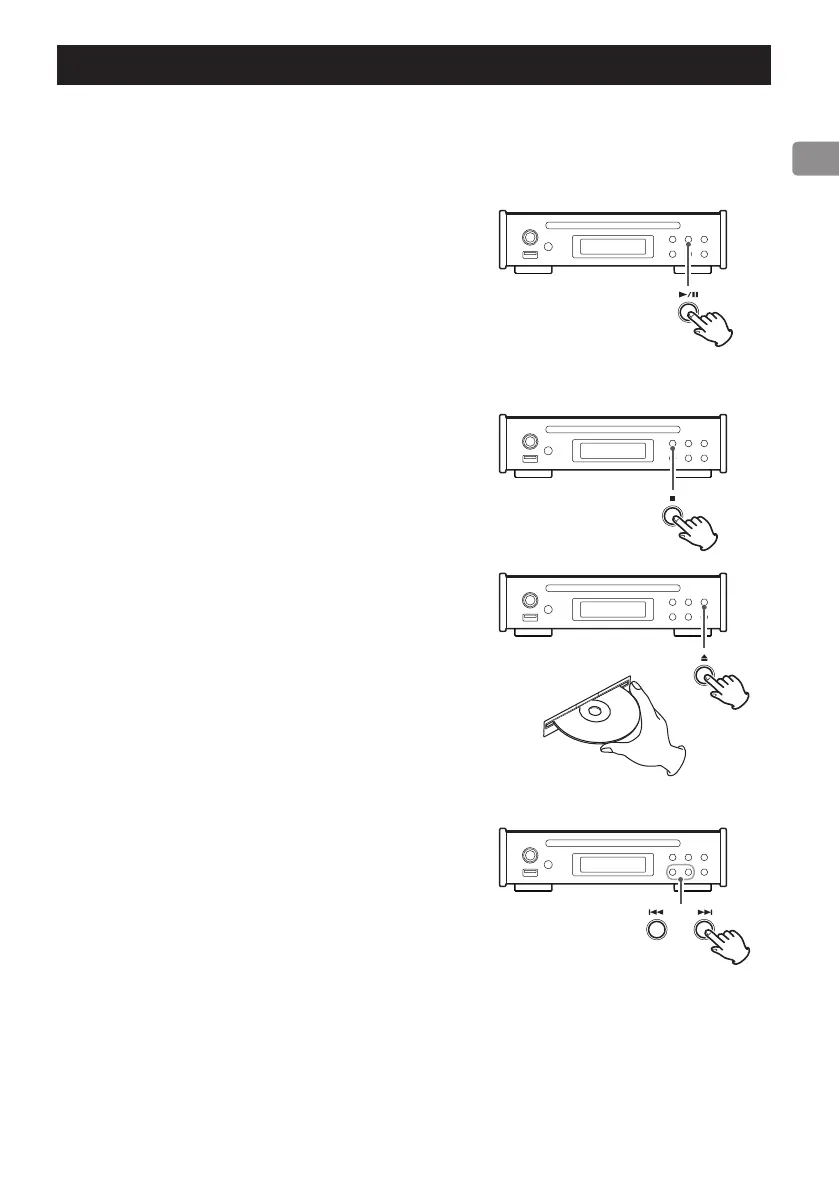
Starting playback
Press the play/pause (y/9) button.
During playback, PLAY appears on the upper line of the display.
Pausing playback
Press the play/pause (y/9) button to pause playback.
To resume playback from the position where it was paused, press the
play/pause (y/9) button again.
When paused, PAUSE appears on the upper line of the display.
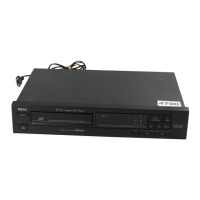
Stopping playback
Press the stop (8) button to stop playback.
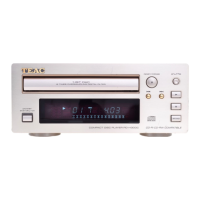
Ejecting a disc
When playback is stopped, press the eject (-) button.
The disc will be partially ejected. Hold the disc by its edges and pull it
out.
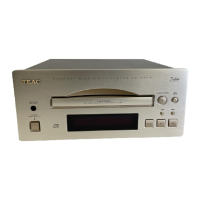
Skipping to search for a track
Press a skip (.//) button to skip to the previous or next track.
o During playback, press the . button once to return to the begin-
ning of the current track. When you want to play an earlier track,
press the . button repeatedly until you reach that track.
o During program playback, tracks from earlier or later in the program
will be played back.
Searching for part of a track
Press and hold a skip (.//) button to search backward/forward.
Release the button when you find the desired part.
Press a remote control search (m/,) button to search backward/
forward. Release the button when you find the desired part.
Listening to files on a CD or USB flash drive



 To Next Page