22
Listening to files on a CD or USB flash drive (continued)
Checking and changing the program
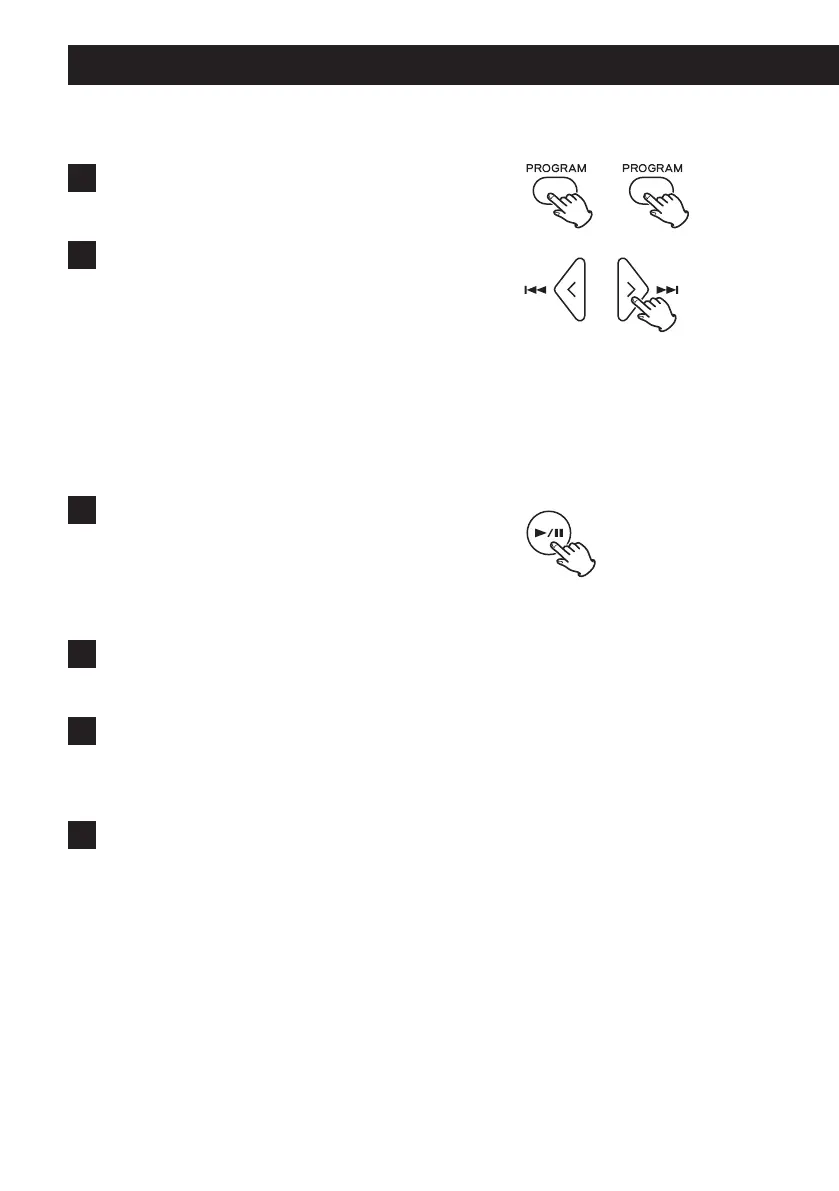
1 Press the PROGRAM button twice.
MEM and the program number blink.
2 Use the skip (.//) buttons to change the pro-
gram number and check track numbers.
Changing the program
1. Show the track that you want to change.
2. Press the PROGRAM button.
3. Select a track and press the PROGRAM button to add it to the
program in place of the original track.
Removing a track from the program
1. Show the track that you want to remove.
2. Press the CLEAR button.
3 Press the play/pause (y/9) button to start program
playback.
Adding tracks to the program
1 Press the PROGRAM button.
MEM and the program number blink.
2 Select a track and press the PROGRAM button to add
it to the program.
Repeat to add more tracks as desired.
3 Press the play/pause (y/9) button to start program
playback.



 To Next Page