TROUBLESHOOTING
If you are experiencing any issues with your device please refer to the below table for a soluon.
ISSUE POSSIBLE CAUSE/SOLUTION
No power/funcon
Check if the power is switched on or o at the wall.
Check whether the power adaptor is
properly connected to the power outlet.
No sound
Check whether cables are properly installed. If they
are, please try an alternave cable to connect to your
TV if possible.
Check unit is out of standby mode.
No sound from Bluetooth connecon Forget the soundbar from your device and reconnect.
Funcon disturbance
Switch o and unplug the unit. Leave it for 2 minutes
and switch it on again. If a parcular mode is causing
problems, please try an alternave connecon to
your TV such as Opcal or Bluetooth.
Remote control does not work properly
Check whether the baery has run out or not.
Replace with a new one if necessary.
Check whether there is an obstacle in
front of the remote sensor.
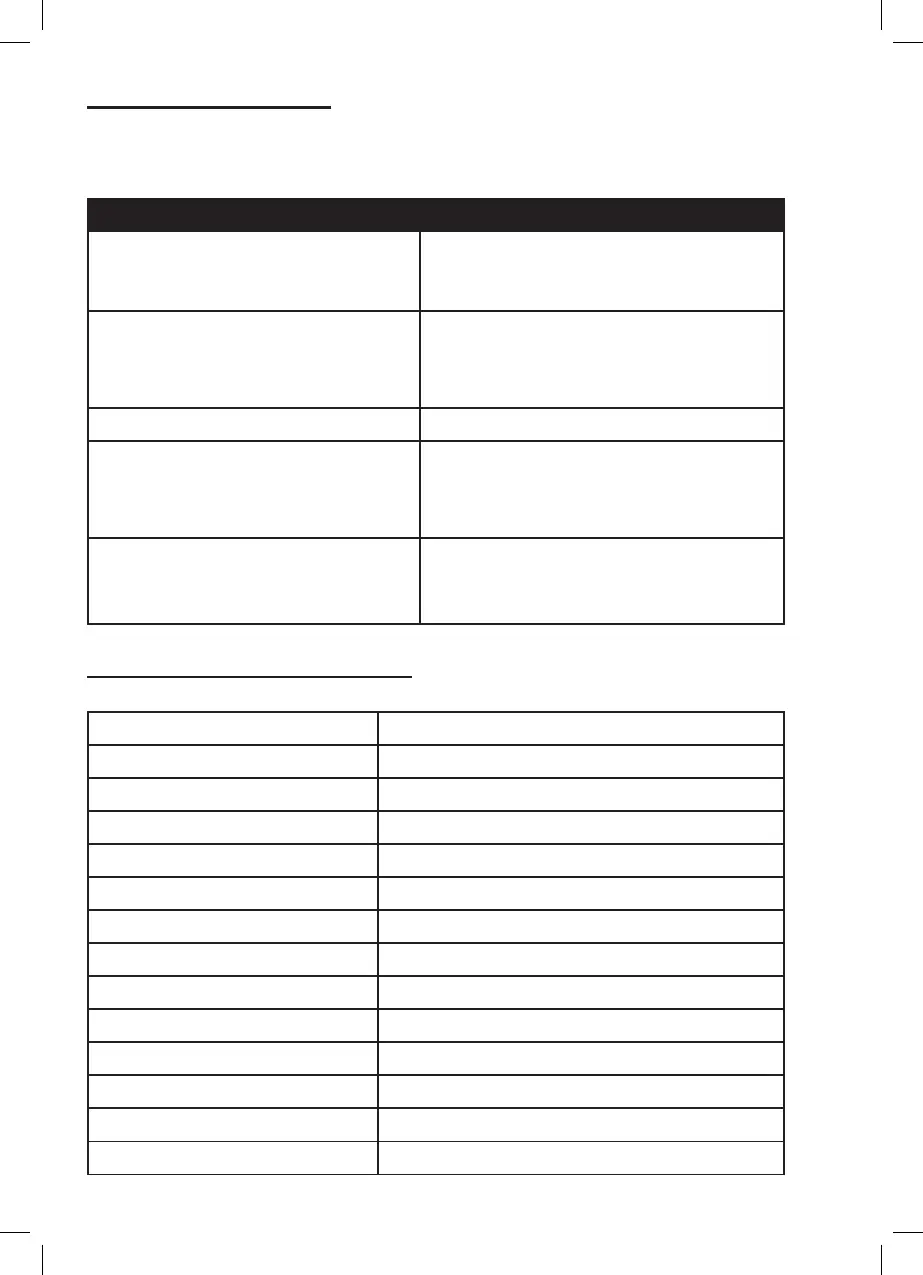
Power Supply (Soundbar) DC 18V / 1.3A
Power Supply (Wireless Subwoofer) DC 18V / 1.3A
RMS Power 52W (Soundbar 2 x 13W + Subwoofer 26W)
Speaker Output Power 90W (Soundbar + Subwoofer)
Speaker Size & Number (Soundbar) 2.0” Full range speaker x 4
Speaker Size (Subwoofer) 5”
Bluetooth Version 5.0
Bluetooth Distance 10M
Frequency Response 70HZ - 18KHZ
Working environment -10~ +55C
Audio Input AUX In / Line-in / USB / Bluetooth
Soundbar Dimensions 95 x 5.5 x 6.5cm
Wireless Subwoofer Dimensions 13.5 x 25 x 35cm
Net Weight (Soundbar + Subwoofer) 4.45kg
PRODUCT SPECIFICATIONS


 To Next Page