CONNECTING THE SOUNDBAR AND SUBWOOFER
USING THE BLUETOOTH FUNCTION
Pairing a Bluetooth Device for the First Time
1. Press the POWER buon on the unit or the POWER buon on the remote control to switch on
the unit.
2. Select and press the MODE buon repeatedly on the remote control unl in Bluetooth mode
or press the Mode buon repeatedly on the sound bar to enter Bluetooth mode.
3. Using the nave controls on your Bluetooth device, select the “SB21204WS” in your Bluetooth
sengs to pair.
4. When successfully paired and connected, a beep will issue from the unit. Aer inial pairing,
the unit will stay paired unless unpaired manually by the user.
5. If your device becomes unpaired or is unable to connect, repeat the above steps.
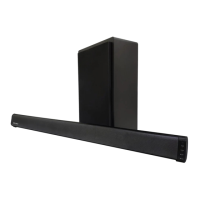
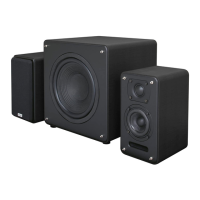
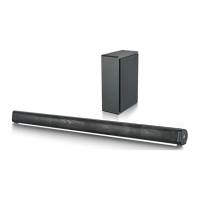
The subwoofer and soundbar will wirelessly connect to each other for a surround sound experience.
This allows you to place the subwoofer within the corner of the room to ensure that the sound from
your TV lls the room.
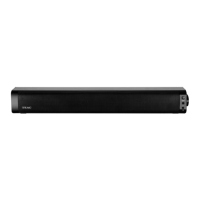
To connect them together, please ensure that your soundbar is being mains powered and switched
‘ON’ for inial set up. To do this, press the Power buon on the unit or the POWER buon on the
remote control .
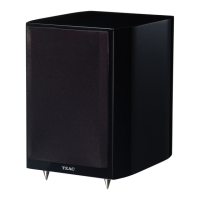
Follow by plugging the subwoofer into a power source, and turning it ON via the power switch
(Subwoofer).
The subwoofer and soundbar should then automacally connect via wireless Bluetooth connecvity.
If you are having connecvity issues, please move the subwoofer closer to the soundbar for set up.


 To Next Page