18
Basic Operation
The button of the selected source will
light.
< To listen to an external source connected
to the AUX IN jack, press the AUX
button.
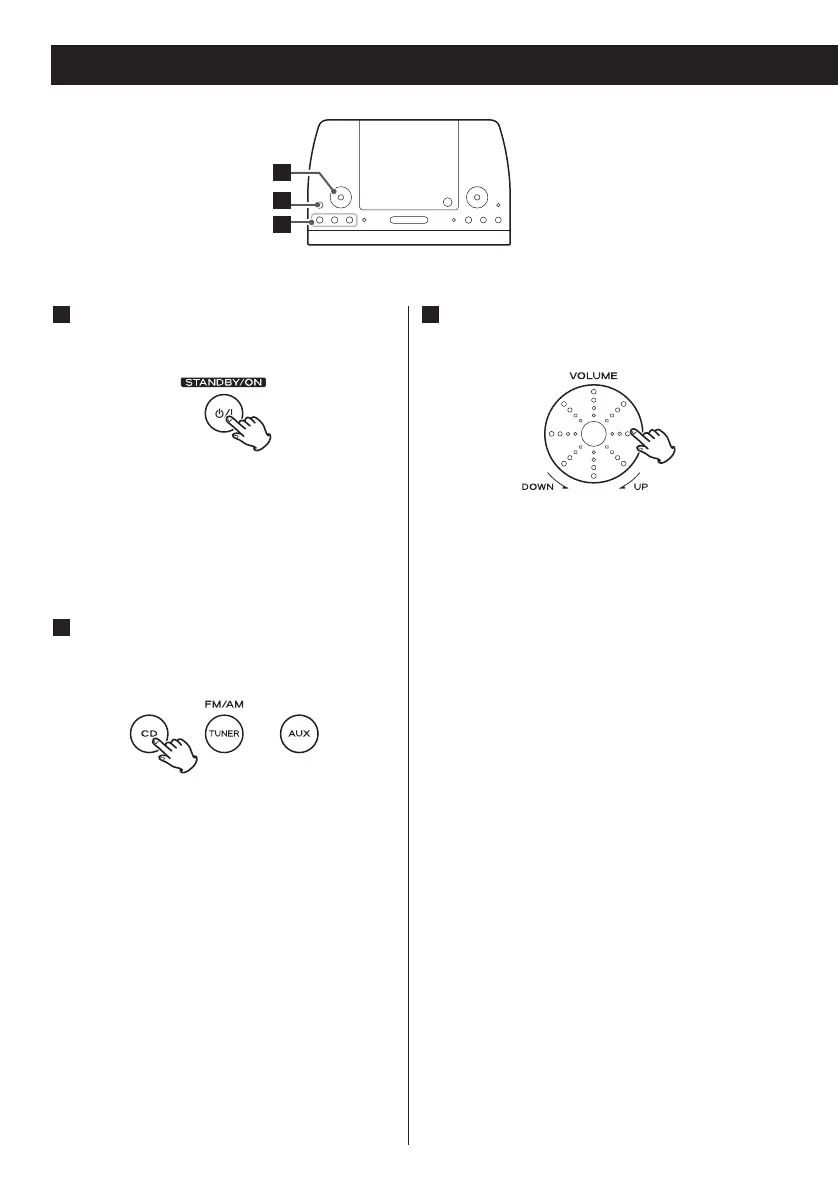
Press the STANDBY/ON switch to
turn the unit on.
1
< The unit turns on with the source that
was last selected.
< You can also use the CD, TUNER or AUX
button to turn the unit on.
Press the CD, TUNER or AUX button
to select a source.
2
The volume is adjustable from MIN (00)
to MAX (40). You can hold down the
VOLUME – or + buttons of the remote
control unit to reduce or bring up the
volume continuously.
Play the source, and adjust the
volume using the VOLUME rotary
knob.
3



 To Next Page