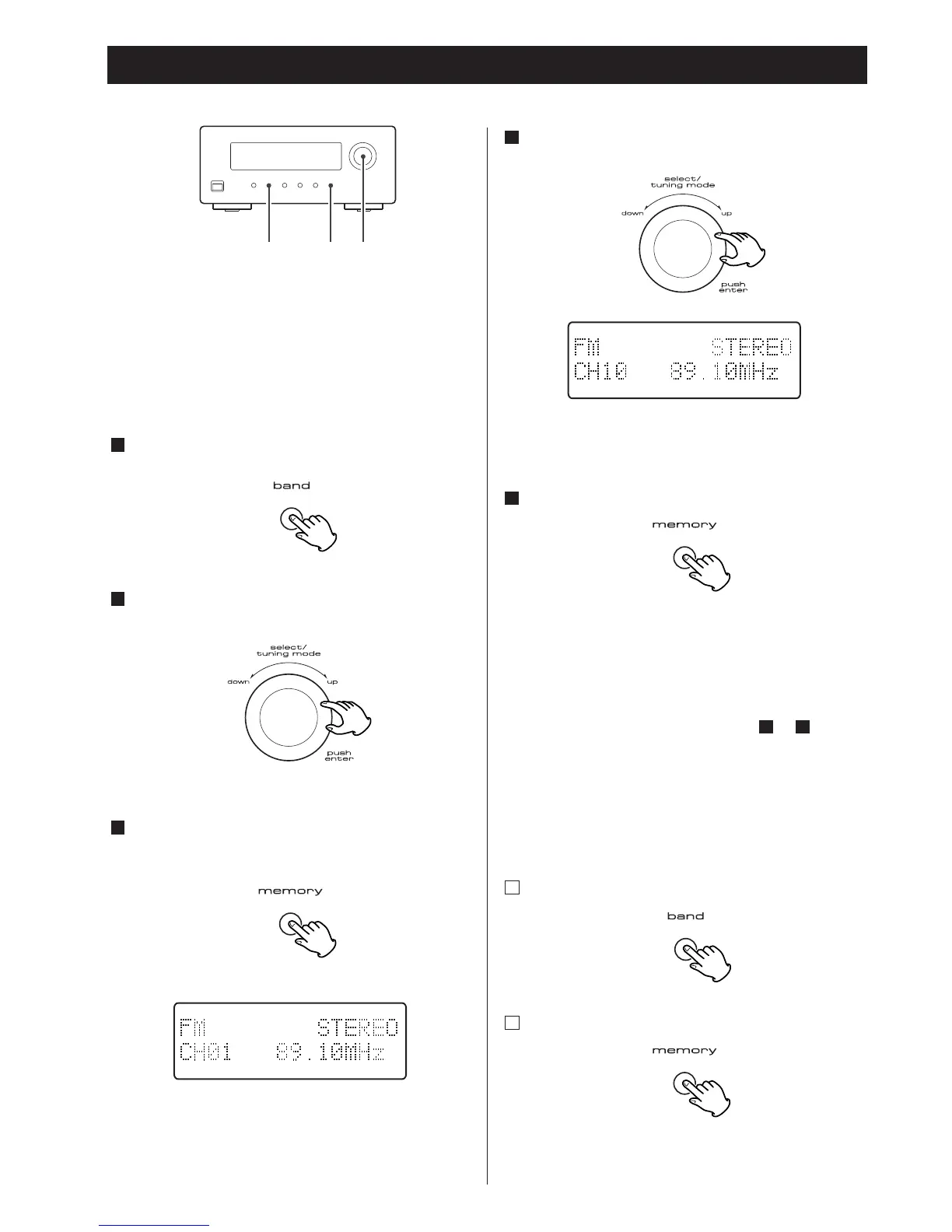
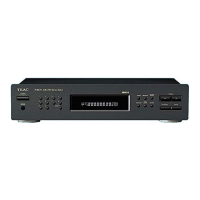
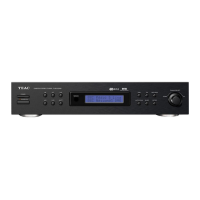
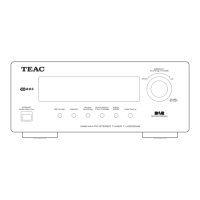
Select a preset channel to store the station by
turning the SELECT/TUNING MODE knob.
>
Preset channels can also be selected by the numeric
buttons on the remote control unit.
Within 4 seconds, press the MEMORY button.
>
If you don’t press the memory button within 4
seconds after selecting the channel:
With DAB: the station will be automatically stored.
With FM/AM: the selection will be canceled.
To store more stations, repeat steps to .
Preset Auto (FM/AM)
Select AM or FM by pressing the BAND button.
Press the MEMORY button for more than 3 seconds.
Up to 30 of the best received stations in your area
will be stored automatically.
2
1
51
5
4
18
Presetting
Preset Manuallly (FM/AM/DAB)
You can store FM and AM stations from Channel 1 to 30
respectively.
Select DAB, AM or FM by pressing the BAND button.
Tune in a station.
Press the MEMORY button briefly.
3
2
1


 To Next Page