4
TUNER
(LINE IN)
REMOTE CONTROL
RL
B
A
F
E
D
GC
Connection
B
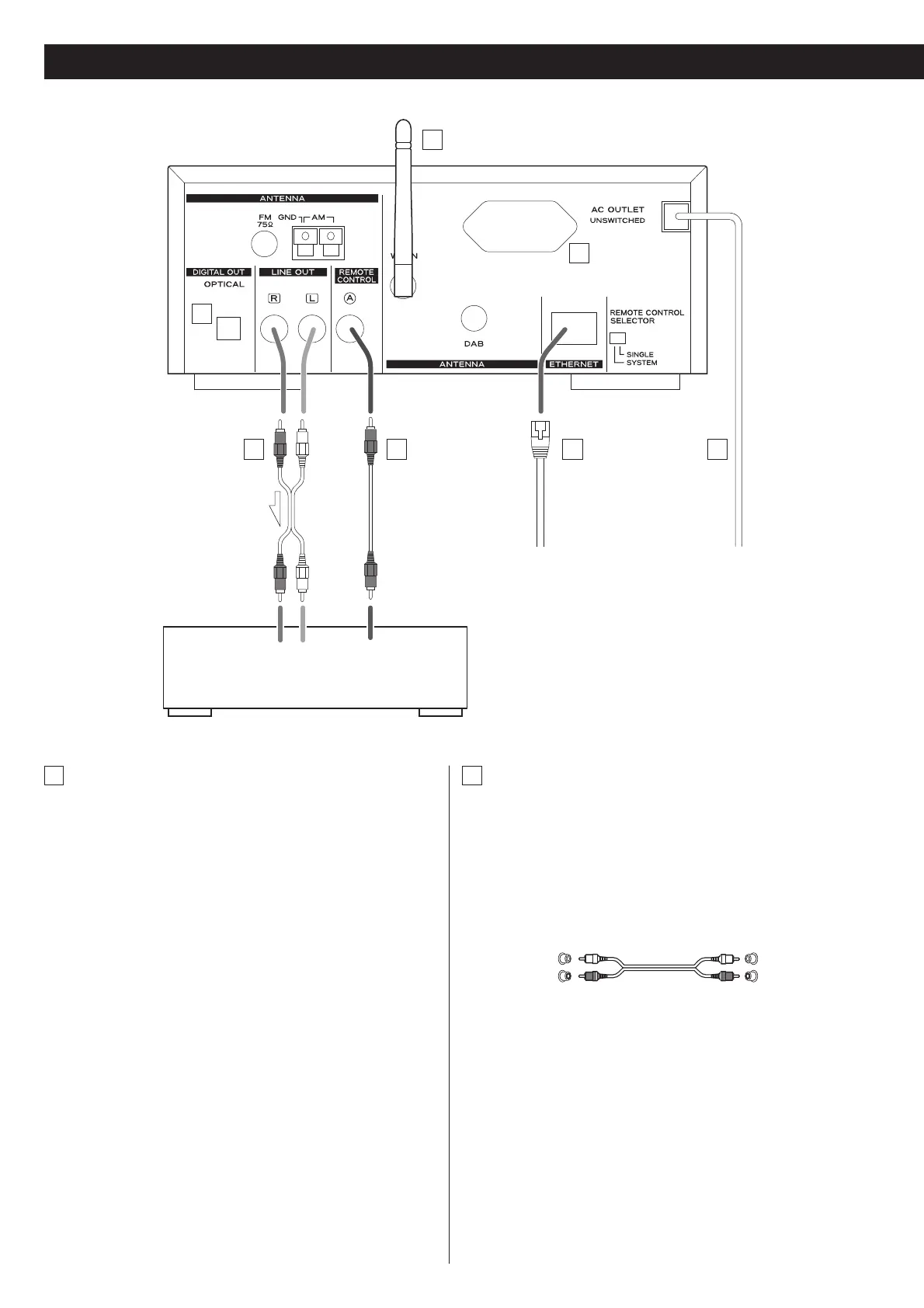
LINE OUT jacks
These jacks transmit an analog 2-channel audio signal. Connect
these jacks to the TUNER jacks of the amplifier (A-H380) with a
stereo RCA pin cable.
Make sure to connect the cable as follows:
white plug q white jack (L: left channel)
red plug q red jack (R: right channel)
< Be sure to insert each plug securely. To prevent hum and noise,
avoid bundling the signal interconnection cables together with
the AC power cord or speaker cables.
A
DIGITAL OUT terminal
Digital audio signal of DAB, Internet radio and the Music Player
is output from this terminal. If you want to record digitally, or
decode the signal using an external digital decoder, connect
to the digital input terminal of a digital recording device or a
decoder using a commercially-available optical digital cable.
< When inserting the plug of the optical cable, the protective
shutter of the terminal will open and you should hear it click
into position when fully inserted. Be careful that you do not
force the plug, because this could result in damage to the
protective shutter, the cable, or the unit itself.
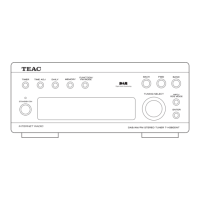
T-H380DNT
A-H380
White (L)
Red (R)
White (L)
Red (R)
CAUTION:
< Switch off the power to all equipment before
making connections.
< Read the instructions of each component you
intend to use with this unit.


 To Next Page