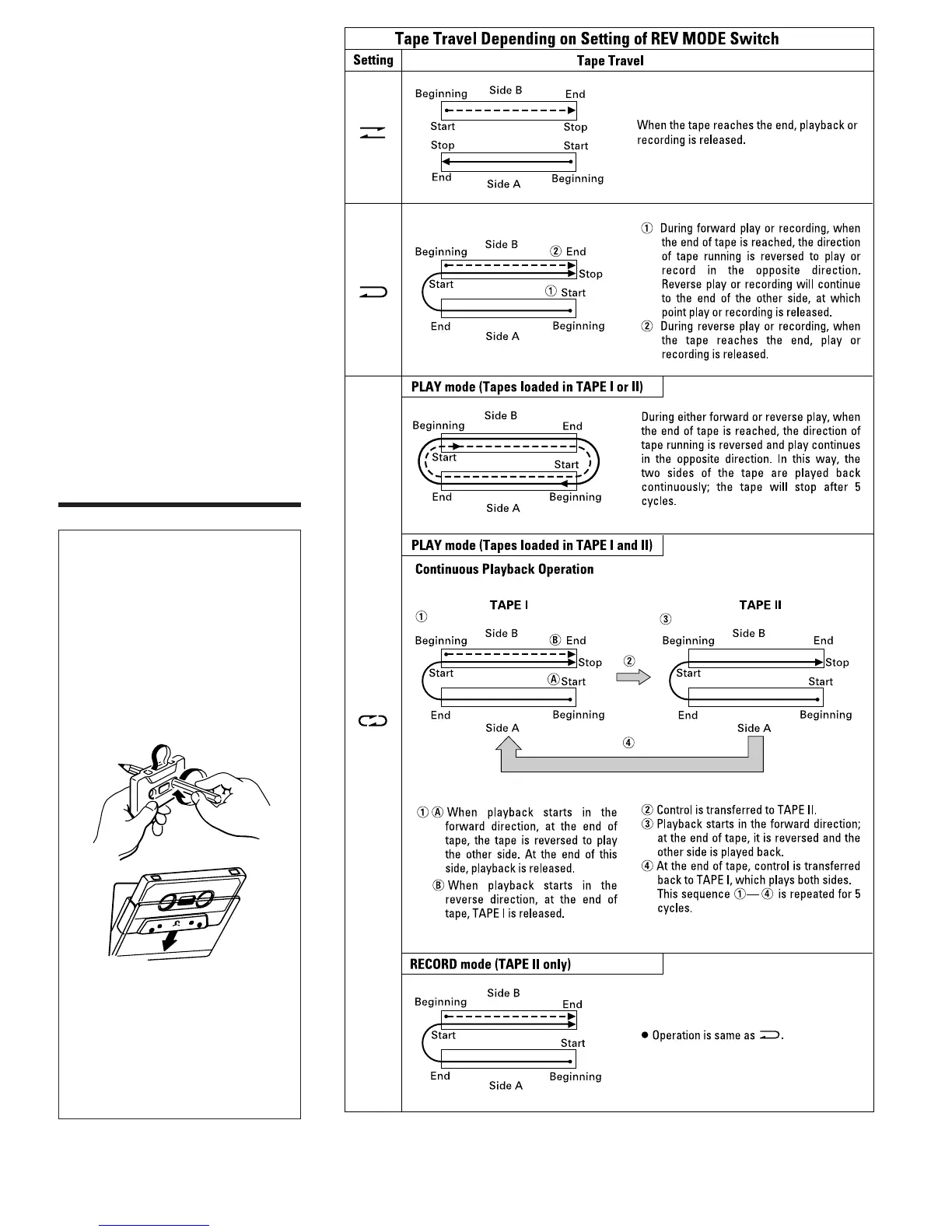
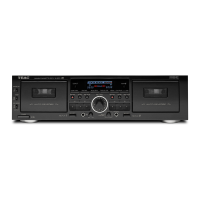
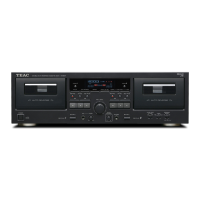
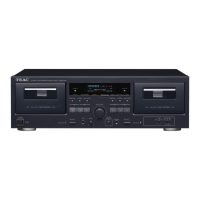
w PAUSE Button (TAPE II only)
e REC (Record) MUTE Button
(TAPE II only)
(See page 7.)
r EJECT Button (TAPE I/TAPE II)
t Tape Operation Buttons
(TAPE I/TAPE II)
: Rewind/CPS Button
Ò : Fast Forward/CPS Button
∑ : STOP Button
” : Reverse Play Button
∏ : Forward Play Button
y REC (Record) LEVEL Control
(TAPE II only)
(See page 7.)
u PITCH CONTROL (TAPE I only)
(See page 6.)
i PHONES Jack
Connect 8-ohm stereo headphones to this
jack for private listening or monitoring.
_
5
_
Operations
Loading a Cassette Tape
1. Use your finger or a pencil to turn the
cassette's hub and take up any slack
tape.
Note: Avoid touching the tape.
Fingerprints attract dust and dirt.
2. Press the eject button (∫)* to open
the cassette compartment door.
3. Load the cassette tape with its open
edge facing down.
4. Gently close the compartment door.
*Notes:
● The cassette holder cannot be opened
during recording or playback.
● If the power has been switched off
during play or recording, ejecting the
cassette may be impossible. In such a
case, switch the power on and press
the eject button again.


 To Next Page