10
Pairing
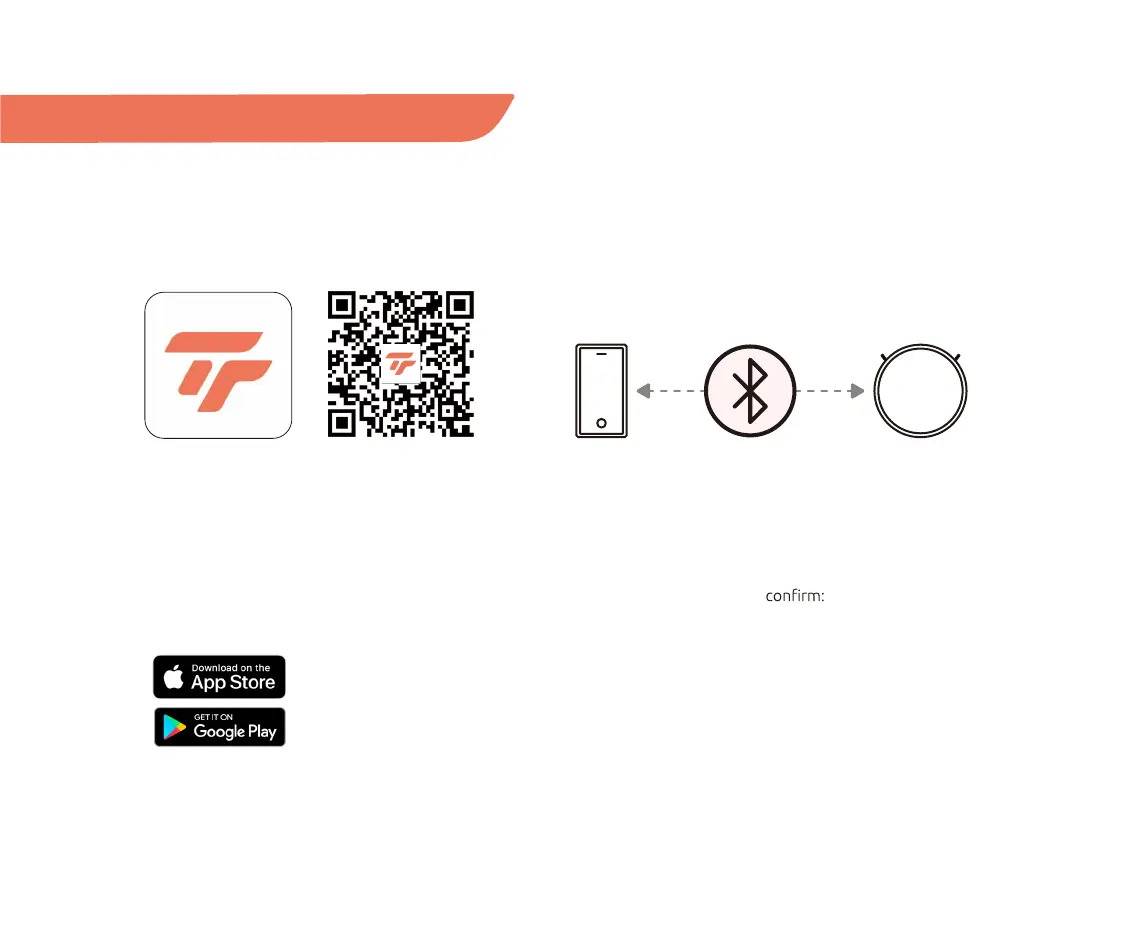
Download Tecbot Home App
Download our Tecbot Home App by scanning the
QR code or searching on the App Store or Google Play
to enjoy all the functions of your TECBOT S1 Series
wherever you are.
Automatic pairing via Bluetooth
Your Tecbot S1 Series will automatically try to pair with
your mobile device via Bluetooth. Please ensure your
Bluetooth connection is turned ON on your mobile
device. In addition, please
• Your Wi-Fi router supports a 2.4 GHz frequency band.
• Your mobile device or tablet is connected to the Wi-Fi
network of 2.4 GHz frequency band.
• Your mobile device or tablet operating system is up
to date.
Automatic pairing (Bluetooth)


 To Next Page