18
DAN
NOR
FIN
SWE
ENG
POL
RUS
ENG
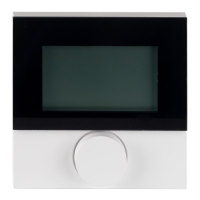
Device overview
Description Steps
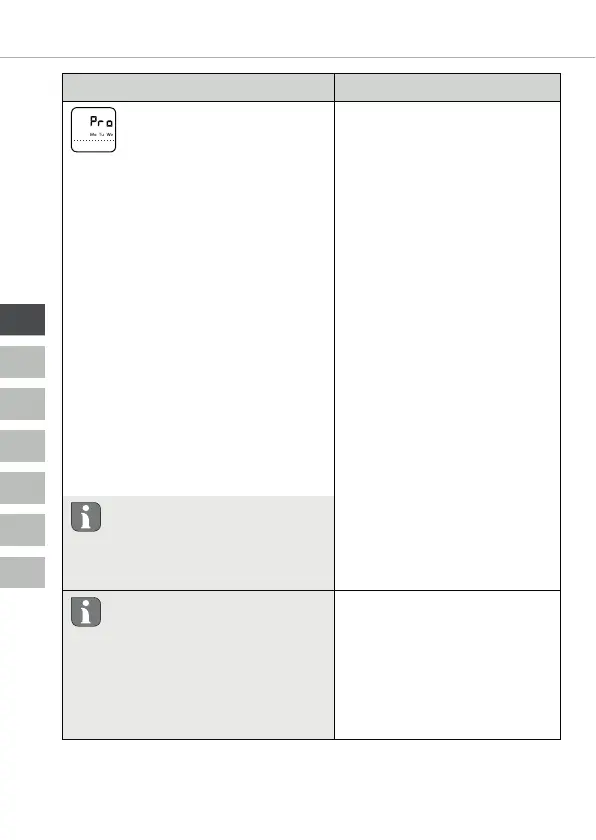
Comfort programs
In automatic operation there
is a control with the switching
times of the comfort programs:
• Week (Mon–Sun)
• Weekdays (Mon-Fri)
• Weekend (Sat–Sun)
• Day (Mon, Tue, Wed, Thu, Fri, Sat,
Sun)
Every weekday can include four
switching times (P1 - P4). After reach-
ing the starting time, the comfort
temperature is adjusted. Outside the
switching times control is performed
according to the reduction tempera-
ture. The predefined switching times
can be adapted individually:
Mon–Fri: 6.00 am - 8.00 am
3.00 pm - 10.00 pm
Sat - Son: 8.00 am - 10.00 pm
¾ Confirm the selection
by pressing.
9 The display switches to the
comfort program overview;
the display indicates “day”.
¾ Select and activate a
comfort program.
¾ Select a switching
time P1 to P4.
¾ Set the start time
and the end time by
rotating and apply by
pressing.
¾ Return to the comfort
program overview
with “BACK”.
¾ Set further switching
times or change to
the Settings menu
with “BACK”.
Delete switching time
The start and end times must be
set identically in order to delete
a switching time (e.g. P3) (see
steps on the right).
• Automatic operation must be
activated.
• The comfort and reduction
temperatures must be set in
the Settings menu.
• The current time indications
must be set.


 To Next Page