EN © 2020 techBite. All rights reserved. ARC 11.6 64GB HD
44
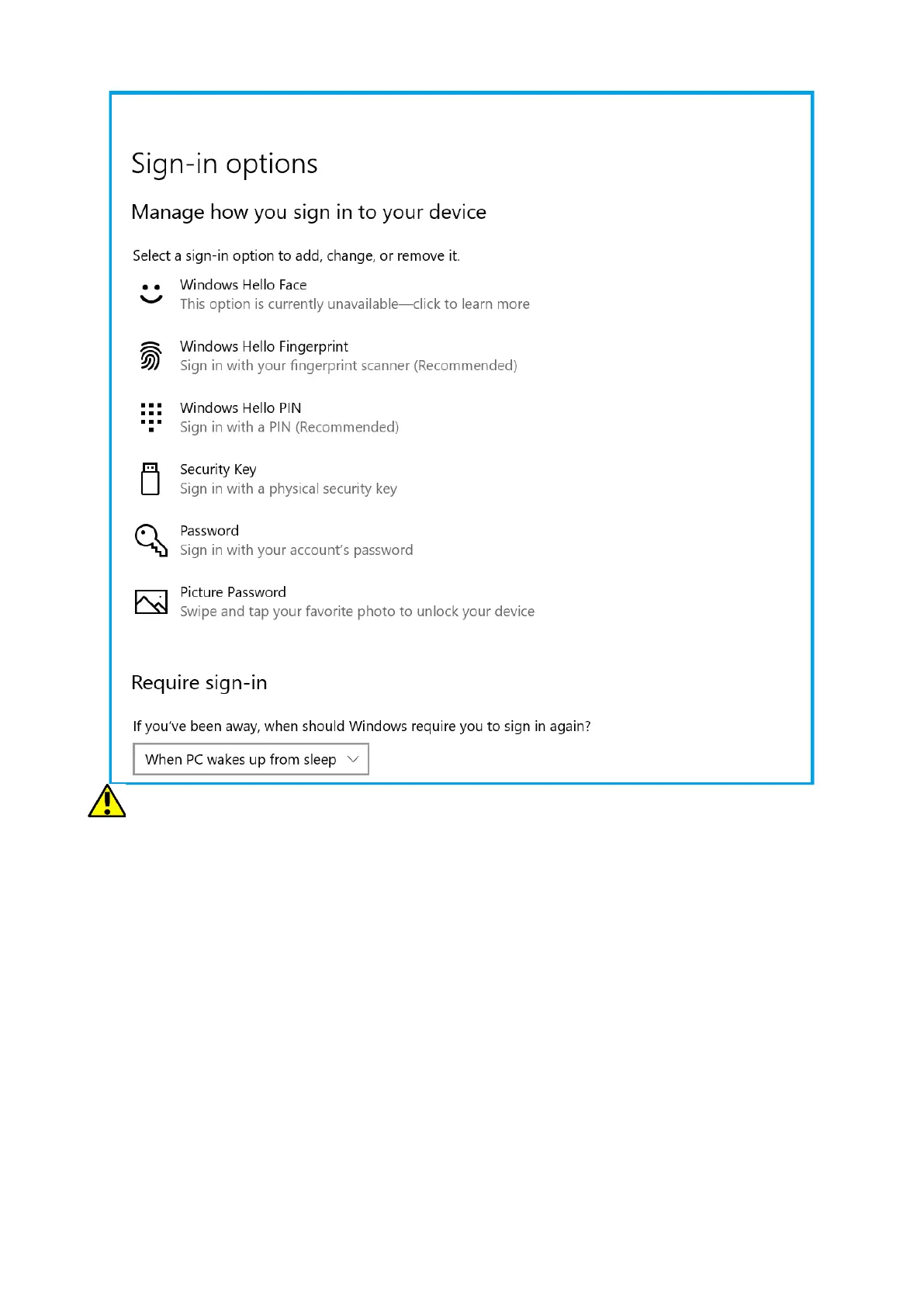
In order to use other login options you need to set a password to your account.
13.2 Fingerprint reader
The device is equipped with a fingerprint reader located in the upper left corner
of the touch panel. It can be used to protect your operating system from
unauthorized access in the same way as a password, PIN code or other form of
security. To enable and configure this function, run the following:
Start > Settings > Accounts > Login options.
A screen such as the one shown above will appear.
Select option Windows Hello Fingerprint. The screen as shown below will
appear.


 To Next Page