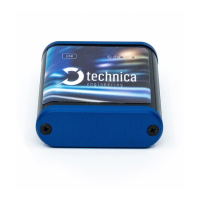
USB-100BASE-T1 Converter User Manual
2 HARDWARE INTERFACES
2.1 Connectors
On the label on top of the device you can see an overview about all HW-Interfaces of
the USB-100BASE-T1 Converter.
2.1.1 Black MQS Connector
The pinning of the ECU connectors is listed on the label on top of the device as well.
(See Figure 2—1).
The Connector color is black.
The Tyco Electronics (TE) Micro Quad Lock System (MQS) is used.
Tyco, MQS Buchsengehäuse 3 Pol
Table 2—1: Parts of black MQS connector
Note: You can use the official Tyco tool for these crimp contacts. A cheap variant is
the crimp tool for “PSK” contacts.
Figure 2—1: Label of USB-100BASE-T1 Converter with pinning information



 To Next Page