3 INSTALLATION
3.1 Driver Installation
A driver is available for following operating Systems:
• Linux x64
• Windows x32
• Windows x64
Download-link
https://technica-engineering.de/produkt/usb-100base-t1-converter/
Please follow the described steps for installation:
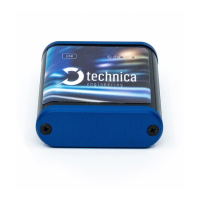
1) Connect your USB-100BASE-T1 Converter device to your computer and
browse your driver installation data folder
2) Run “USB_to BR_converter_driver_installation.exe” as an administrator, then
the driver installation wizard will appear.



 To Next Page