EasyManua.ls Logo

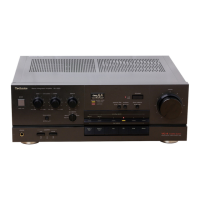
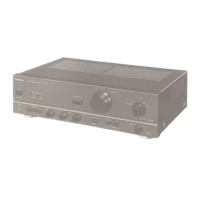
Technics SU-V2X - Component Board Disassembly; Input Selector P.C.B. Removal; Balance;Tone Control P.C.B. Removal; Power IC Removal

Technics SU-V2X
21 pages
Print Icon
To Next Page IconTo Next Page
To Previous Page IconTo Previous Page
Loading...
ae
How
to
remove
the
input
selector
P.C.B.
Procedure
|
1
Remove
the
3
screws.
(@~@)
3.
Remove
the
input
selector
P.C.B.
1
+3
+4
~
2.
Push
the
11
tabs.
(
(4)
®
)
Front
panel
Front
panel
Input
selector
P.C.B.
How
to
remove
the
balance/tone
control
P.C.B.
Procedure
1.
Remove
the
3
knobs.
5.
Remove
the
balance/tone
control
P.C.B.
1
+3
+5]
2,
Remove
the
3
nuts.
(Q@~®@)
3.
Remove
the
3
covers.
4.
Remove
the
1
screw.
(
@)
Balance/tone
control
P.C.B.
.
*)
Balance/tone
>
nobs
Cover
control
P.C.B.
,
Front
chassis
oY
No.
|
How
to
remove
the
power
IC
:
argu:
1,
Unsolder
the
power
IC.
za
2.
Remove
the
2
screws
(@,
@)
Rear
panel
Power
IC
When
mounting
the
power
amplifier
IC,
apply
silicon
compound
(SZZOL15)
to
the
rear
of
the
power
amplifier
IC.
Screwdriver

Related product manuals