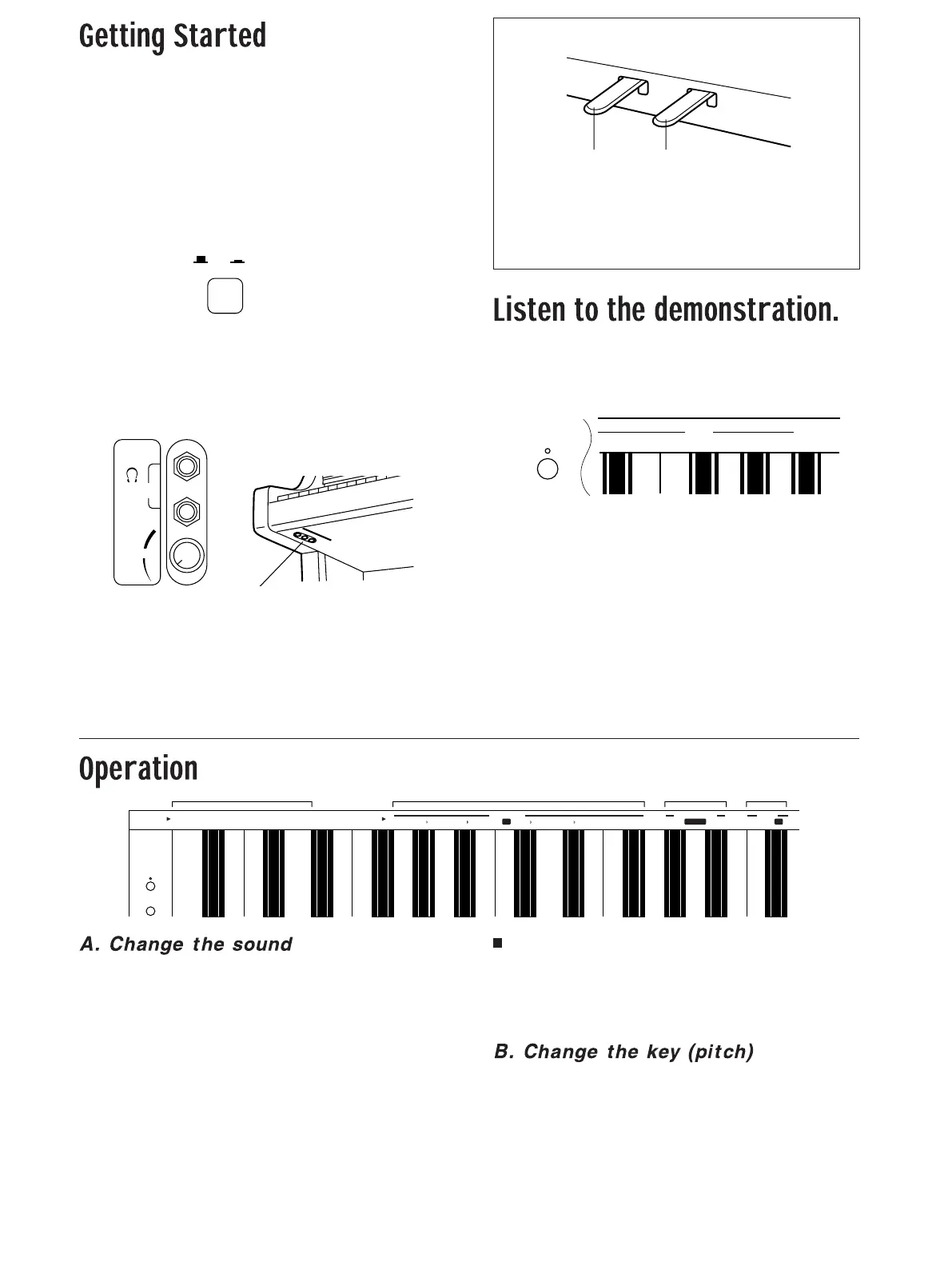
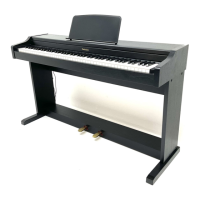
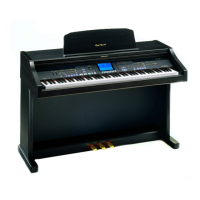
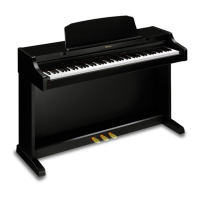
1.Plug the power cord into the wall socket.
2.Install the music stand (included).
• Insert it into the two holes.
3.Open the keyboard cover.
• Open and close the cover gently.
4.Turn on the POWER button.
• The indicator lamp at the left on the front of the piano lights
up when power is on.
• You can now play the keyboard for a piano performance.
5.Adjust the loudness with the VOLUME
control.
• One or two headphones sets can be connected to the
PHONES jacks. (The speakers are automatically switched
off.)
⇒ While pressing the MODE SET button (to the
left of keyboard), press one of the keyboard
keys that corresponds to an indicated DEMO
number.
1: GRAND PIANO demonstration
2: UPRIGHT PIANO demonstration
3: E.PIANO demonstration
4: HARPSI demonstration
5: PIPE ORGAN demonstration
6: STRINGS demonstration
MEDLEY: A medley of all the tunes
• To discontinue the demonstration while it is playing, press
the MODE SET button.
• The MEDLEY will repeat continuously until the MODE SET
button is pressed.
• The indicator for the MODE SET button flashes during the
demonstration performance.
⇒ While pressing the SOUND button, press one
of the keyboard keys that corresponds to an
indicated SOUND name.
• Alternatively, each time you press the SOUND button, the
sound changes to the one indicated to the right of the
sound that is currently active. (If STRINGS is the currently
active sound, the sound will change to GRAND PIANO.)
• In the initialized state (the settings in effect when the
instrument is turned on), the GRAND PIANO sound is
selected.
Mix two sounds
⇒ To mix two different sounds, while pressing the
SOUND button, press the two keys for the
desired sounds.
• Both sounds are produced when you play a key.
⇒ While pressing the MODE SET button, press
the keyboard key to specify the key you wish
to change to (TRANSPOSE). The pitch of the
instrument changes in semitone increments.
• When a keyboard key is pressed, the MODE SET indicator
flashes.
• In the initialized state, the key is C.
POWER
OFF
ON
(Right side of keyboard)
PHONES
VOLUME
MIN
MAX
(Beneath the keyboard, left side)
Sustain pedalSoft pedal
Pedals
Sustain pedal
The sound fades gradually after the keys are released.
Soft pedal
The tones are softened, and the volume is slightly lower.
123456
MEDLEY
DEMO
MODE SET
GRAND
PIANO
UPRIGHT
PIANO
E.PIANO
HARPSI
PIPE
ORGAN
STRINGS
G
ABB
AD EF
F#
D
E
LIGHT HEAVY
TOUCH SENSITIVITY
OFF
REVERB
TRANSPOSE
SOUND MODE SET
C
NORMAL
ON
SOUND
MODE SET
AB C D


 To Next Page