Thevideowillnowstream.
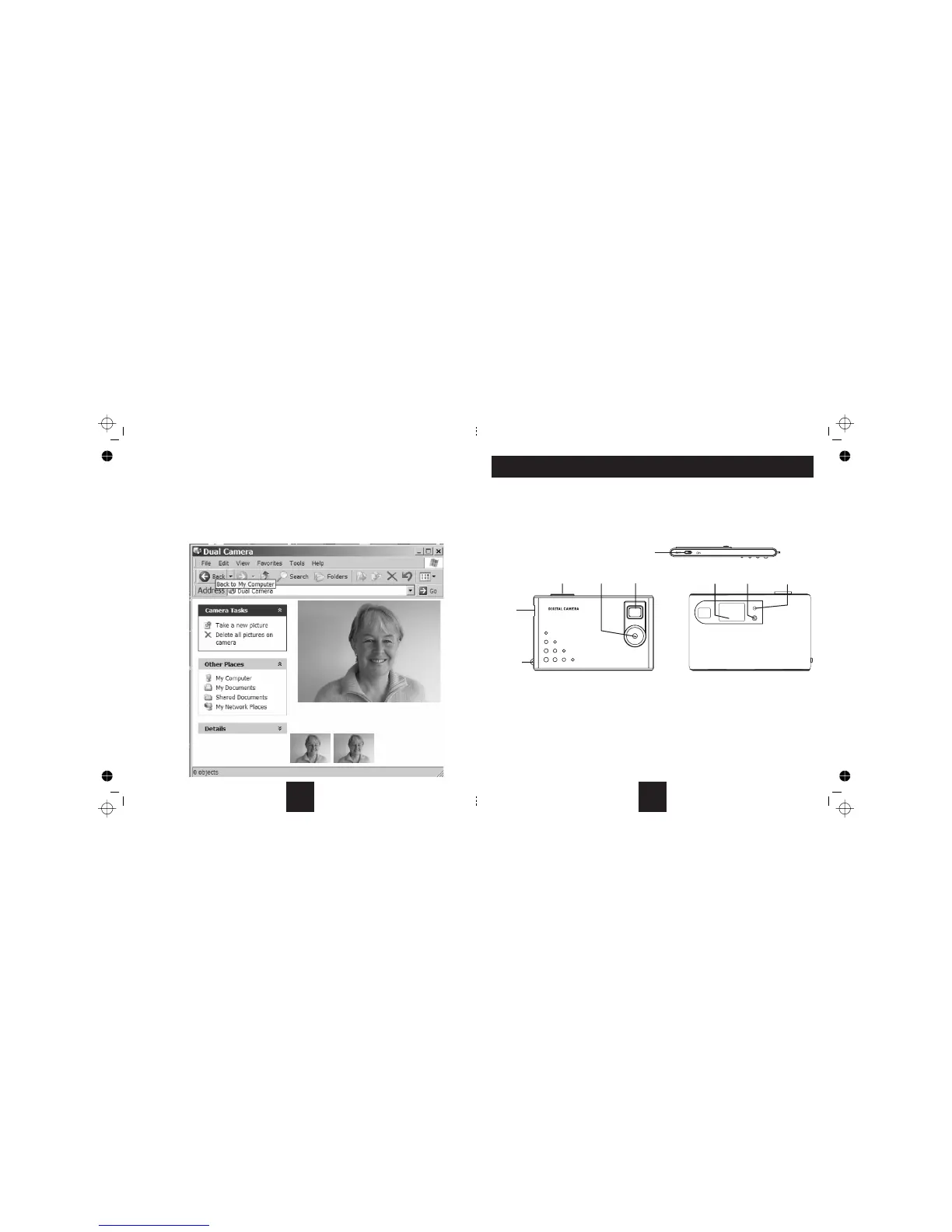
: Click on thisto capture a picture.Thepicture appears atthebottom of the screenasa thumbnail. You can now
savethepicturetoyourharddriveusingthemethodoutlinedpreviously.
Click this option to delete the captured video images. This operation will delete anypictures
actuallystoredinthecameramemory.
Whenyouhavefinished:UnplugthecamerafromthePC.MakesurethattheON/OFFswitchisintheOFFposition.
Camera Tasks
Take a newpicture
Delete allpictures on camera: not
18
PackageContents
1- 2- 3- 4-
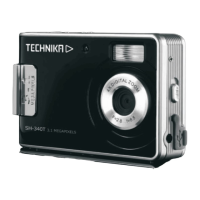
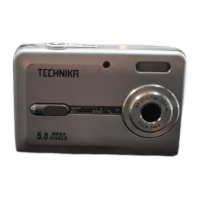
• TheCamera;CarryStrap;InstallationDisc;USBCable;thismanual
• Unpack and examine the contents. If any items are damaged or missing return the product to your nearest TESCO store for
attention.Pleasehaveyourreceiptreadywhenyoucall. If you dispose of the packaging, do so with regard to recycling regulations
inforceinyourarea.
ABOUTYOURCAMERA
• The camera hasanonboard battery and8MB memory which canhold about 25 picturesin high resolution(640x480pixels)
and102picturesinlowresolution(320x240pixels).
• Youcanusethecameratotakestillpictures,streamingvideo,andasawebcamifyouhavesuitablesoftware.
Installthesoftware Chargetheinternalbattery Operatethecamera Viewanddownloadyourpictures
•
INSTALLATIONAND OPERATION
Thisprocessisdividedintofoursections
Thesoftwaremustbeinstalledbeforeyoucandownloadyourpicturesandusetheotherfunctions.
PRELIMINARIES
USB
SOCKET
STRAP
HOOK
SHUTTER LENS
VIEWFINDER DISPLAY
LED
INDICATOR
MODE
BUTTON
ON/OFF
SWITCH
3



 To Next Page