23
ENFRESITGRNLNODASVFIPLCZHURU
PVR Recording
7.1.1 Immediate recording
> Turn the programme/source on from which you would like to carry out a recording.
> Press the Record key to record the current programme.
> If you want to stop the playback of the current broadcast at a specic place,
press the Pause/Playback key.
> If you want to continue replaying the broadcast from this position
all you have to do is press the Pause/Playback key once again.
You will now be watching a time delayed live broadcast (TIMESHIFT),
whilst the actual programme is still being recorded in the background.
7.1.2 TIMESHIFT Recording
> If you have to interrupt viewing your programme, for example, because of a telephone call,
etc., just press the Pause/Playback key to stop this programme from being played
and to start recording the current programme at the same time.
> If you want to continue replaying the broadcast from this position all you have to do is press
the Pause/Playback key once again. You will now be watching a time delayed live broadcast
(TIMESHIFT), whilst the actual programme is still being recorded in the background.
7.1.3 Stopping recording manually
> First select the recording you want to stop, by calling the Navigator with OK,
select Recording with the Arrow keys and acknowledge with OK.
> Now press the Stop key.
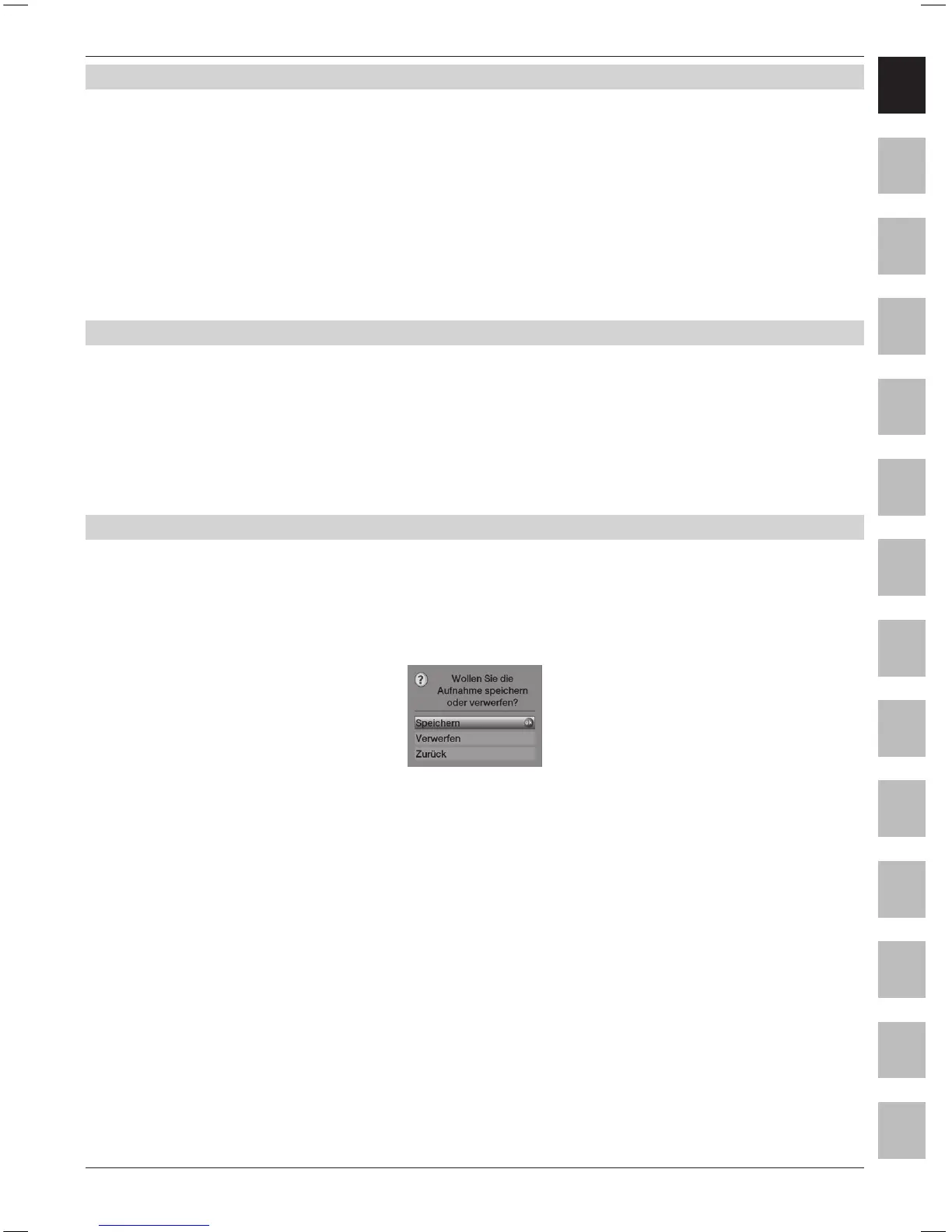
The “Do you want to save or delete the recording?“ query will now be displayed.
> Select Save with the Arrow keys up/down, in order to store the recording
on the hard disk or Reject, in order not to store the programme.
> Press OK to conrm your selection.



 To Next Page