24
PVR Recording / PVR Playback
7.1.4 Stopping recording automatically
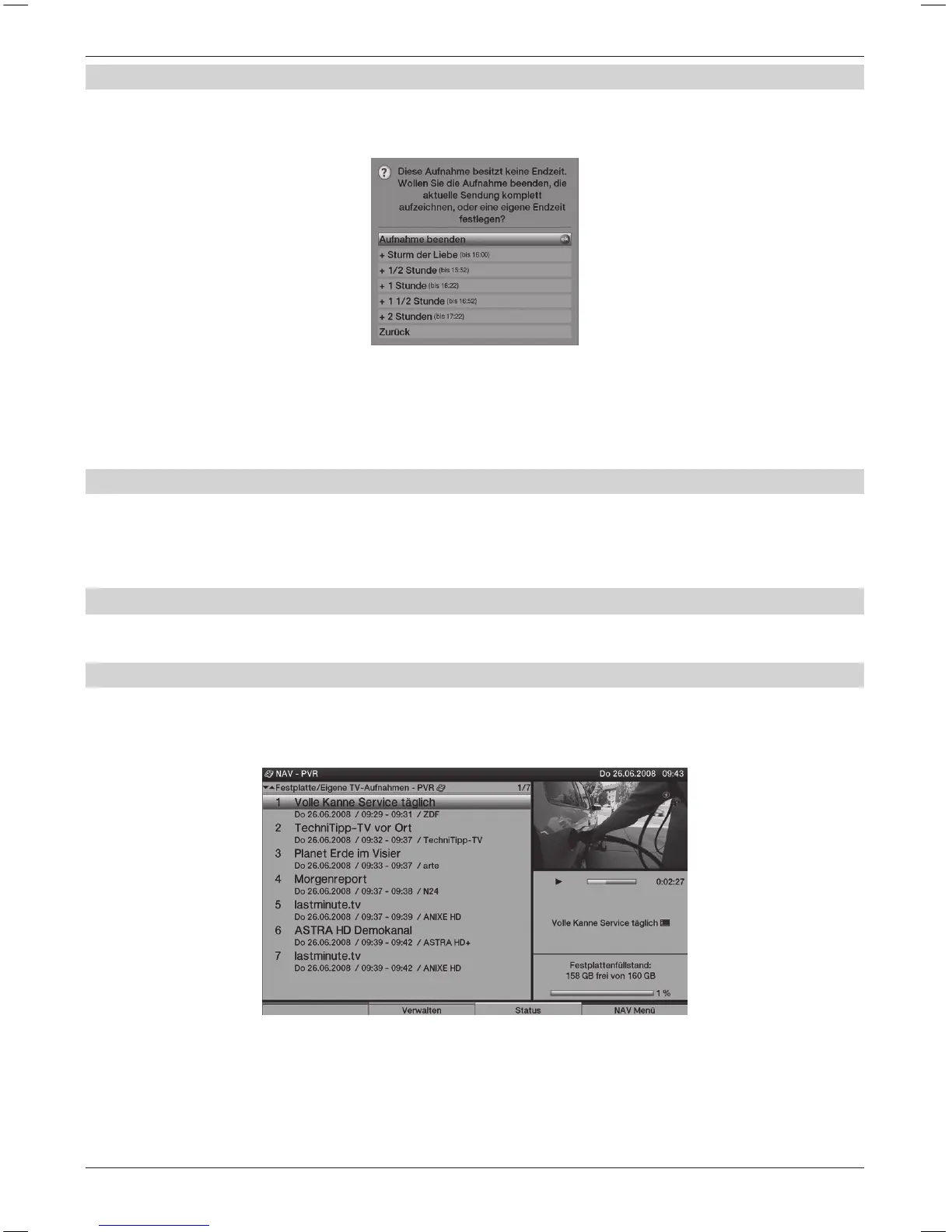
> Press the Record key.
A pop-up window will now be displayed, listing the available function.
> Select the line containing the required action with the Arrow keys up/down,
e.g. +1 hour and conrm with OK.
The television will record the selected programme(s) for the specied time period
and will automatically stop recording afterwards.
7.1.5 Timer recordings
This function will switch your TV set on and o for the selected broadcast, in order to record it
on your hard disk, for example during your absence. The timer can be programmed automatically
or manually using the “SFI+” function.
7.2 Replay
You can access your hard disk recording via the hard disk or PVR Navigator.
7.2.1 Playback of hard disk recordings
> Call the PVR Navigator by rst pressing OK and then the green control key.
> Use the up/down Arrow keys to select the recording that you want to replay.
> Press OK to start replaying.
The Infobox is displayed briey showing the entire recording time
and the current position as well as the usual information.



 To Next Page